Scrollbar missing in tabs

I have an issue with lacking scrollbars in some tools when using the tabs container, thus making it impossible to reach the end of the component.
I have tried both having the tabs inside a panel and putting panels with the tools in each of the tabs. None of this works. However, for different components in the same location there is not any issues. I have attached two different images of this. The last two are Danish, but the point is still clear. I also posted the first in this post: https://support.vertigis.com/hc/en-us/community/posts/18078919050258-Scrollbar-in-drawing-style-command. However, turns out is is not just a drawing style issue.
It is critical for working in the app and sets huge limitation to how we can configure our map.
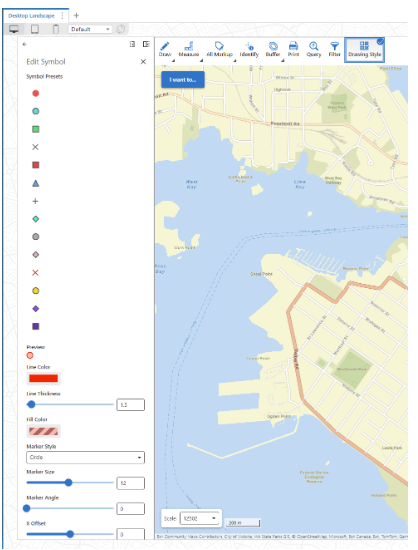
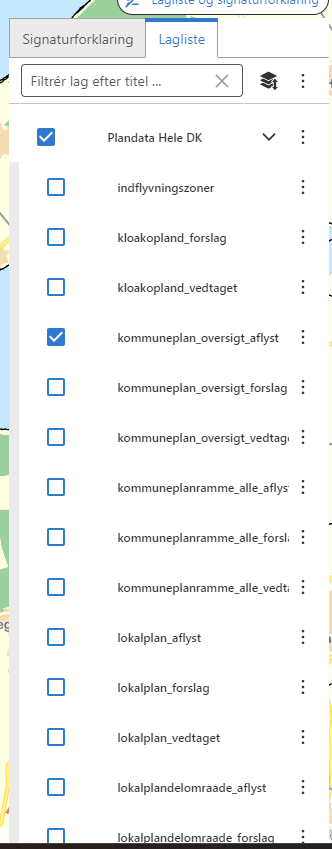
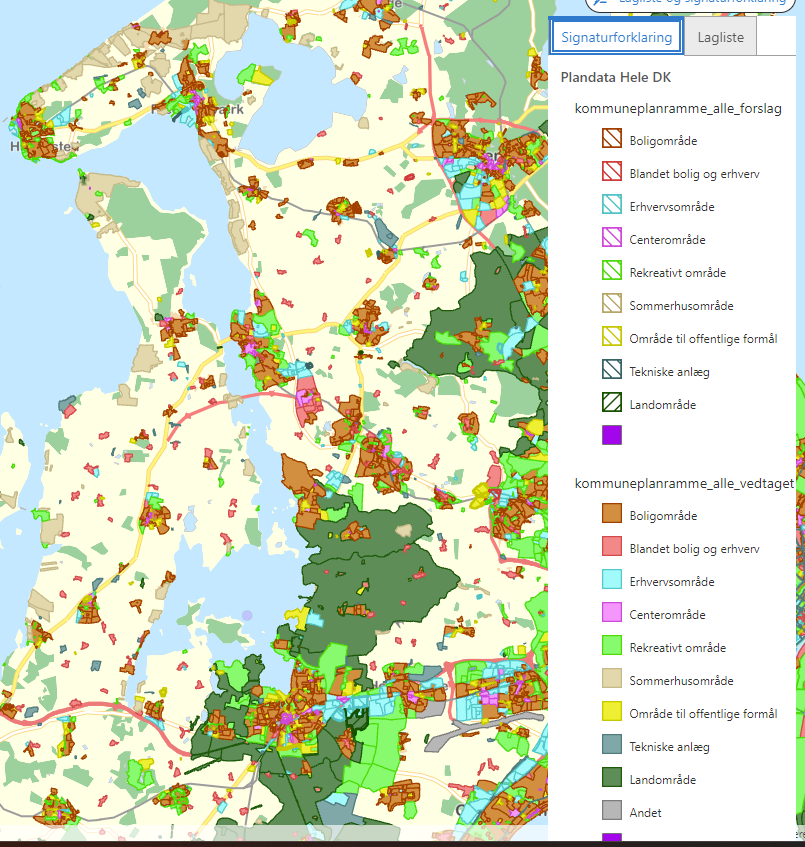
I assume it is a bug but has anyone found a workaround? There might be a specific way the components and containers can be matched, so it works
-

I've hit this issue semi-regularly for a bit now to be honest; the workaround is quick so I just copy it from the last place that I implemented it & never bothered to make a post because I figured it'd be taken care of eventually.
Anyway, I use a Workflow with an Inject CSS activity. I don't have it handy right now, but I basically target the tabs div (or is it a panel within the tabs? I forget) using the component id and an attribute selector like
[data-layout-id="map-1"]{}and give it a max-height and a overflow-y property.0
Du måste logga in om du vill lämna en kommentar.
Kommentarer
1 kommentar