Close Result/Result Details Panel

Hello,
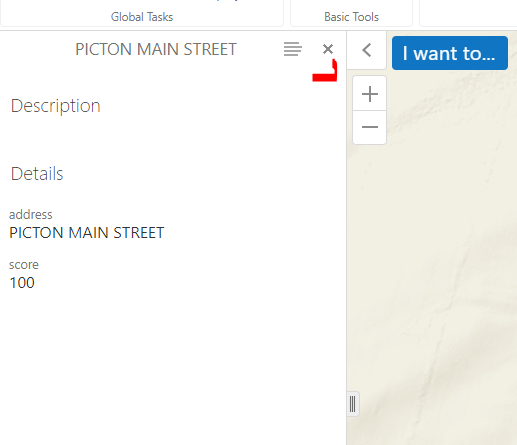
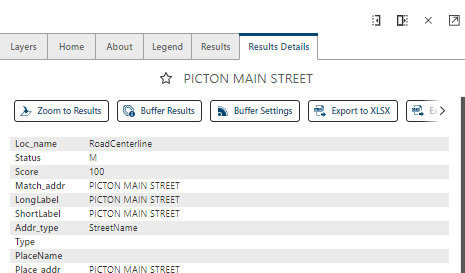
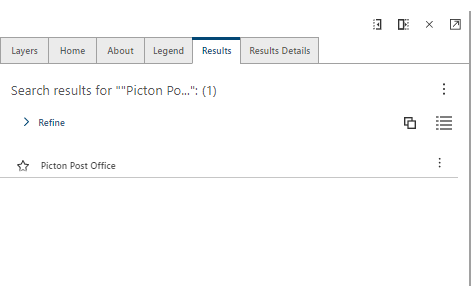
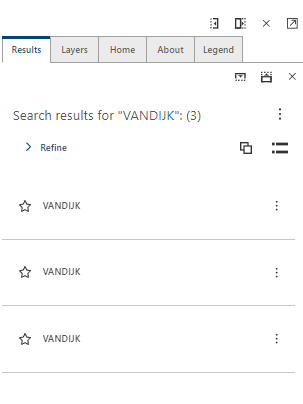
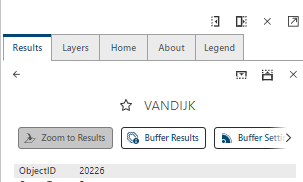
In Geocortex Essentials the user could click to close the results panel. In VSW we had to add a button in the toolbar with a hide command to close the result panel & result details panel. Maybe I am missing something here. Please let me know.
Essentials:
VSW:
-

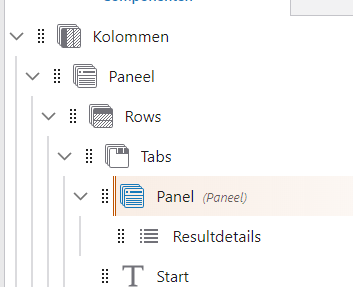
Hi there, the way to go in VSW is to put everything in a ‘panel’, if you want a close-button. So you have Tabs > Panel > Results , or Tabs > Panel > Results Details. In the panel-element you can configure a close button. Hope that helps ;)
0 -
Yannick,
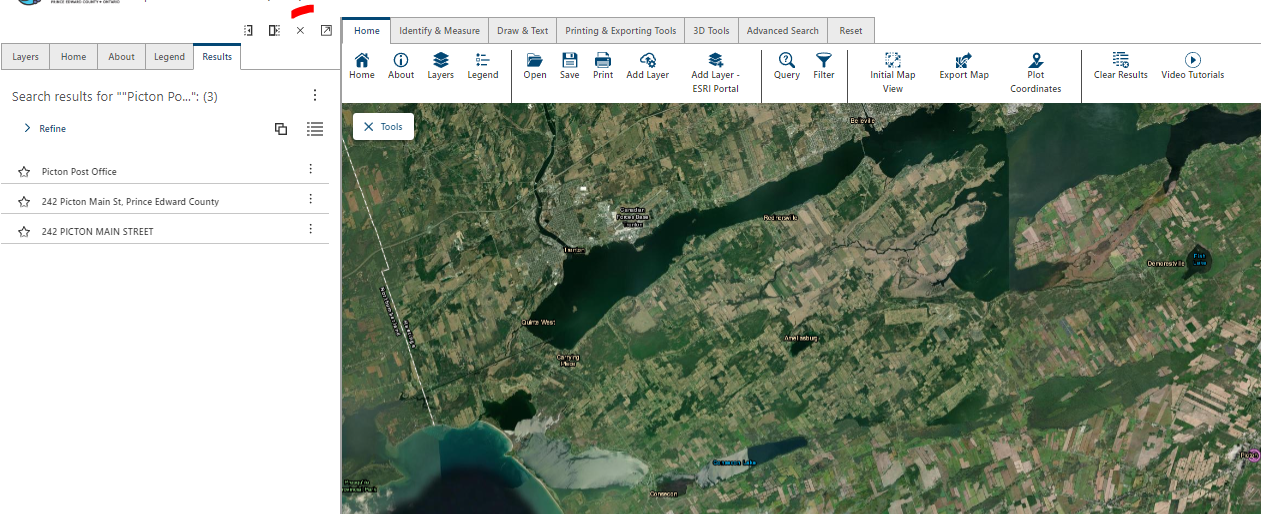
Thank you for quick response. I assume this is what you were describing?
 0
0 -
No, not exactly. I suggest you change the order. Now you have all the tabs in one panel, so the order is panel > tabs > results. However, I'd suggest to change the order to tabs > panel > results (or add an extra panel between results and tabs)
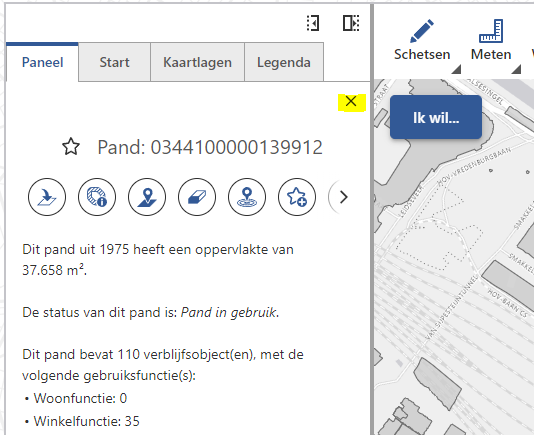
Like so:
 1
1 -
Hi Yannick,
Thank you very much for the advice. This solves my problem.
 1
1
Du måste logga in om du vill lämna en kommentar.
Kommentarer
4 kommentarer