How to bypass the extra Sign in popup window when launching a secure VertiGiS Studio Web App

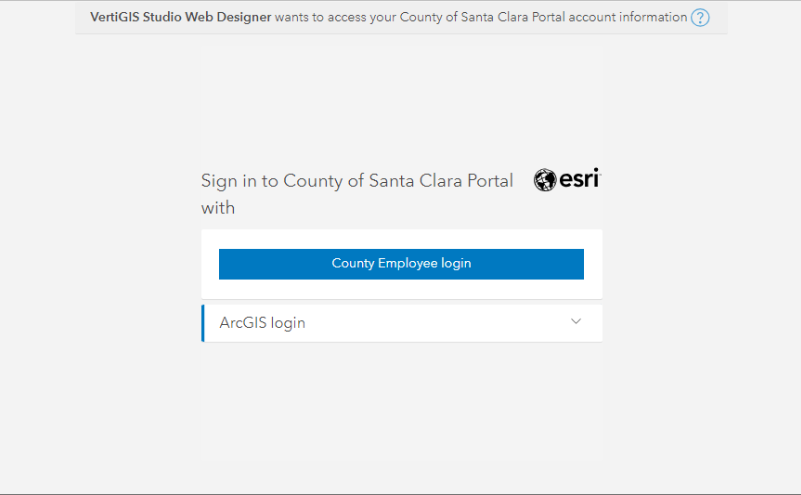
I created a VSW application which is hosted in our ArcGIS Enterprise Portal and can be accessed by our organization users. When an user launch the app, it first displays the Sign in prompt window (screenshot #1) before leading the user to the Portal's Sign in page (screenshot #2). Question: is there a way to bypass the "Sign in" prompt and directly launch the Portal's Sign in page?
Screenshot #1:

Screenshot #2:
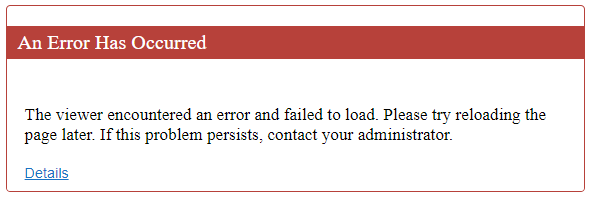
Another problem of the first Sign in popup window is, if the user click "Cancel" button, the web page displays the following error. How to eliminate the error message?
-

Hey Michelle
Have you been able to resolve this?0 -
Hi Davood,
I submitted a ticket to VertiGIS Tech support. They told me that there is no way to bypass this sign in behavior as this is a requirement from Portal. I have to say that I am not convinced as our current Geocortex Essentials Viewer for HTML5 app is configured to use ArcGIS Portal to authenticate users, and it does not have that extra Sign in page. I am still looking for a solution and hope to get some ideas from the community.
0 -
I posted an idea for a desired sign in behavior of a secure VertiGIS Studio Web App: Get rid of the extra "Sign in " popup window when launching a secure VertiGIS Studio Web App – VertiGIS Support
0 -

There are several similar questions about this topic.
It appears the answer to this question is to migrate to Esri Experience Builder?
0
Du måste logga in om du vill lämna en kommentar.
Kommentarer
4 kommentarer