Resize Style Selector

Hi All
I have added some custom styles and colours for line and polygon markups, and I would like to adjust the size of the Style Selector dialog box so that all the similar styles are on the one line.
I have added the following to the css file:
style-selector {
max-width: 640px;
}
However (which seems obvious) that also adjusts the text style dialog box.
I also tried:
style-selector polygon markup{
max-width: 640px;
}
But that didnt have any effect. Just wondering if anyone else had some thoughts on what the syntax should be to only resize the line and polygon style selector.....if it is even posible?
Cheers
Chris
0
-
Hi All
To keep everything neat, and prevent the "wrapping" of the styles, I ended up just adding some extra text style options, then increased the default size of the style selector as above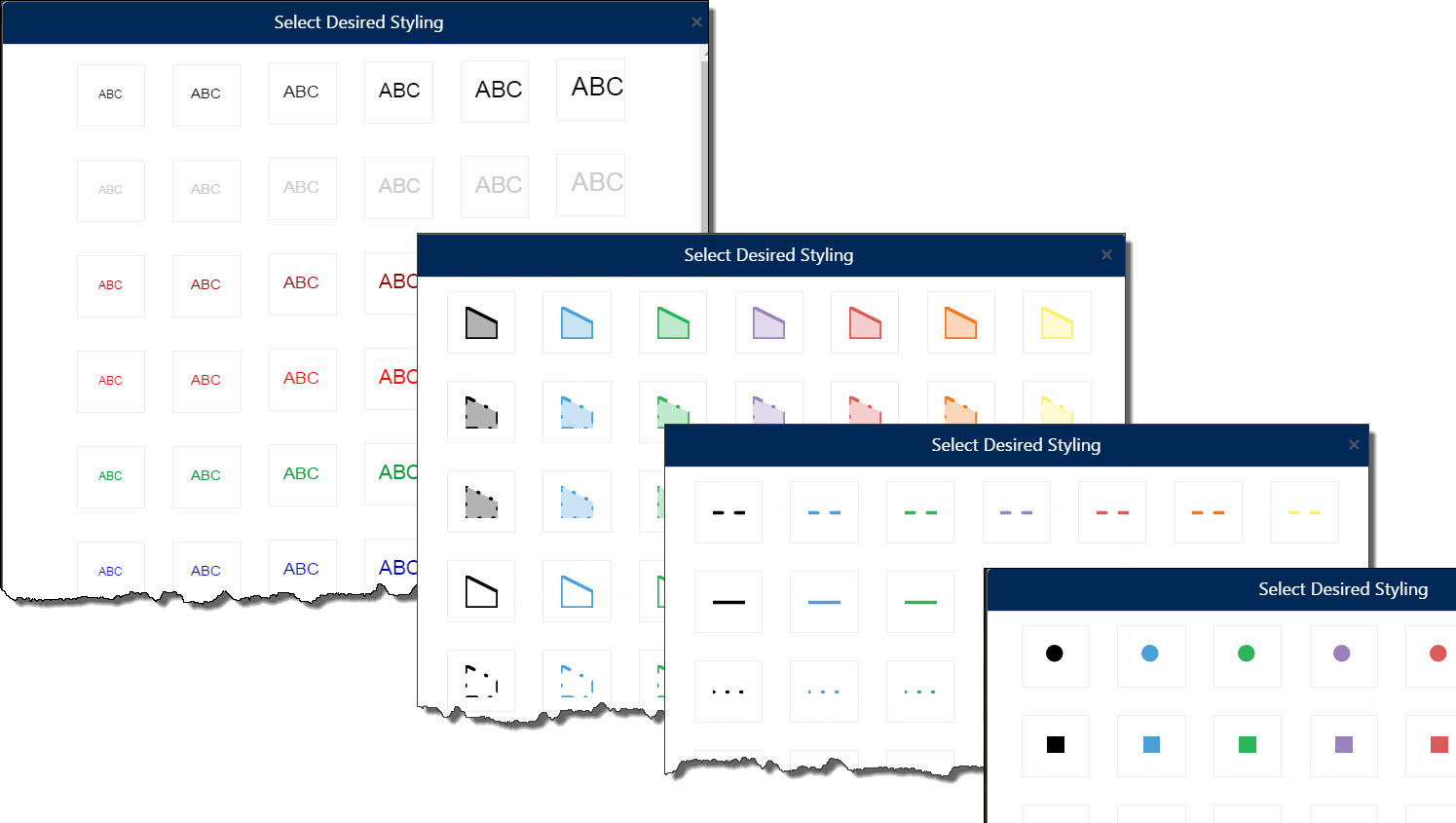 0
0 -

Chris-
I've been trying to figure out how to do the same thing. Could you share how you added the custom styles?
I found this section in the JSON, but I'm not sure what to add:
"customMarkupTools": {
"point": [],
"polyline": [],
"polygon": [],
"text": []
}
}
},
{
"id": "StyleSelectorViewModel",
"type": "geocortex.essentialsHtmlViewer.mapping.modules.markup.styleSelector.StyleSelectorViewModel",
"configuration": {
"customPointStyles": [],
"customLineStyles": [],
"customPolygonStyles": [],
"customTextStyles": []
}
},
{
"id": "TransientMarkupPaletteViewModel",
"type": "geocortex.essentialsHtmlViewer.mapping.modules.markup.toolPalettes.TransientMarkupPaletteViewModel",
"configuration": {}
Thanks,
Kai0 -
Hi Chris,
You say that there are limitations to the kinds of symbols you can add. Do you know if it is possibe to add a definition for a point symbol based on a character from a True Type Font?
Thanks,
Maura0 -
Hi Maura
Unfortunately I dont think so, from what I could determine you are limited to only square, circle and diamond. Having said that I believe that in the next version (2.8) there will some signiifcant improvemetns in the graphics functionality and you will be able to create your own point symbols.
Cheers
Chris0
Du måste logga in om du vill lämna en kommentar.
Kommentarer
4 kommentarer