Hiding the "Details" tab in the Map Tips Results window

I want to remove the "details" tab from the Results window after a user has clicked "view additional windows" in a map tip: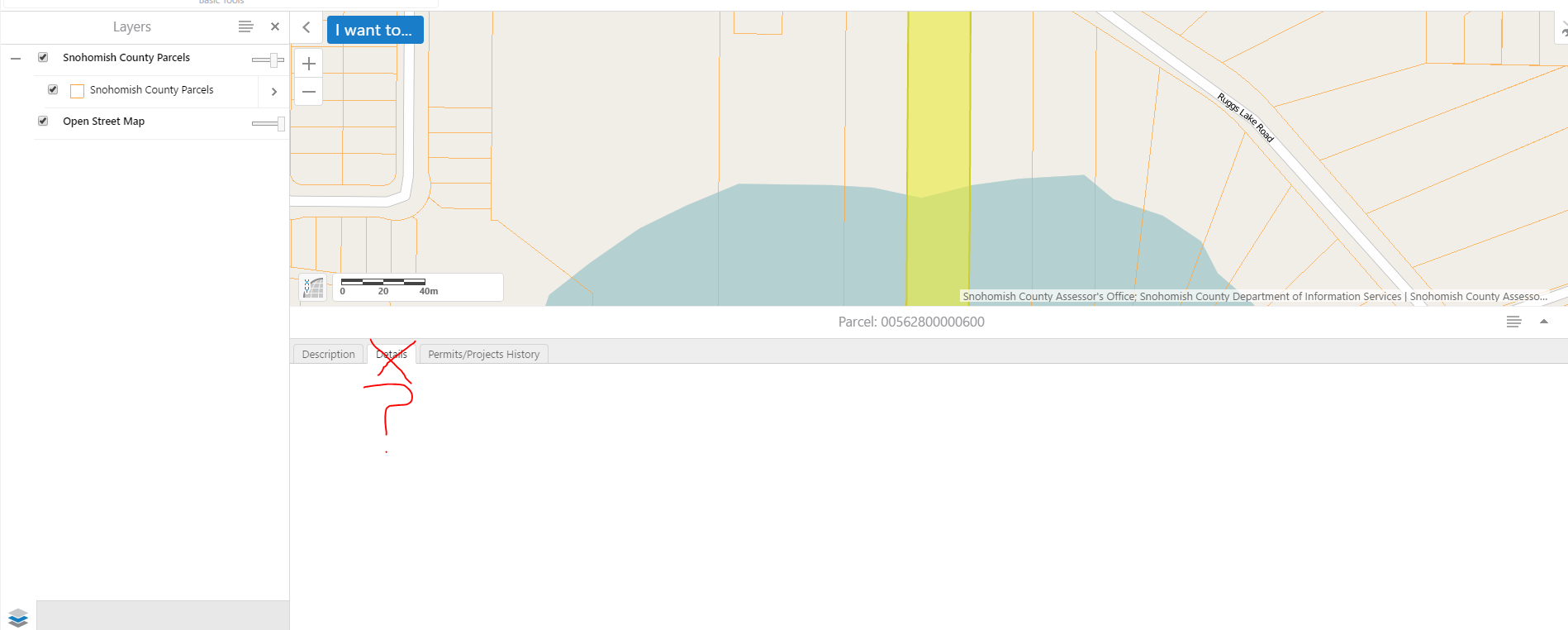
How does one do this? I have seen people suggest you can remove the "view additional details" option from the map tip but what about once in the results section of that once pressed option from the map tip. Thoughts?
0
-
Nevermind. Figure it out from this older post:
wo options:
1) Turn off visibility for all of your fields in GE Manager.
2) Remove the FeatureAttributesProviderView from your Desktop.json.js file.
The first is a better option for changing the settings of one or a few layers. The second is a better option for changing the setting for all of the layers.0
Du måste logga in om du vill lämna en kommentar.
Kommentarer
1 kommentar