401 Unauthorized Error

I recently updated the passwords on our ArcGIS map services to make them more secure. I then updated all of the passwords in Essentials Manager in order to connect to the services. Now when I try to load my site, I get a 401 Unathorized Error. I've confirmed that all of the passwords are typed correctly, I dont know what's wrong. HELP!
0
-
Screenshot of the error... 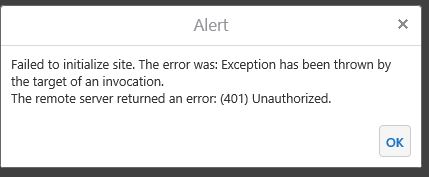 0
0 -
Hi Lisa,
Are your sites secured with Windows Integrated security? if so, you might try going into Manager > Security and Data tab > Settings > and un-check the Windows Impersonation box.
I hope this helps!
Thanks,
Danny0 -
This is not solving our issue. It appears that this is a very generic error and says nothing 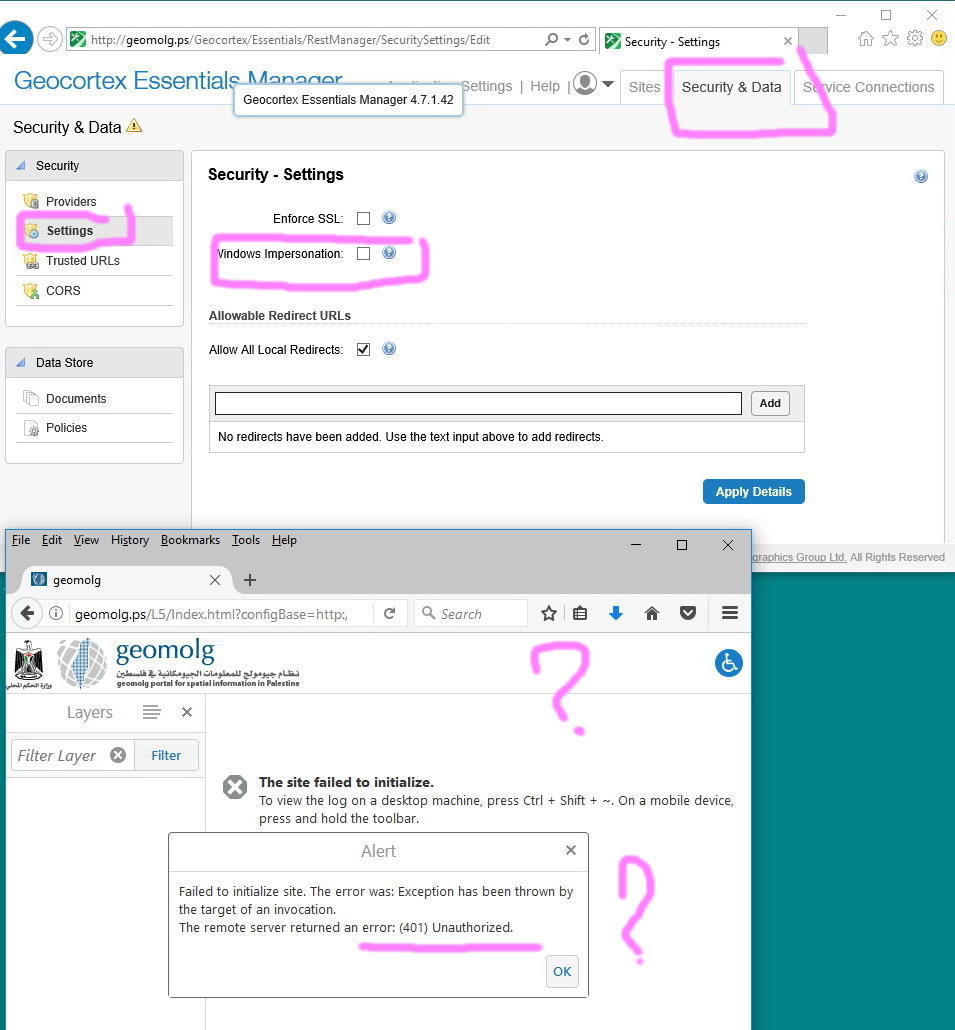 0
0 -

Hi Jamal,
I'd recommend checking the most recent SYSTEM REST logs in the Essentials directory below. It's likely that one of the services in the site is secured and the site cannot initialize as it doesn't have any authentication parameters configured.
C:\Program Files (x86)\Latitude Geographics\Geocortex Essentials\Default\REST Elements\REST\App_Data\Logs
Thanks,
Mike Ketler0 -
Hi Lisa,
I tried this on my local machine, its working smoothly , i think its very generic error, any reason prevents site from initializing will pop up this error.
I'd recommend uninstalling/Installing Geocortex Core, then to run Post installation and try.
Best0 -
Hi Daniel,
We are really experiencing inconveniences due to the very generic errors that show up. It tells nothing regarding the issue in question0 -
Hi Jamal,
Did Mike's suggestion help? If you're seeing a 401 error, you may need to check your logs (or use Fiddler) to see which services are throwing the error, then examine the configured credentials that Essentials is using to connect to the services, and make corrections if necessary.
I hope that helps!
Thanks,
Danny0
Du måste logga in om du vill lämna en kommentar.
Kommentarer
7 kommentarer