Displaying the metadata of layer (after being published and consumed as a service) in geocortex,

Displaying the metadata of layer (after being published and consumed as a service) in geocortex,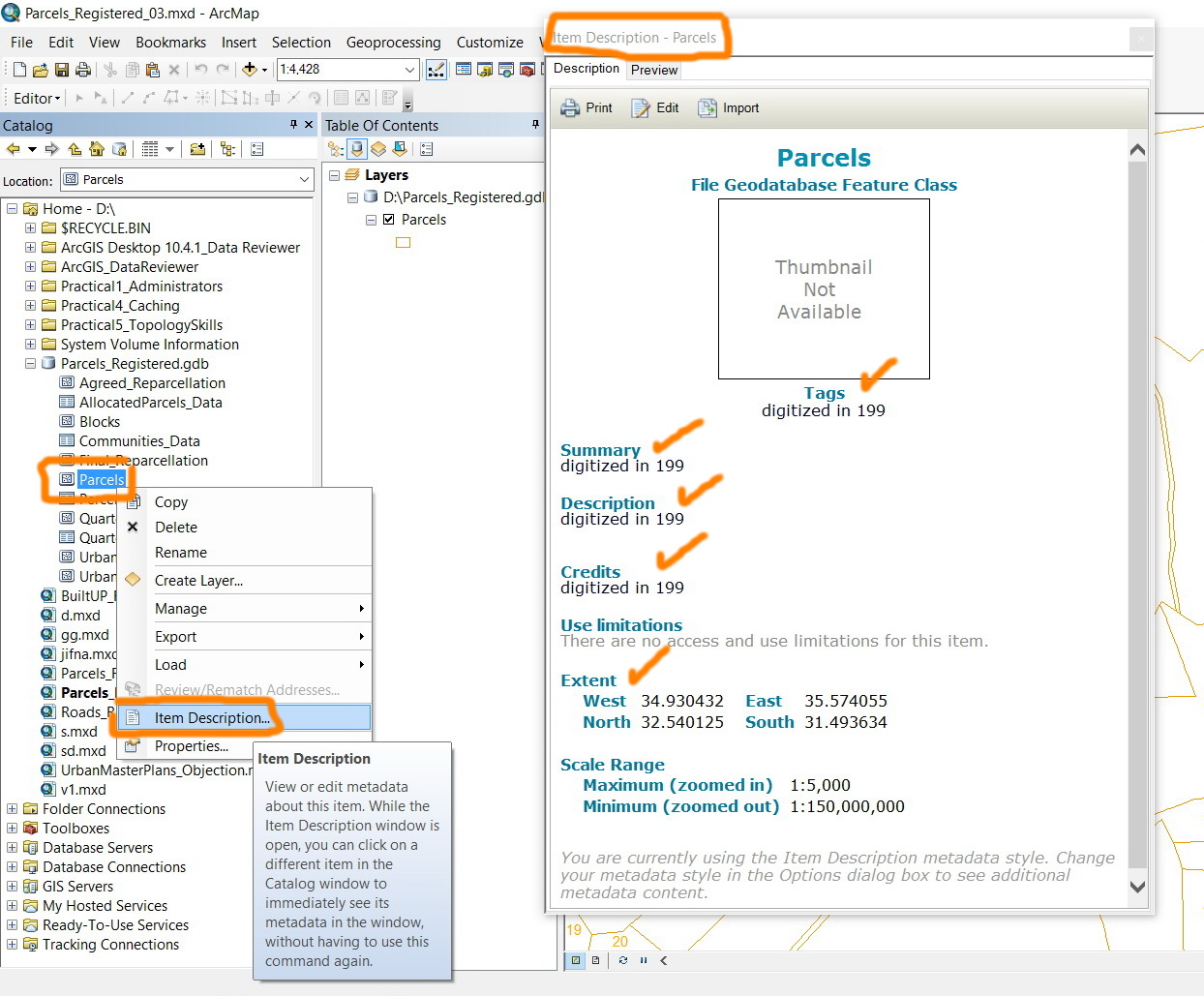
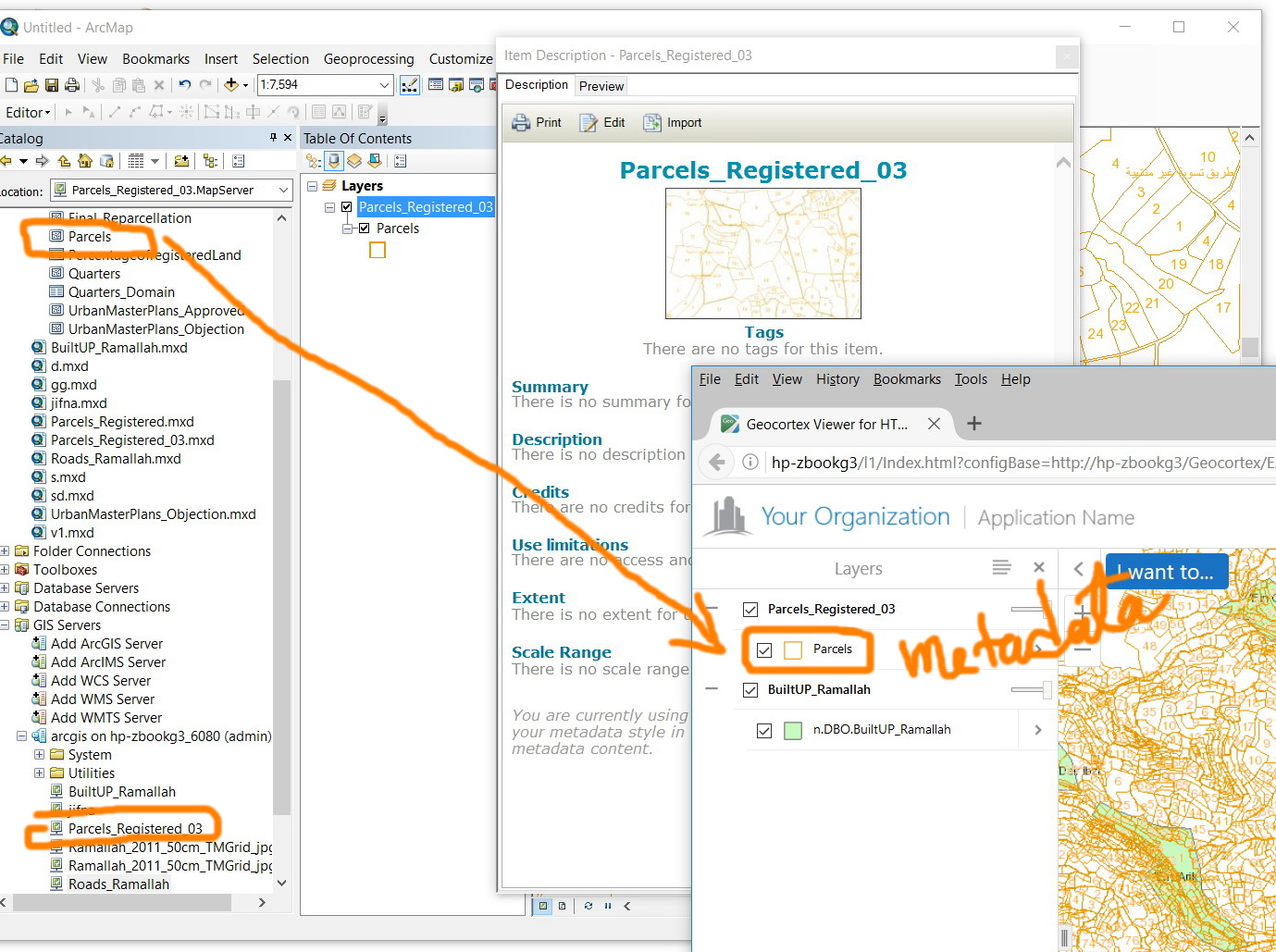
I’m aware that the metadata of any ESRI layer can be viewed\edited by right clicking it (as shown in the screenshot), however, I couldn’t figure out how to view this metadata as this layer is published and consumed in a geocortex.
Thank you
Best
Jamal
0
-
Hi Jamal,
When you publish a layer to your ArcGIS for Server or ArcGIS Online account, it creates a REST endpoint of that layer. The REST endpoint contains the configuration for the layer including the description, copyright texts, spatial extents, projection, scale range, symbology, etc., which is similar to the metadata page you can see in ArcCatalog. Geocortex reads the REST endpoint of the layer and displays the map service accordingly.
So Geocortex basically reads the metadata of the layer from the REST endpoint.
I hope this helps.
Carmen0 -
Hi Carmen,
I examined the REST endpoint data and compared it with metadata.
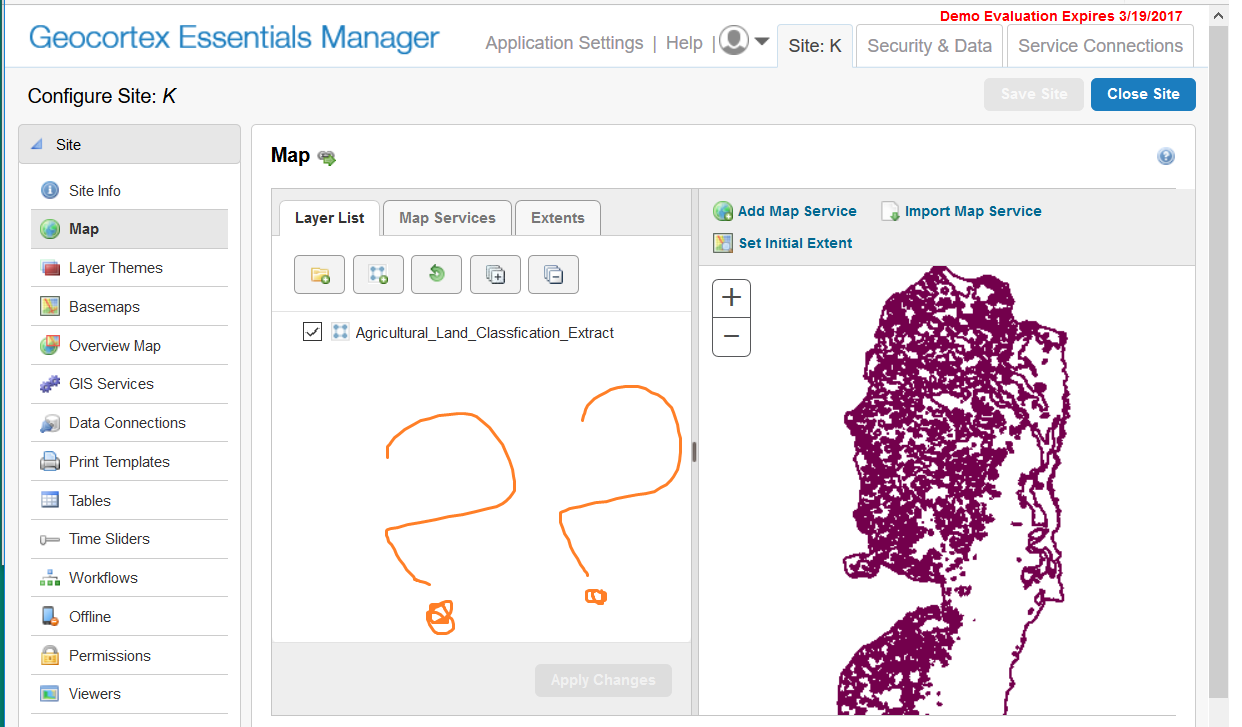
The solution is vague. Depend on that the issue here may convert to :" how to reflect data on REST endpoint on Geocortex".
We can say this may help to get new start point, but the issue still exists.
N.B: If one seeks on ArcGIS Server, metadata can be founded as attached photo.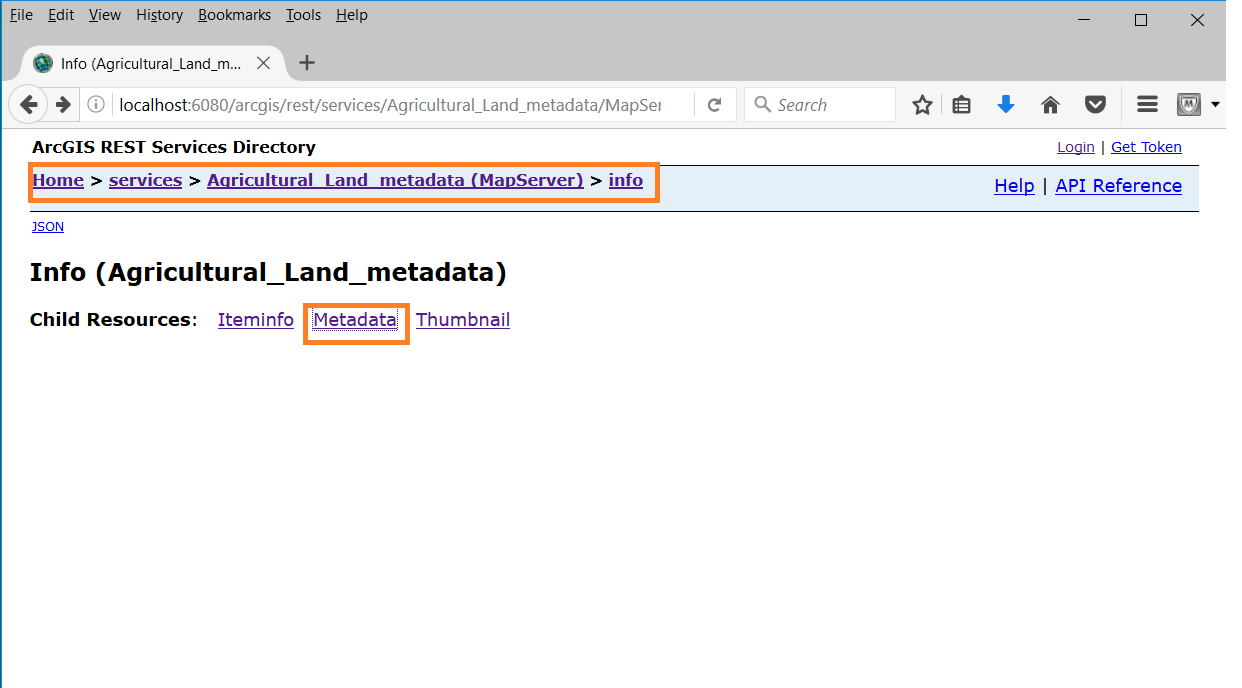
Best Regards.0 -

Is this functionality available in VertiGIS?
0 -

It's available for basemaps.
Basemaps support linking to metadata. In the Basemap Picker component UI, each configured basemap has an interactive info icon. Clicking this icon brings up a list of all layers contained in the basemap. When the layers have a properly configured Esri metadata configuration behind them, they are rendered as hyperlinks so you can directly access the configured metadata (opens in a new browser tab).
0
Du måste logga in om du vill lämna en kommentar.
Kommentarer
4 kommentarer