Setting logins for services at level of ArcGIS Server that are consumed in Geocortex causes critical issues,

Setting logins for services at level of ArcGIS Server that are consumed in Geocortex causes critical issues,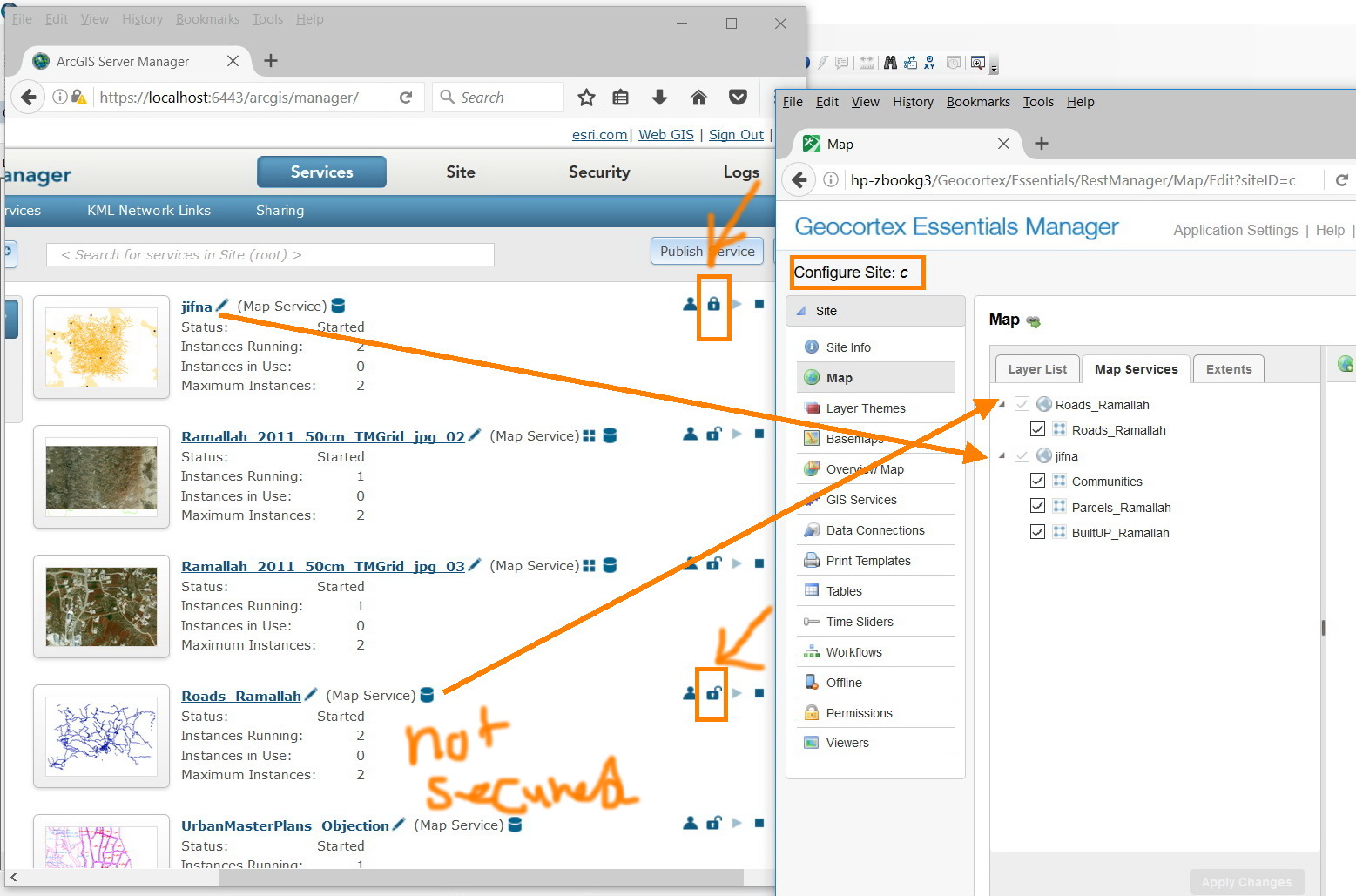
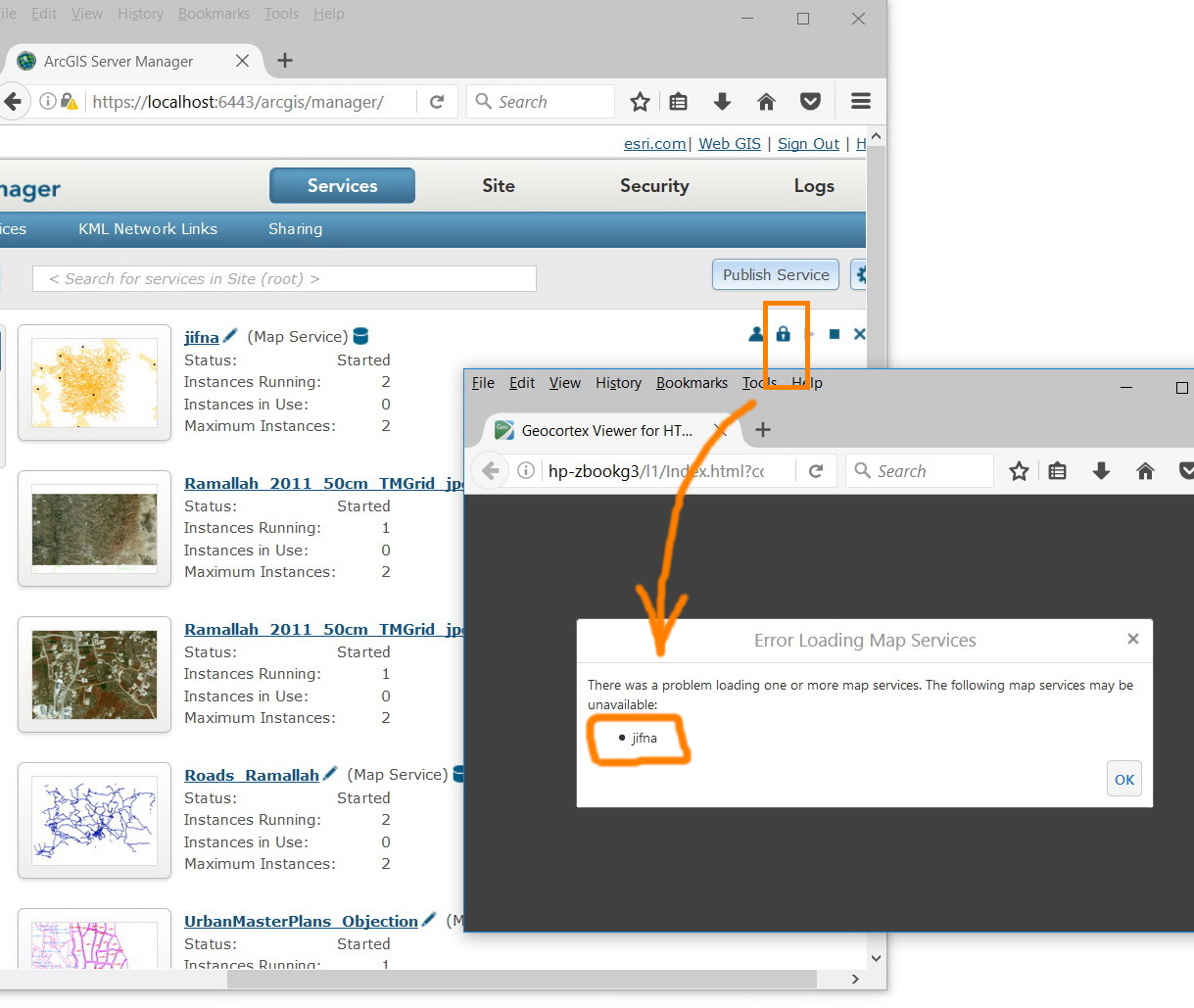
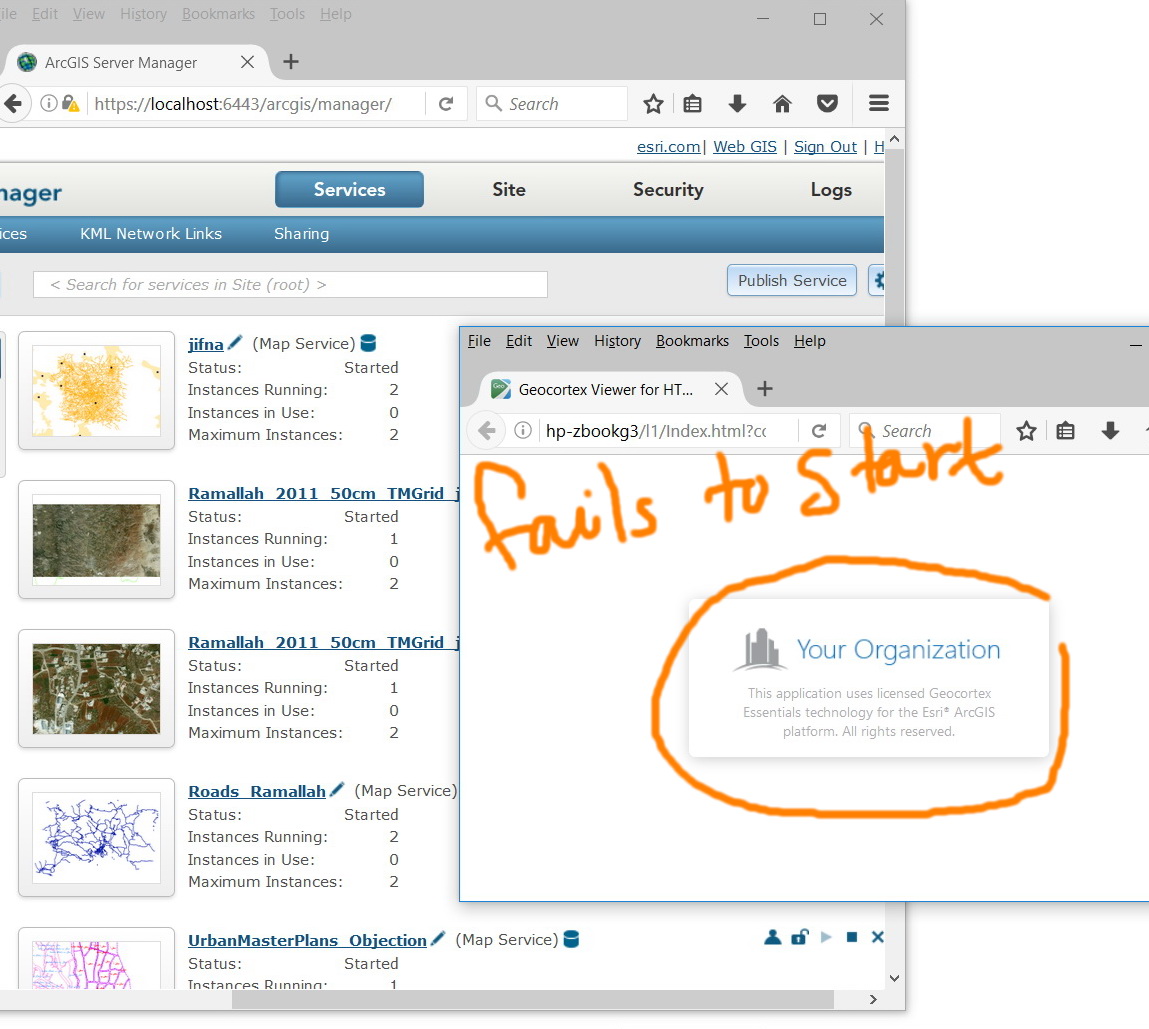
I’m wondering why the geocortex is very sensitive in case logins are set (or changed) for services that are already consumed in one of the sites. Of course, it lists the service(s) that have loading problem but the viewer FAILS to start!
What might be the issue here?
Thank you
Best
Jamal
0
-

Hi Jamal,
If the ArcGIS service security username/password changes then Essentials shouldn't be able to access the service. This behavior is expected. The reason you aren't seeing a warning in Manager is likely due to the site cache, if you test the connection it will fail. Also, the cache will expire and you will start getting a warning in Manager.
You can change the "Failure Action" for any map service in your Essentials site. Edit the map service and go to the Functional tab, change "Failure Action" to warn or ignore. Now if this map service is unreachable the viewer will still load but the service won't draw.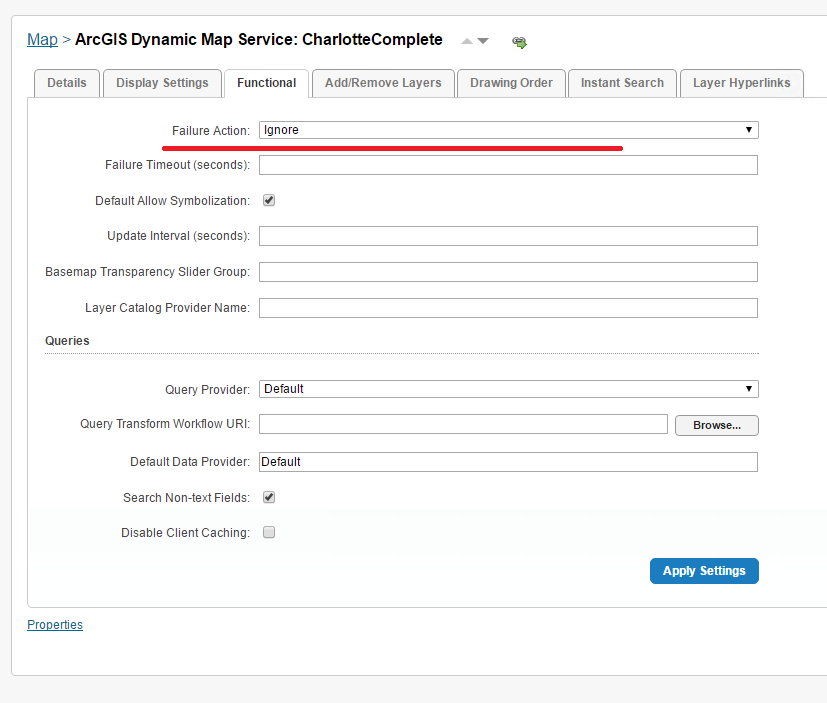
Thanks,
Mike Ketler0 -
Many thanks Mike for the help. This works fine for me 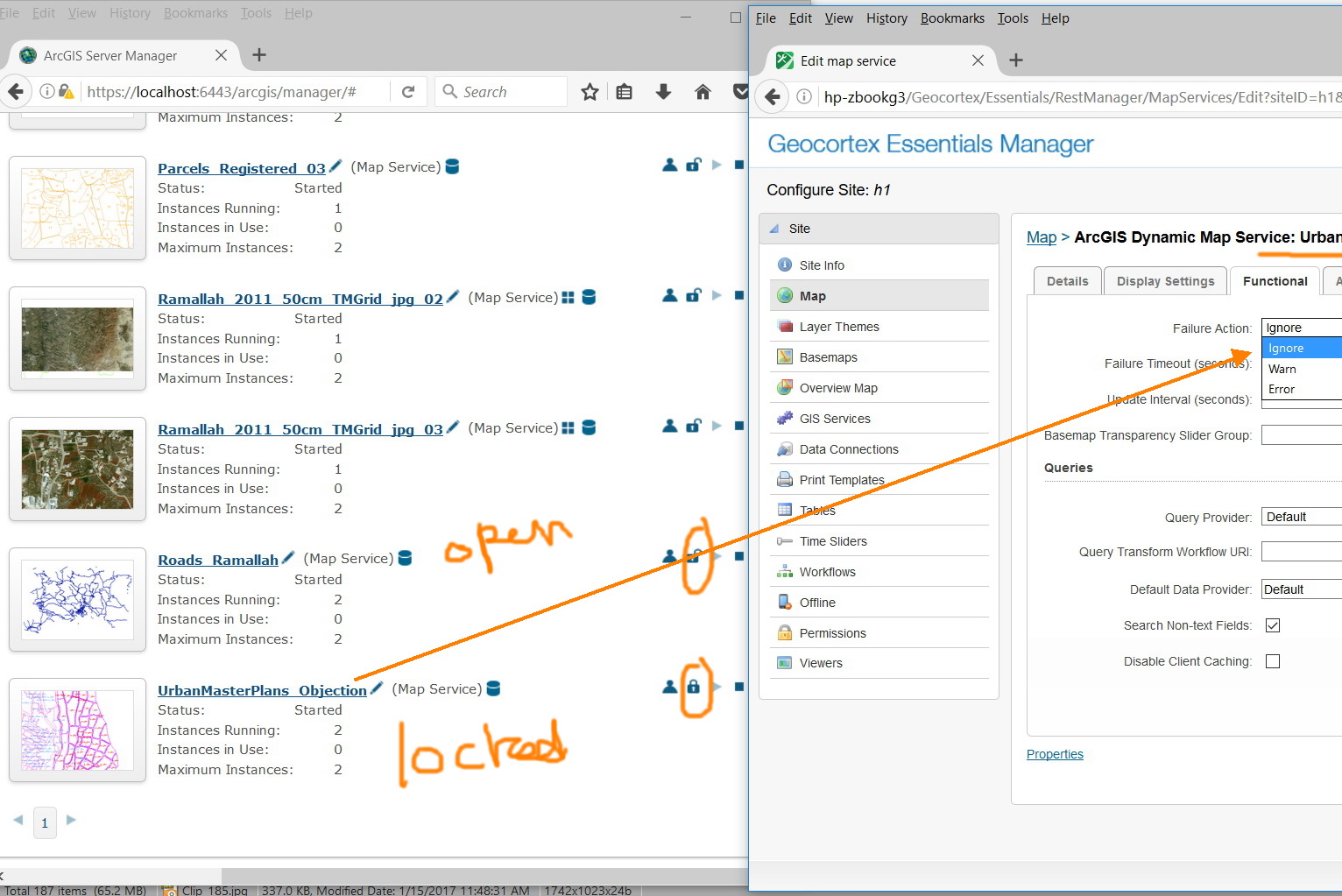
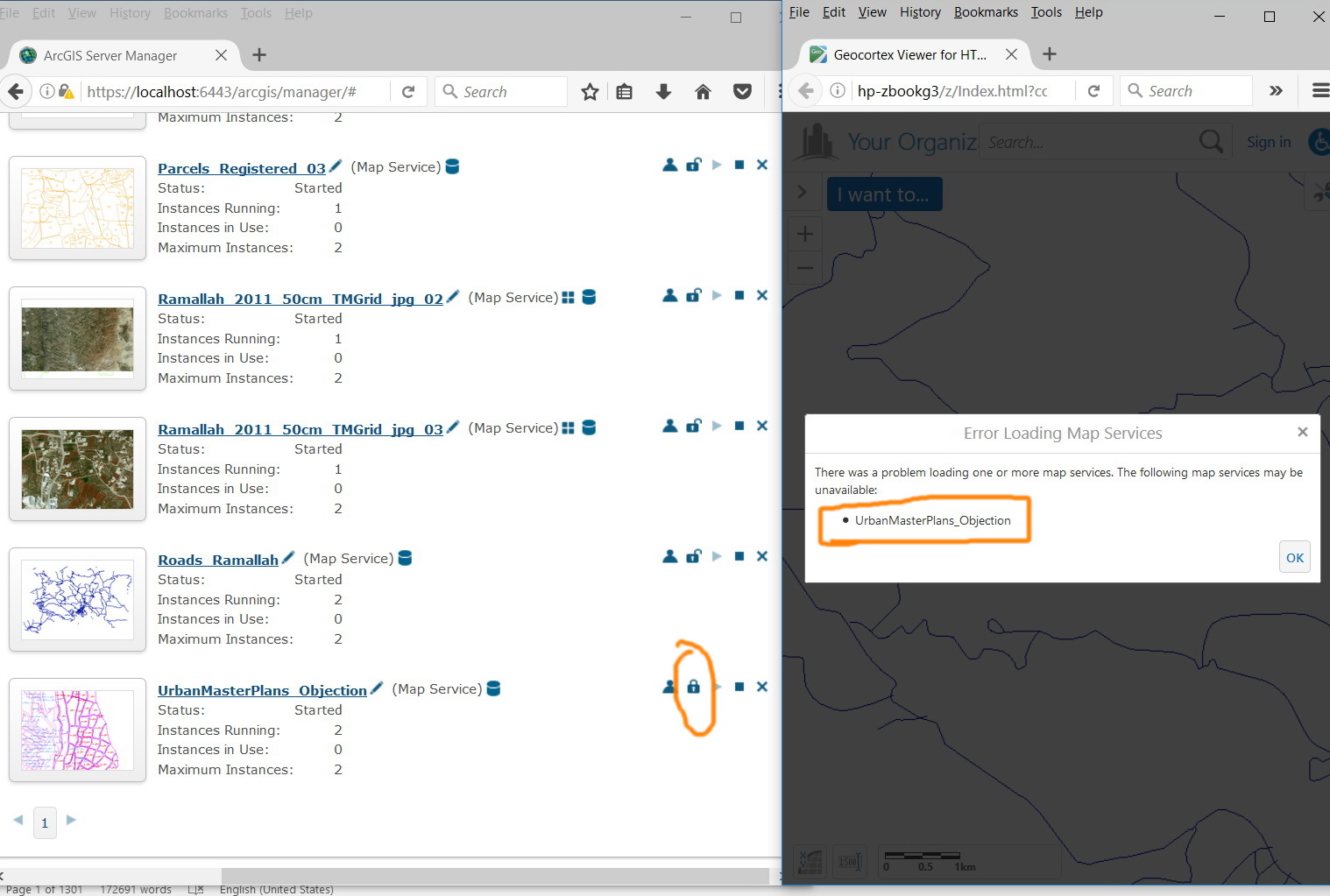
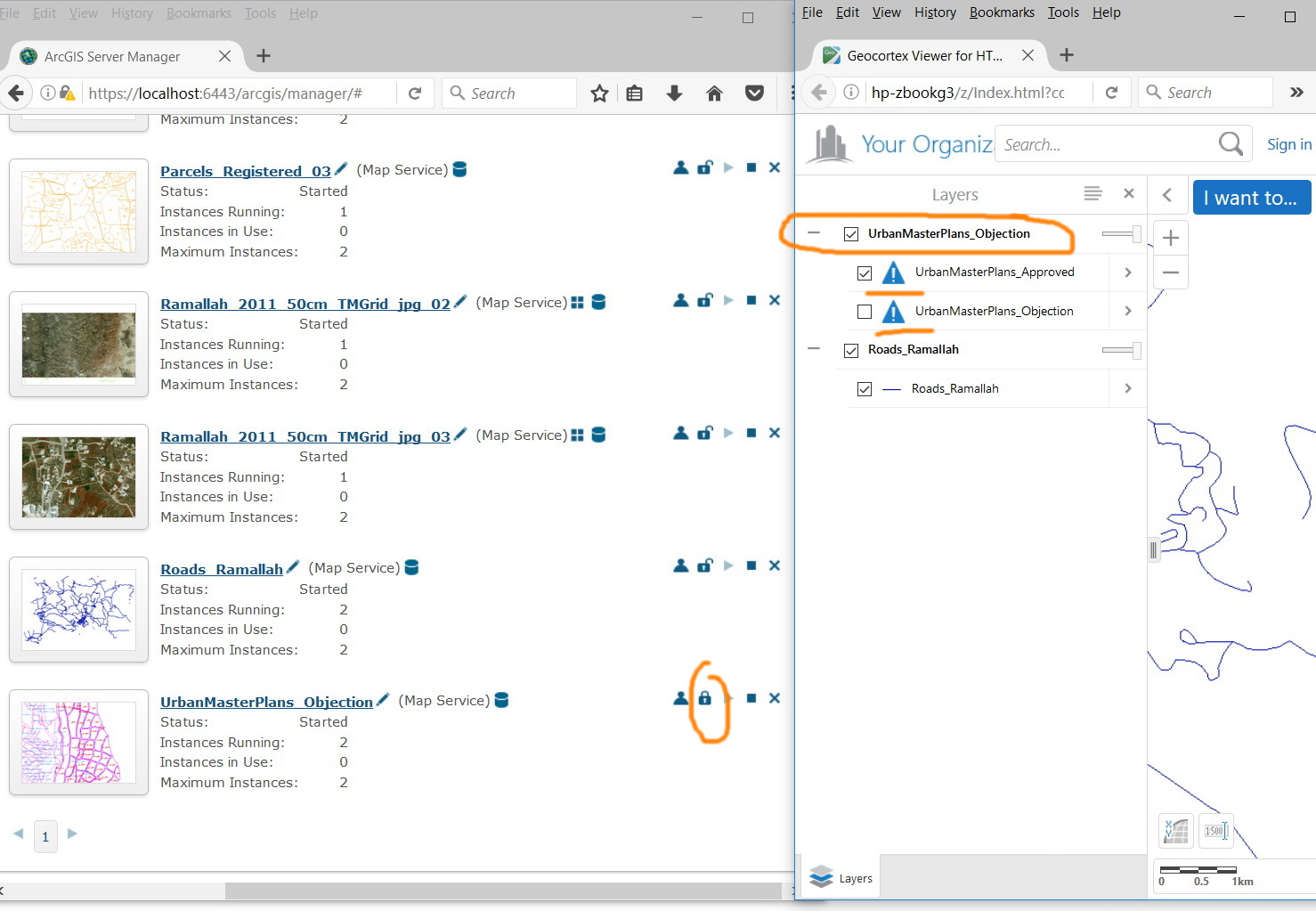 0
0 -
Along a similar vein, how about if the service connection is down? Let's say a remote server is providing an Esri mapservice that is web tier authenticated and login details have not changed but the remote server goes down. In this case the GCX viewer will fail - GCX should have some fail safe that just lets the viewer load and provides an error icon next to the service indicating a problem (similar to the sharing icon). 0
Du måste logga in om du vill lämna en kommentar.
Kommentarer
3 kommentarer