AOP Collaboration not working

Upgraded to the latest versions of Geocortex Essentials (4.8.2) and Geocortex Viewer (HTML5 2.9.1) then added AOP to Geocortex Essentials. Literally just dropped the two folders (manager and sites) into the suggested location. Then went ahead and started developing a standard site, and then launced the site and couldn't get collaboration to work. I then just launched an AOP site without any modifications and still could not get collaboration to work. I keep getting the message "Disconnected from collaboartion service. Trying to reconnect". Any thoughts? 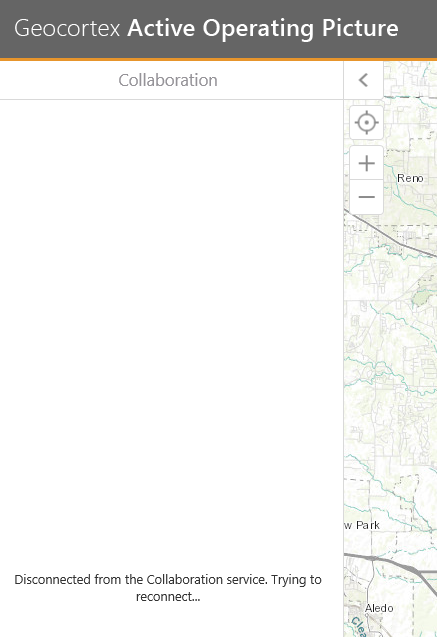
0
-
I am getting the same message...did you ever get your Collaboration to work? Thanks! 0 -

I suggest a call to support for these issues. There is two deployment patterns. One is automatic via Server 2012 r2 and the other has a few manual steps. If the server is pre-2012 R2, this is most likely the issue. 0 -

I am getting the same error. I am running on Windows Server 2019. What are the additional manual steps? It was working on 2012 r2 for us. Is there a write up anywhere?
-- Marc0 -
So, it turned out that when I installed core with essentials, it did not install the bin folder with the collaboration executable/files. I copied it over from another server that had it working and it is now working for me.
There is also this help doc for older servers.
https://support.geocortex.com/essentialsGSCkbaDetail?&id=kA6f200000091IkCAI&sub-nav=kba&main-nav=essentials
--Marc0
Du måste logga in om du vill lämna en kommentar.
Kommentarer
4 kommentarer