Best practice for vector tiles?

I'd be curious to see a KB article (or at least a discussion) concerning best practices for vector tiles. I know there are some issues around printing and browser compatibility but we've a few running on test for several months and they seem to be really nice (here's a site (http://gisweb64test.greenvillesc.ads/Html5Viewer/index.html?viewer=vectorbasemaps) with several if it's of any interest). 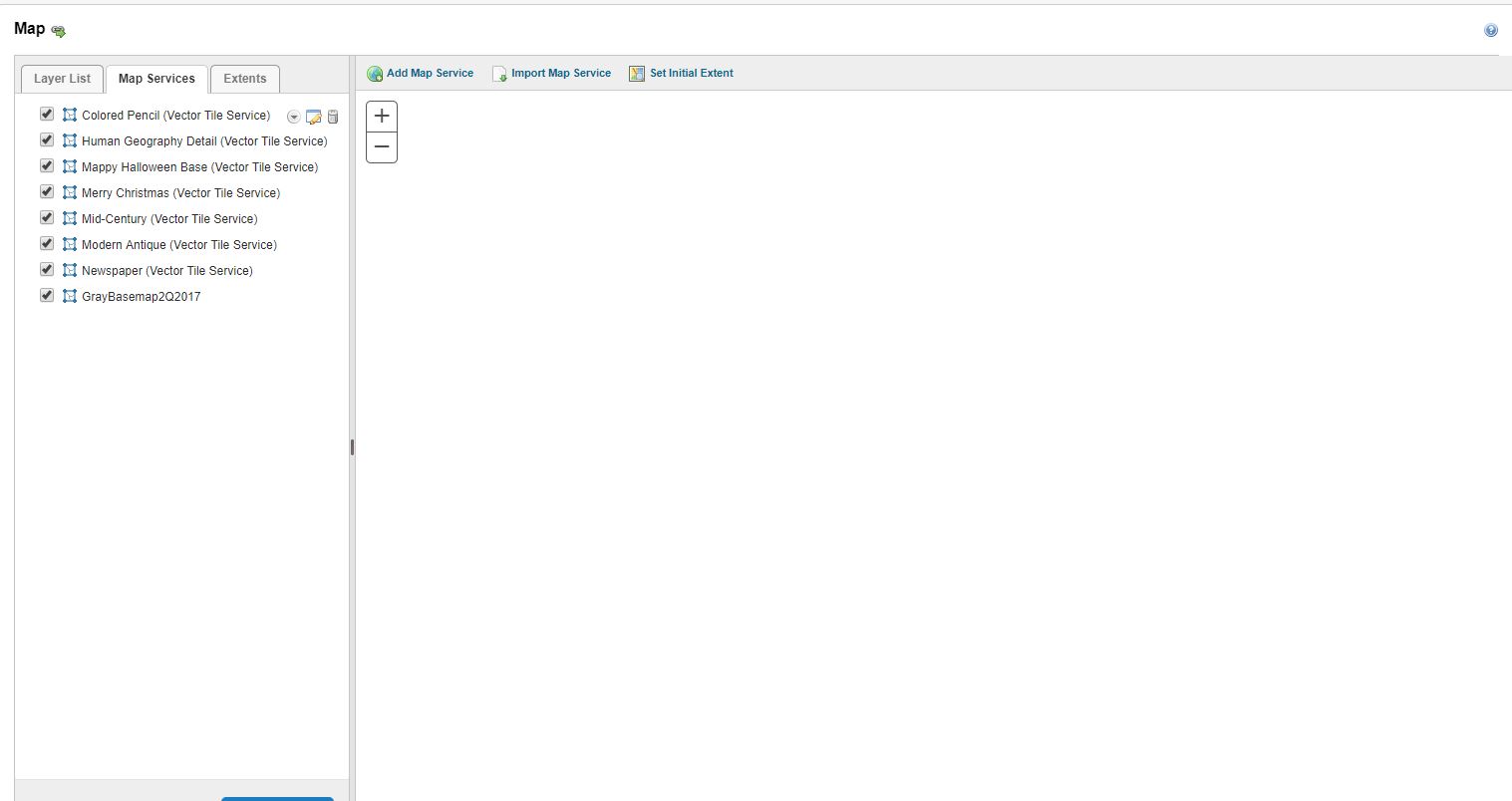
However, I'm not confident I'm using them most effectively. Currently we're using ones included in the ESRI Vector Basemap Group (https://www.arcgis.com/home/group.html?id=30de8da907d240a0bccd5ad3ff25ef4a#overview) by adding the map service (https://basemaps.arcgis.com/v1/arcgis/rest/services/World_Basemap/VectorTileServer) and then adding the json under Display Settings-->Style Url. Is this how it's supposed to be done?
The tiles do not show up on the map preview in GE Manager but they do show up on the site. This is the GE Manager for the site reference above. Bug?
0
-
Scott, I was unable to open your test site. 0 -
Mike,
Hmm. Not sure why that would be the case, maybe mixed content issue? Can you try it again now?0 -

I'm not able to access it either. Is the URL correct? I've not seen a .ads top-level domain before. 0 -
Try replacing .ads with .gov 0 -
Much better. Thank you Scott. I regret, however, I can't be of more help. I checked out the link only out of interest in vector tiles and to see them implemented. I'm interested in starting to use them myself. I hope someone else can help you. 0 -

Hi Scott,
Thanks. This is an issue (Bug ID GE-8899) in GE 4.7 or 4.8. You may be able to see a console error when you load the preview map. Our developer will look into it soon.
Cheers
Long0 -
Scott, was able to get in. Like Justin, I haven't yet played with Vector Tiles, but am very interested. I would be interested inhearing updates from you, if noone else has yet tried them. I noticed your site was a bit slow to open and to change from one to another. You are also not showing layers - I was thinking that was one of its abilities - to turn on and off layers, but maybe I'm wrong. 0 -
I am having the same issue. @Longguang has this bug yet to be fixed? We are running GE 4.11 and GV5 2.12. The vector tile layer shows up when I open the map but I can't see it in the perview in Manager. Thanks. 0 -
Hi Tara,
I just tested it in GE 4.11 and GVH 2.12. the map loads in preview map and viewer. all work as expected. could it possible to have your vector tile layer? is there any console error?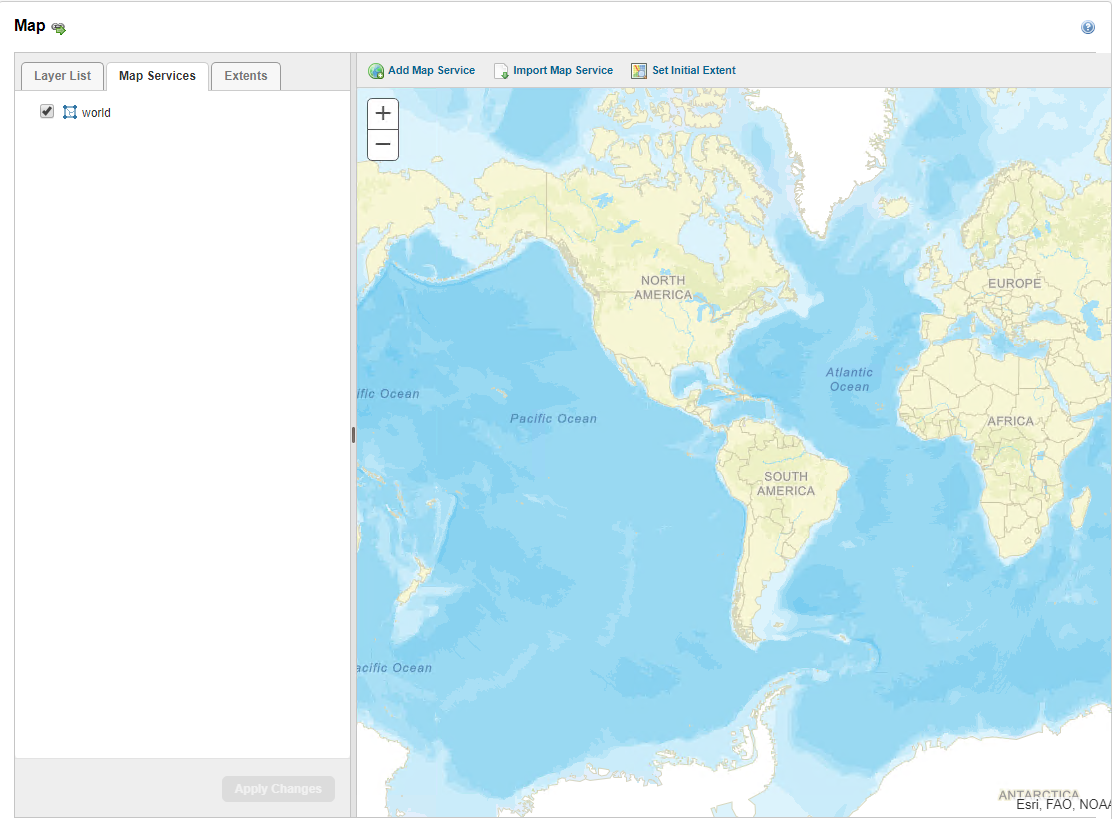 0
0 -
For us, the vector tile displays in Preview and in the Map Viewer but it doesn't generate a thumbnail at the GE Manager Gallery. Not a big deal, but it would be nice. 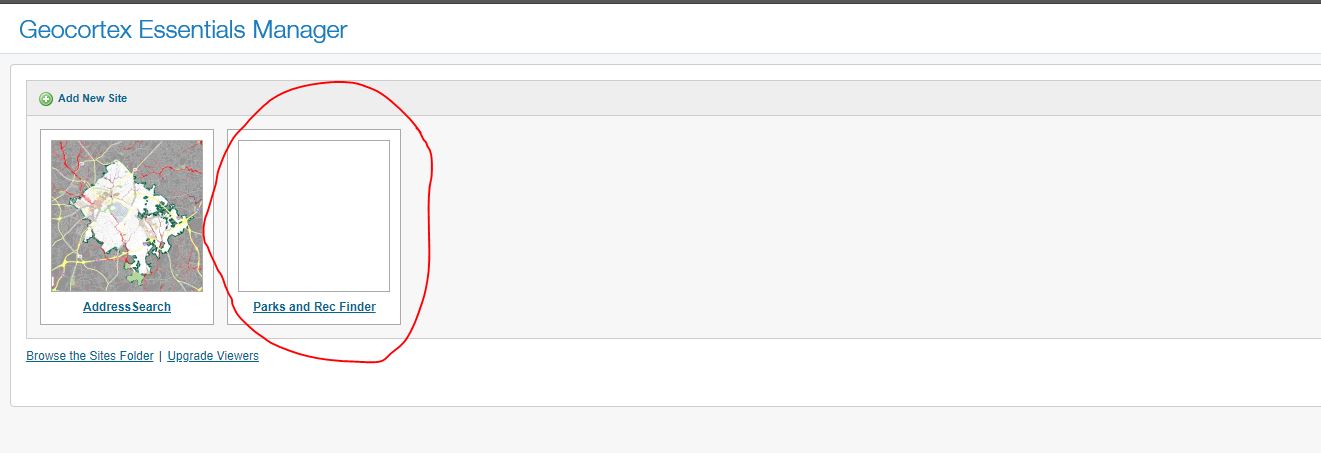 0
0 -
Hi Scott,
Thank you for the screenshot. Unfortunately, the image can't be rendered on thumbnail. The vector tile layers are rendered with the graphics card, but on the Essential server, it does not have one.
cheers
Long0 -
Hi,
How about printing? is it the same reason that we can't print the map with Vector Tiles?
Thanks
Dee0 -

Hi,
It seems arcgis vector tile basemaps still don't render on printouts using VSP or with the RPX files. Have tested in my GXE 4.11/2.12.1 or the newer GXE 4.14.5. Works really nice in the manager and viewer just wont export or print. Anyone have it working completely? I really like the light grey basemap as a basemap filler outside of our council area.
Cheers Steffen
0
Du måste logga in om du vill lämna en kommentar.
Kommentarer
13 kommentarer