Attachment Manager Sample Workflow

I have downloaded and added the Sample Attachment Manager Workflow to my site. It says that it will work with the few setups listed ("This is the Attachment Manager workflow from the LA County demonstration site. It can be used out of the box and will work in both the Viewer for Silverlight and the Viewer for HTML5. Simply add the custom property to the layer, add the workflow to an Essentials site, and make it available via a button or command in the Viewer of your choosing.") 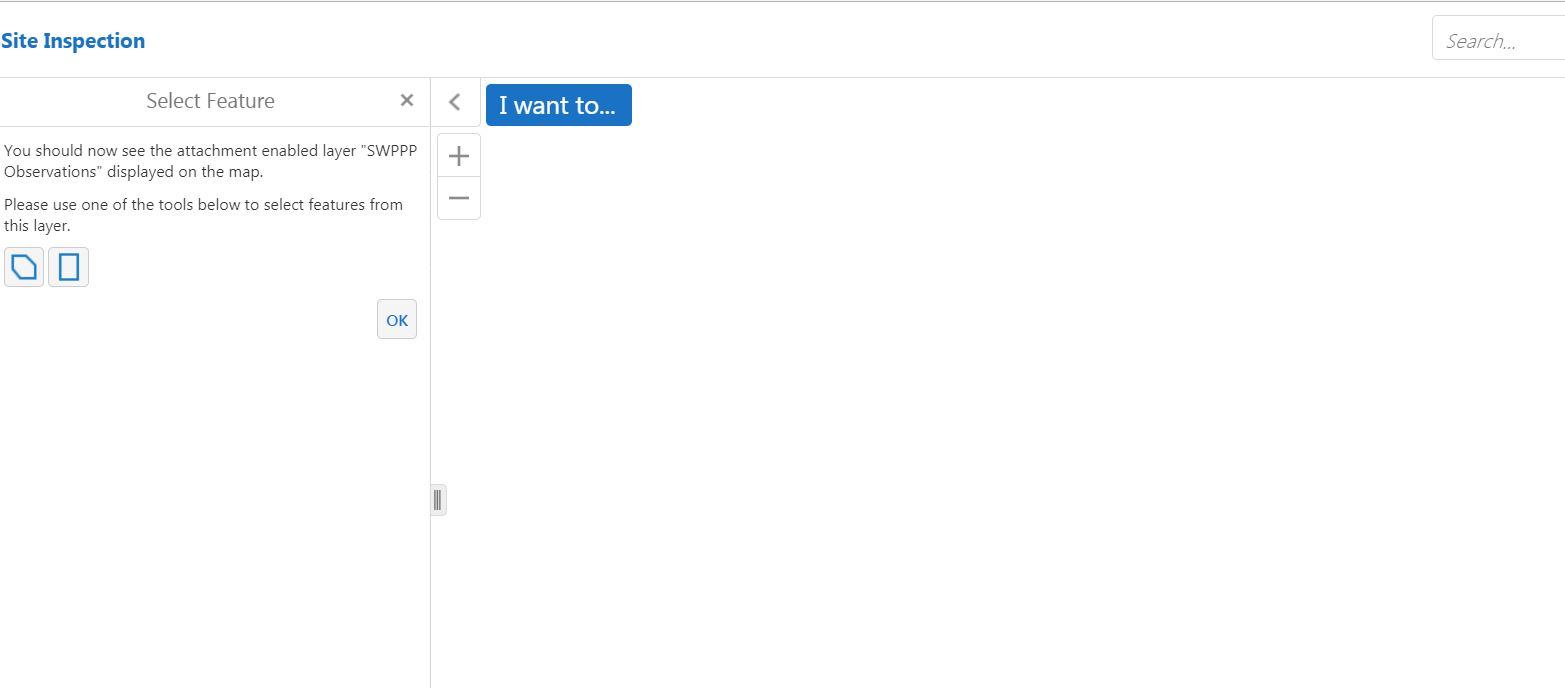
When I click to run the workflow, it states "You should now see the attachment enabled layer "SWPPP Observations" displayed on the map. Please use one of the tools below to select features from this layer."
However, the map area is completely white. And I do not see my attachment enabled layer.
I can use the geometry picker on the white map area, and I get an error that says "No feature was found at that point."
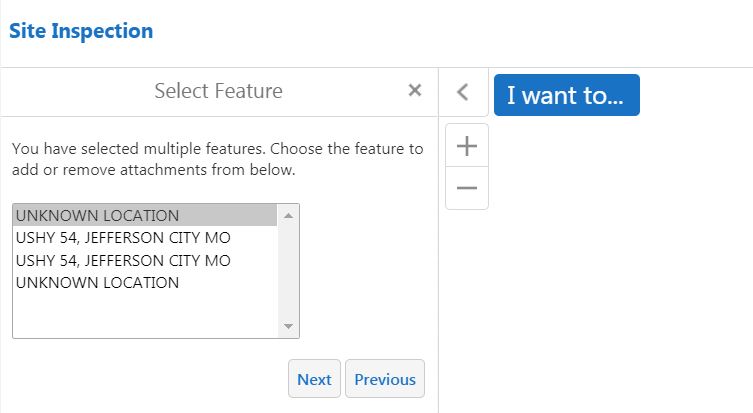
Then, if I click the "OK" on the panel Geometry Picker, I get a list of my 4 features that to add an attachment and the workflow continues...and works to add the attachment!
Is there further configuration that needs to be done to see my initial map, imagery and attachment enable layer at the beginning of the workflow? Like setting Map Service URLs, or Layer ID's etc?
And-which step in the workflow would I do those? There are many variables and "A-B Assigns' in this workflow.
Thank you in advance for any help you can provide.
0
-

Hi Jill,
In the Attachment Manager workflow there is a sequence called "Get Layer Extent And Zoom" which will obtain and zoom to the full extent of the selected layer. If that layers' full extent would navigate you to a location that turns off all the layers, or is otherwise far from the map (or close to the map!) then you may see what you describe.
Check the scale after the map goes white to see if you're very close or very far from your data. You can also check the browser console to see if we have gone somewhere that's not possible.
It's not strictly necessary to zoom to the layers' full extent so you can remove this sequence if you like. Alternatively, you could determine and zoom to a given scale that you know would work for your layer.
Regards,
-Malcolm0
Du måste logga in om du vill lämna en kommentar.
Kommentarer
1 kommentar