Workflow Query Task output generates blank results

Please I need help with my workflow query task. I am working on customizing our Viewer using some workflow task to make it easier for our users to extract information from the map.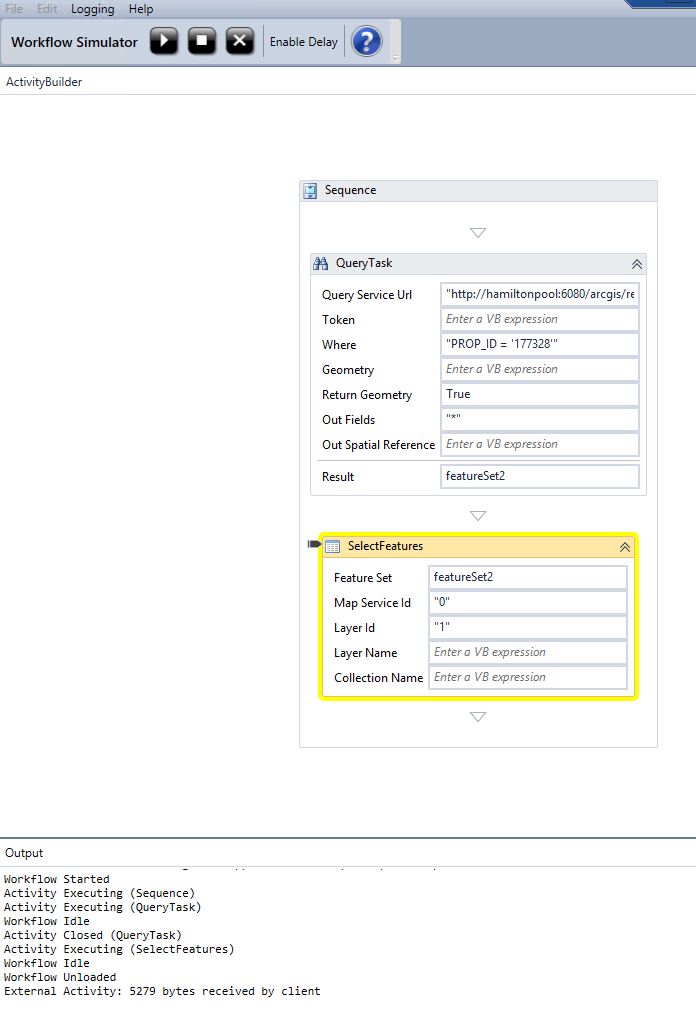
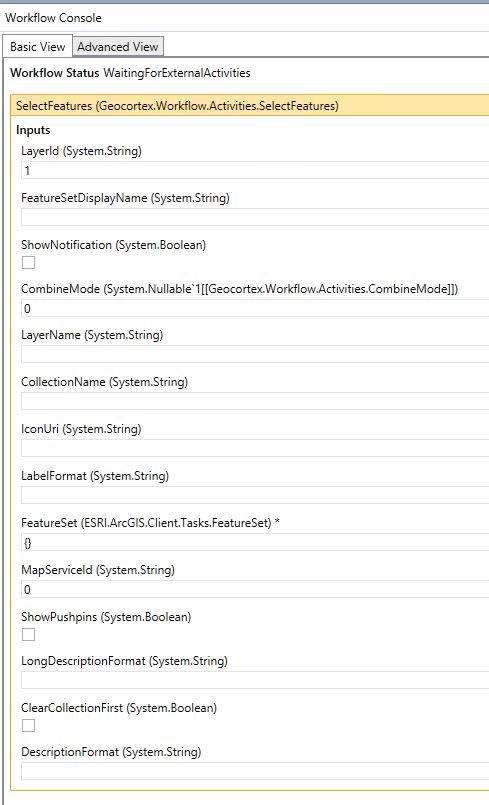
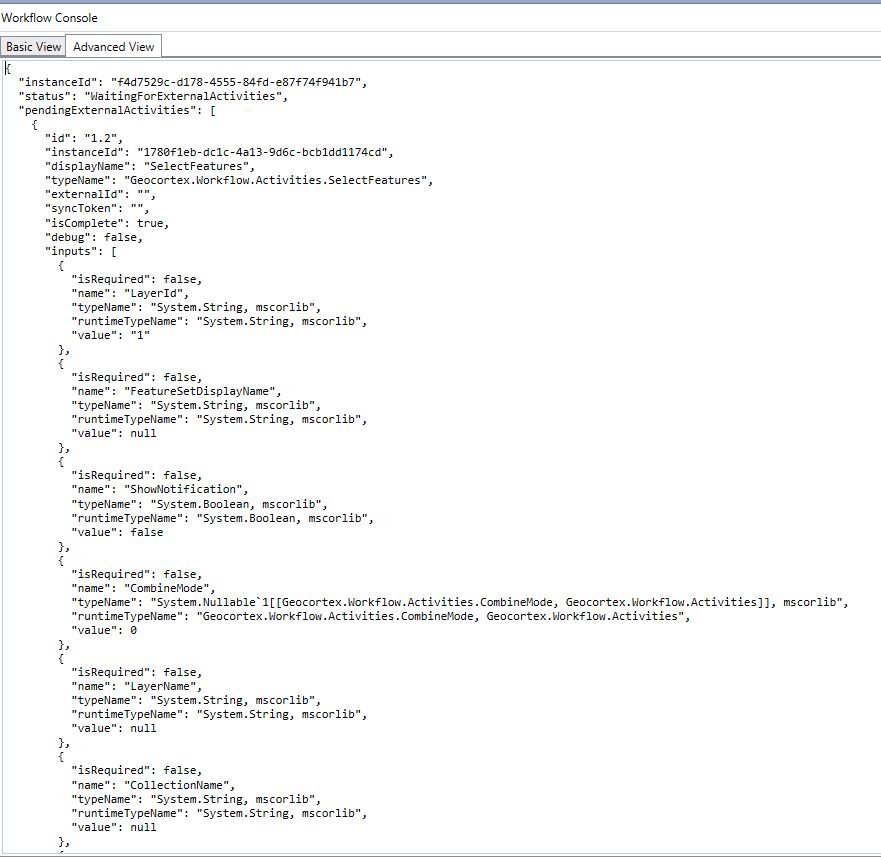
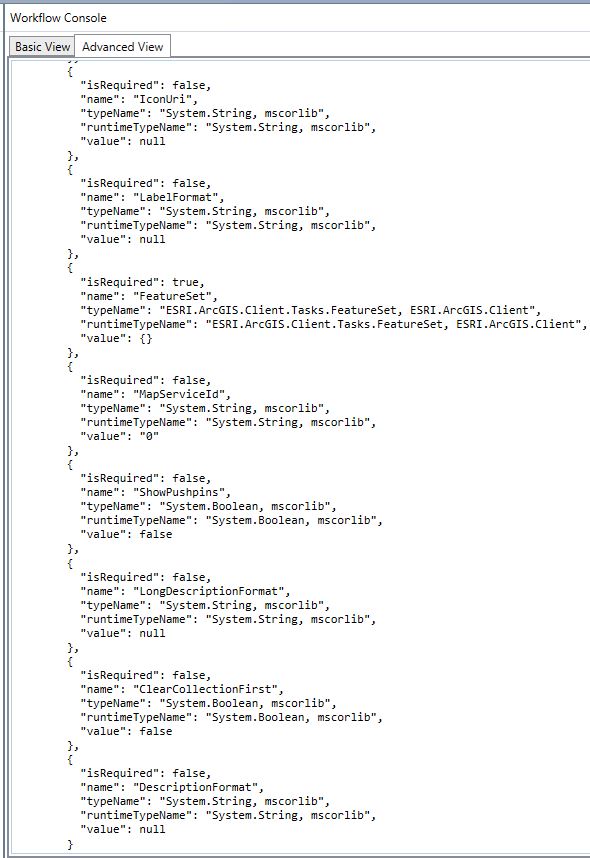
I followed the instructions given on the "Developing Workflows for Geocortex essentials workbook but still my query task excutes without noticeable errors but generates no result.
When I run the same query directly on ArcGIS Service directory, I get results.
Please can any one take a look at my work here and help me to identify what Im not doing right.
Thanks
Secondly I dont understand why I'm having this "Workflow Idle" line showing there
0
-

Can you try adding an Alert between your Query Task and Select Features activities and use this for the Text value:
featureSet2.Features.Count().ToString()
If it's 0 that means your Query Task isn't returning any features.0 -
Hi John,
I tried your suggestion and correctly it returned 0 meaning that, indeed, the query result is empty.
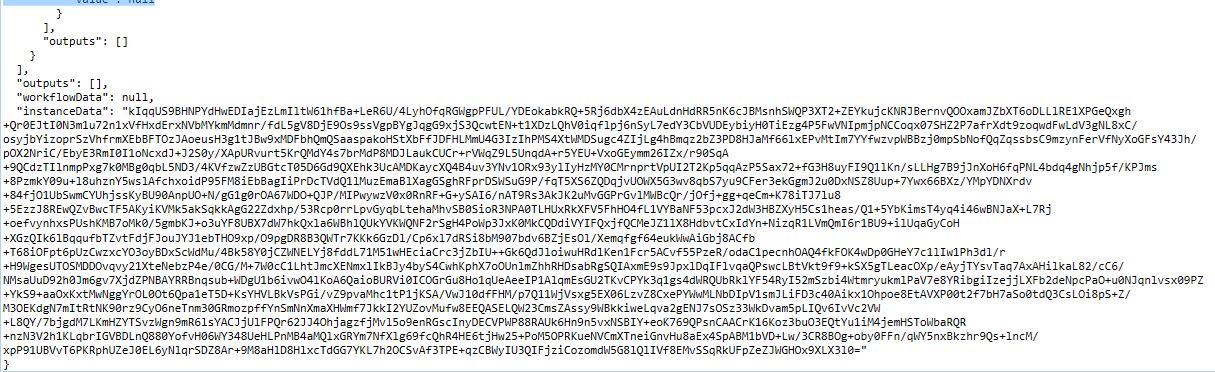
and thats where my problem lies. I dont know what Im not doing right because it is obvious from my previous results even without the alert that my Query task is not pulling up the output attributes. (See the reult when I run the Query directly on the ArcGIS Server Rest Services Interface)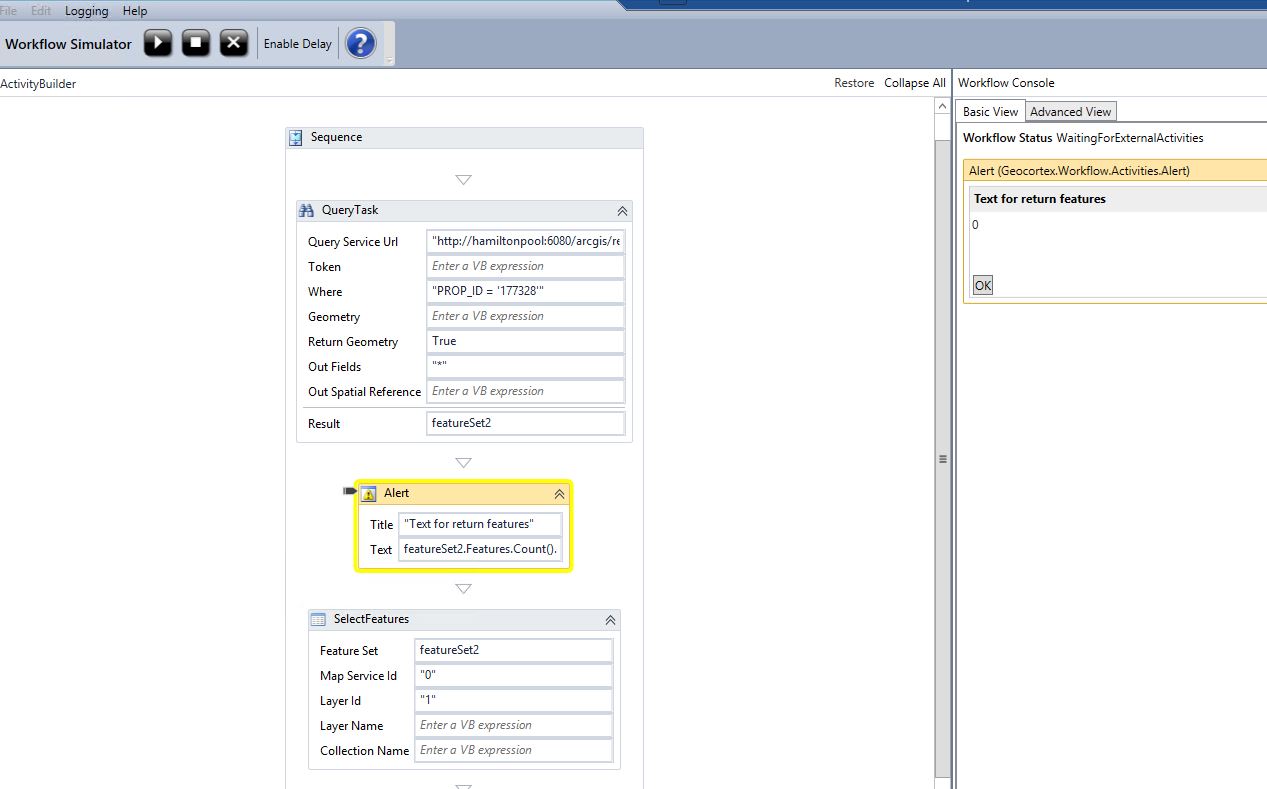
In fact it is supposed to give me similar result as what i get when i run the query on ArcGIS server as shown below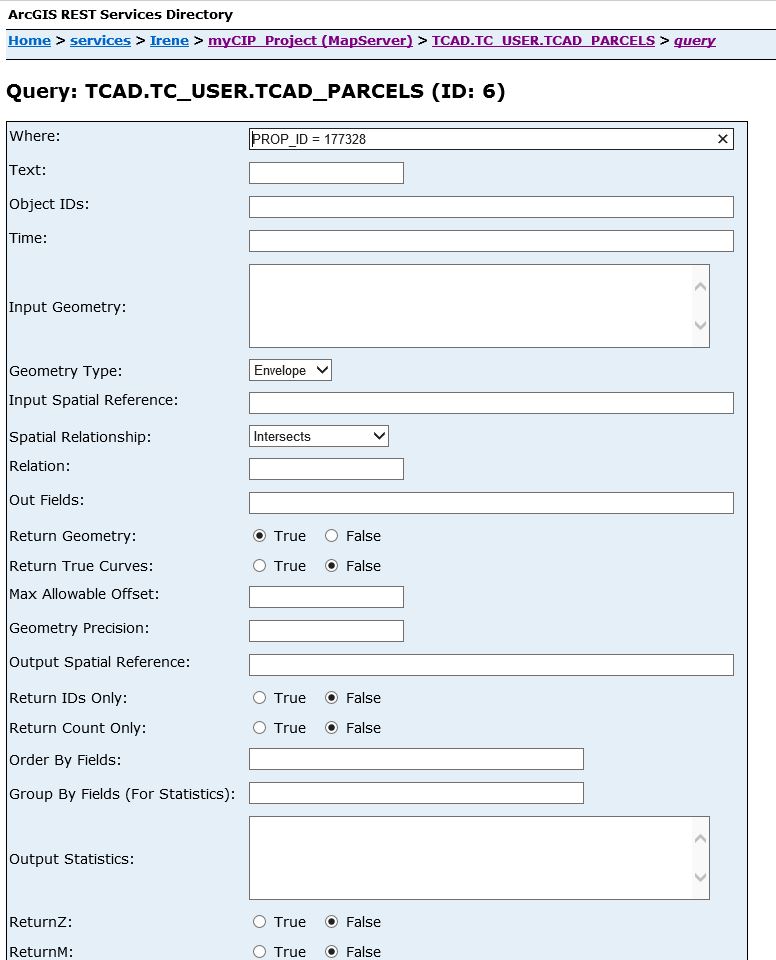
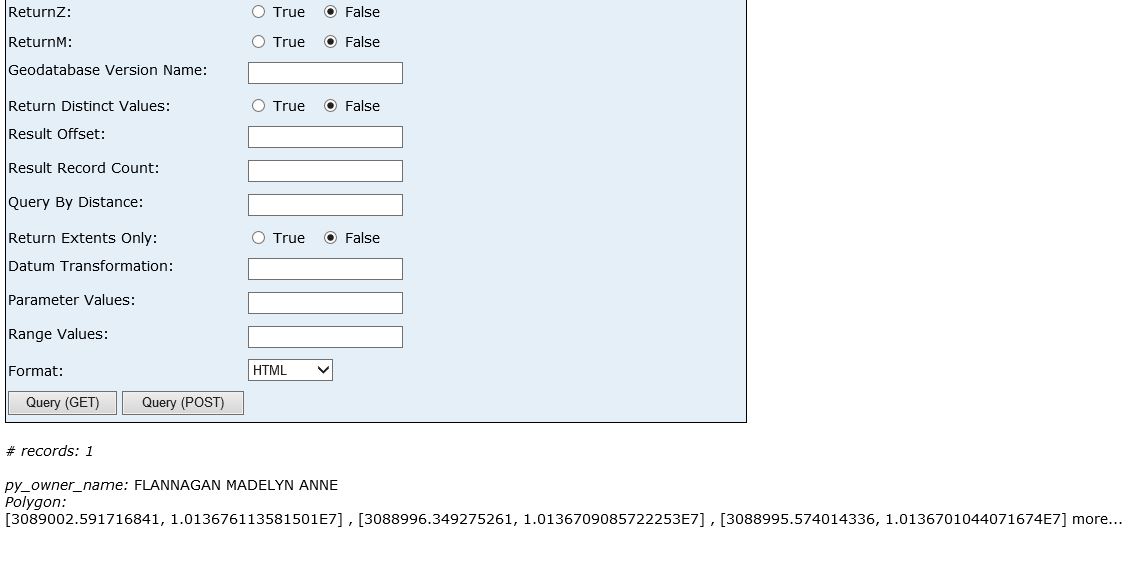
Result displayed in JSON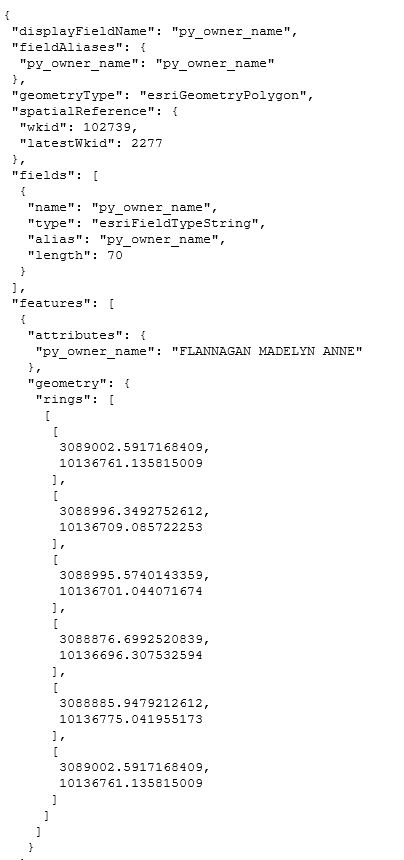 0
0 -
I don't know if this matters or not, but in the Workflow screenshot you're using single quotes around the PROP_ID value but not using them on the query directly on the REST endpoint.
Is your map service secured? Sometimes Query Task doesn't work if you don't provide a token for a secured service (but in that case it should error out instead of just returning no results).
I usually use the Get Map Service Info activity to get the Query Service URL for my Query Task. One of the advantages is that you can use the checkbox the option to debug Get Map Service Info to confirm whether or not the workflow is successfully connecting to the map service before trying to query it. In order to test that though, you'll have to add the workflow to your site and run it through your Viewer instead of the workflow simulator.
Beyond that, I don't really know what else to suggest since I don't have access to your specific map service layer.0 -
Thanks John for your suggestions. I tried removing the sngle quote (though the examples oon the workbook were all written in single quotes) It didnt make a difference.
When I run the workflow on the site, it shows signs of doing something because the map shifts like it is moving to the particular parcel with that PROP_ ID but does not give me an output (Maybe I need to add the Create Highlight Feature activity somewhere there) .
But your second suggestion above looks more like it will provide a solution to my problem. This is my understanding of what you are saying there (see Screenshot). when I ran the simulator, i didnt get any valid output. I believe i need to know what to put into the various fields.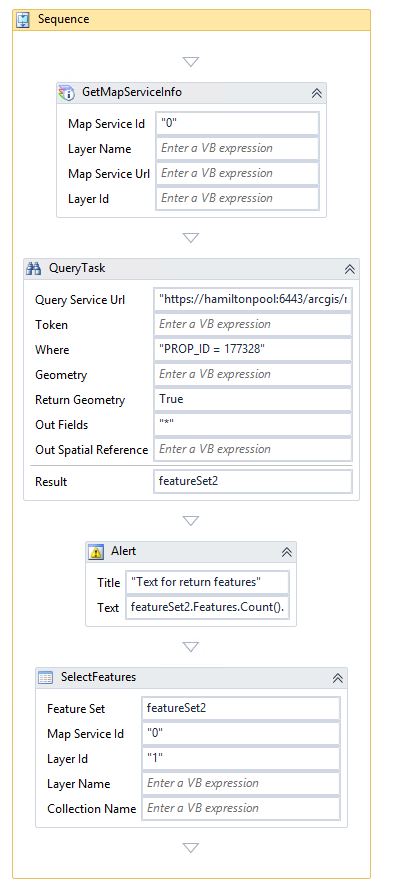 0
0 -

I would agree with John's first sentence. I usually copy what works at the REST endpoint, then add double quotes only at the beginning and end of the query and use that in the Query Task. (dates are sometimes a different situation).
Now if you are dealing with a string variable for the value in a query task, then you do have to use some single quotes.
Below is an example Where statement from one of my query tasks where
housenum is a int variable and streetname is a text variable. Notice the inclusion of single quotes and concatenators with the string variable.
"HOUSENUM = " & housenumber & " AND ST_LABEL = ' "& streetname & " ' "
Carmen0 -
For the Get Map Service Info activity, you need to supply the Map Service Id and the Layer Name. It will output the Map Service Url, the Layer Id, and the Token (if you need one), so you need to provide variables for those arguments.
Then, for your query task, you'll use the syntax mapServiceUrl & "/" & layerId (provided that's what you named your variables) for you Query Service Url.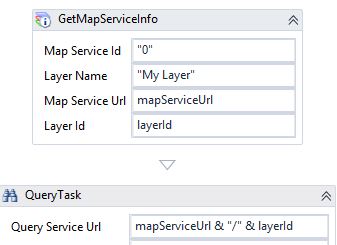
But you won't get results back in the simulator because relatives URLs (i.e mapServiceUrl & "/" & layerId) aren't allowed. That's why you have to add the workflow to your site and run it in the viewer to test it.0 -
Thanks a lot John, that did the job! Im now getting the results. .
"you'll use the syntax mapServiceUrl & "/" & layerId"
That was all i did and it worked very well0
Du måste logga in om du vill lämna en kommentar.
Kommentarer
7 kommentarer