Can you show multiple featureSet results in the the Results Table at the same time, i.e. multiple tabs?

I have eight featureSets that I want to display as results. My problem is that I can only get one featureSet to display at a time. The first featureSet is always overwritten by the second one. How do you get multiple featureSets to display in the Results Table?
Thanks,
Frank
-
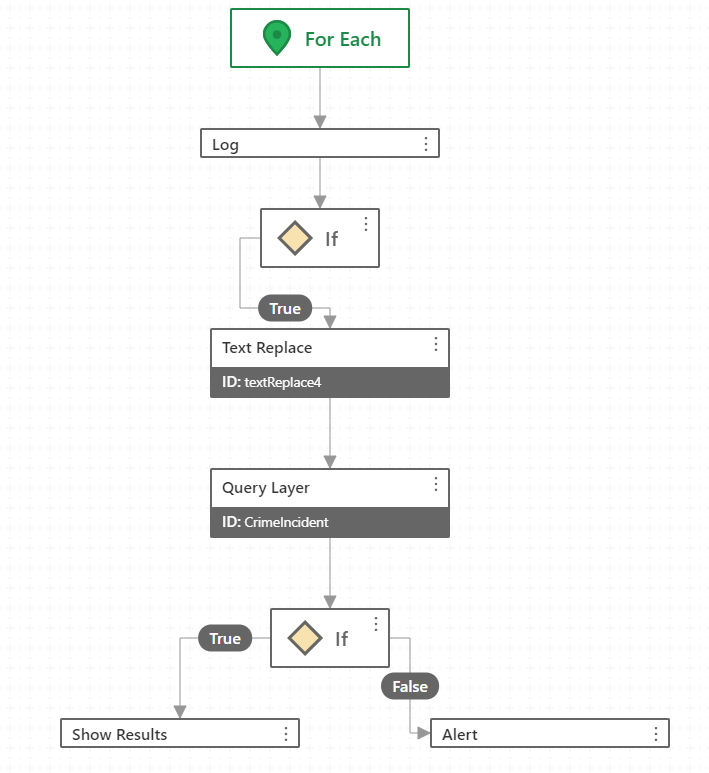
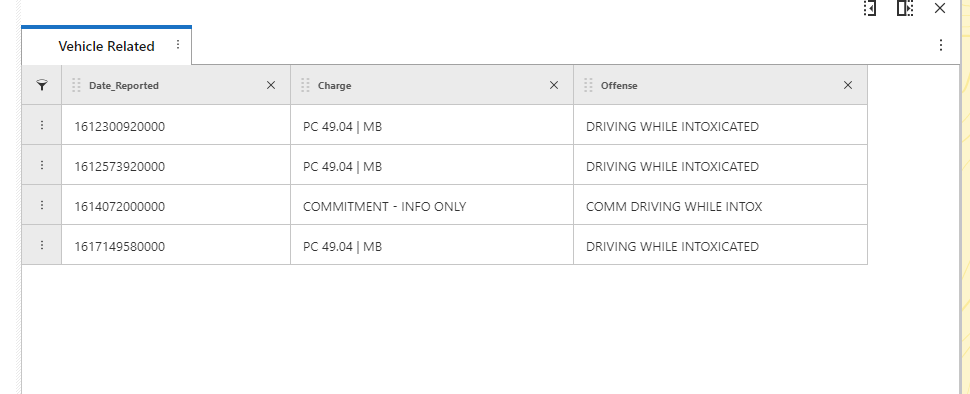
The featureSets are being generated within a For Each activity. They do display in Web, but as I mentioned, the featureSet results are overwritten each time leaving only one featureSet result displayed in the table.
For Each activity:
 Results Table in Web.
 0
0 -
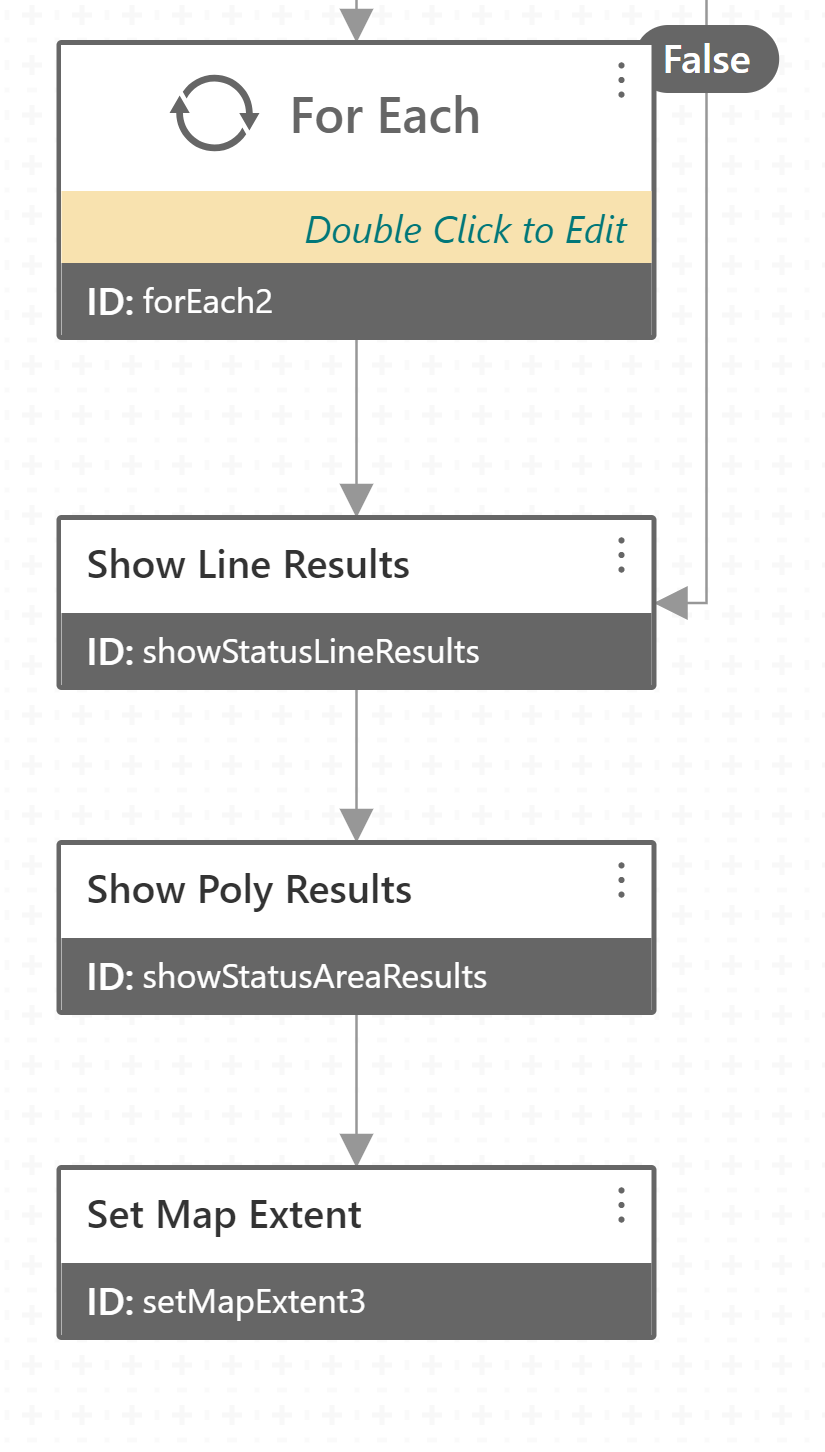
This problem occurs in Geocortex Web with Show Results. I have two feature sets that I want to display in the same results table. One set is from a query of line features and the other is from a query of polygon features. When the Show Results activities are executed one after the other (see image), only the last set of results is shown in the Results Table. I was able to us the Delay activity to see that both features sets contain data and can be displayed. Is there some way to accomplish having both feature set results shown in the same Results Table in two different tabs or is this a limitation of Show Results in Geocortex Web?
 Thanks,
Frank
0 -

Frank, Did you figured this out?
0 -
Hi @Pedro Salazar? ,
Yes. VertiGIS provided a solution (Information below). It was exactly what I needed to display the results in two different tabs.
"Each tab in the results table corresponds to a different "feature source", which is a layer, sublayer, table, geocoder, etc. The Show Results activity can only show results from one source at a time, so will not work for this scenario. Instead, you'll need to use Geocortex Web commands and operations to accomplish what you're after (via the Run Command and Run Operation activities). Here is a sample workflow that shows the technique (it assumes the Capital City web map in our default template): https://latitudegeo.maps.arcgis.com/home/item.html?id=19c42e197b2c43a4a34c628fbffc63bb
The general idea is to first use the "results.from-graphics" operation to convert the Esri Graphic objects returned from the Query Layer activity into Geocortex Feature objects used throughout Web, including its commands. Next, "results.display" and "results.add" commands are used to show the first and second set of results. The difference between the two commands is that "results.display" will first clear out any existing results (like the Show Results activity), whereas "results.add" will just add new features to the existing set being displayed without removing existing ones."
Hopes this helps you like it did me.
Regards,
Frank
1 -
Martin: We don’t have a subdomain, Can you send me a clip snip so I can see the worlflow? Best Regards; Pedro Salazar | GIS Manager | Comal County | www.cceo.org 195 David Jonas Dr, New Braunfels, TX-78132 | t: 830-608-2090 | f: 830-608-2078 | e: salazp@co.comal.tx.us “Great work is done by people who are not afraid to be great.” Fernando Flores 0 -

I have the problem with multiple “results.add” commands that clearing my results fails. Could you provide feedback for this?
0
Du måste logga in om du vill lämna en kommentar.
Kommentarer
6 kommentarer