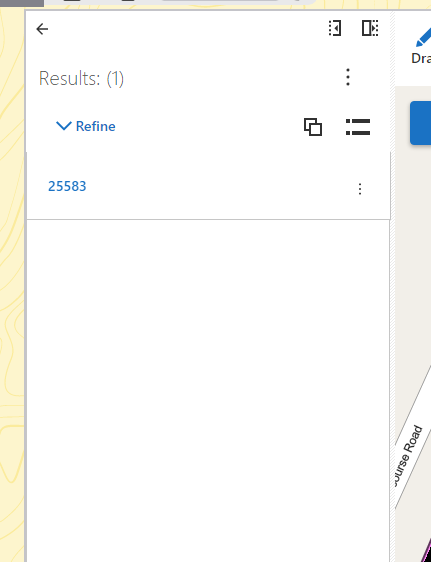
How can I change the title displayed for the results of a show result activity? See my screenshot below. I want to change the value displayed to something more user friendly.

-

You mean, you want something else than 25583? You can configure the feature label in the web map popup for that layer. If feature label is not configured, the default display field from the map service is displayed.
0 -
Thanks, Josh,
Where in the web viewer for the 5 series can I find the web map pop to configure the feature label?
0 -
@Jostein Svegården? Thanks, Josh,
Where in the web viewer for the 5 series can I find the web map pop to configure the feature label?
0 -
You must configure the feature label in the webmap in AGOL or Portal. Select "Configure popup", then enter the feature label in the popup title. By pressing the + sign to the right of the title field, you can enter replacement tokens for different feature attributes if you want that into the feature label
0
Du måste logga in om du vill lämna en kommentar.
Kommentarer
4 kommentarer