Workflow 5 Deployment issue in Azure

Hi Everyone
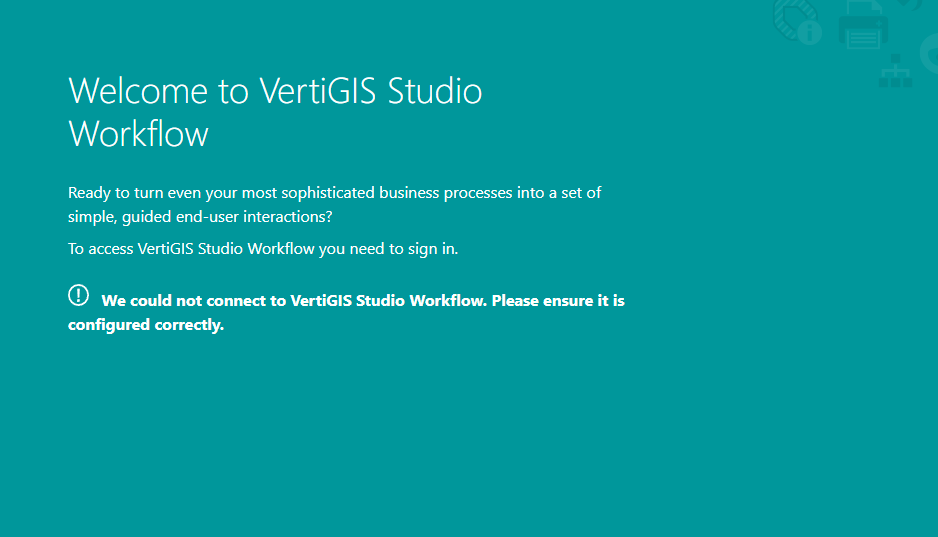
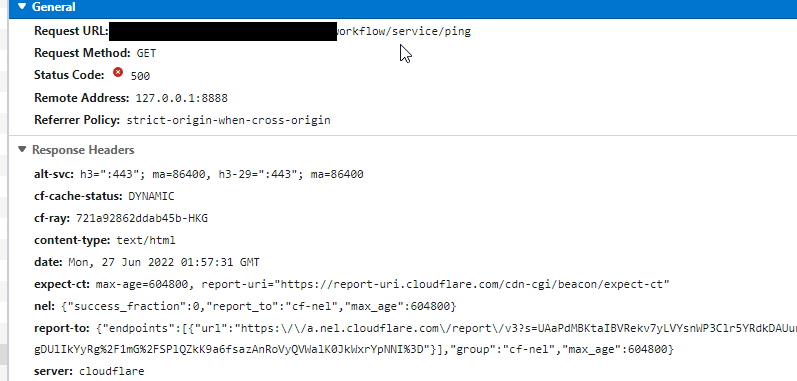
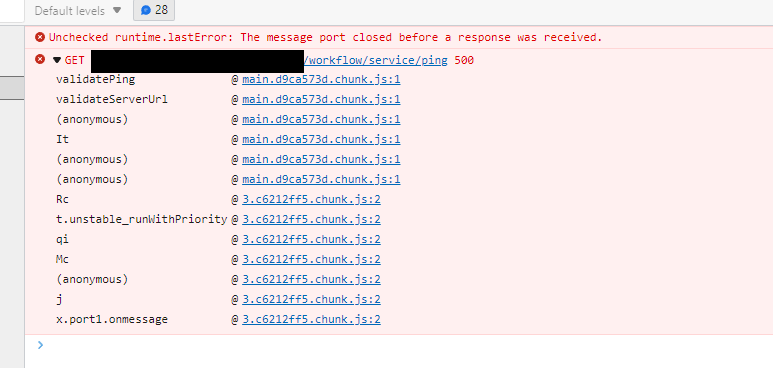
Recently we were trying to deploy vertigis workflow in the server. once I deployed in the on-premise server it's working fine but in azure VM and I came across below issue once trying to get access workflow designer.
I didn't reproduce this error once I installed it in the on-premises VM but in azure.
Any idea how it can be solved?
-
Officiell kommentar

Hi @...,
Thanks for your update on the workaround. We will get this fixed in a future release of Workflow.
In the meantime, this has been logged in our system. If you wish to check on progress, please quote bug #187469 when talking to support.
-
I figured out what the issue is I think VertiGIS will fixed it in future release.
the issue was regarding .net core and rewrite module provided in the package was not working with windows server 2022, download them manually from Microsoft and repair them and it's solved.
1 -
This has been addressed and will be included in the next release of Workflow: v5.29. You can expect to see it next month.
Further details, for those who are interested:
We found that certain VM images of Windows Server 2022 seemed to have a version of the .NET Hosting Bundle already installed. When the Post Installer attempted to install v3.1.8, it failed with an error code suggesting a newer version was present. However, as far as IIS was concerned there was no version present so any requests to the server returned a 500 error.Our fix was to update the Post Installer to install v3.1.27 of the .NET Hosting Bundle. In our testing, this version installed correctly on the VM image that previously failed with v3.1.8.
0
Du måste logga in om du vill lämna en kommentar.
Kommentarer
3 kommentarer