Editing Attribute in VertiGIS Web Causes Other Fields to Reset to Null

Hello,
I’ve encountered a strange behavior with the out of the box editing tool in VertiGIS Web. When I attempt to edit a feature using the editing tool, changing one specific attribute causes several other attributes to be set to null. Please let me know how to resolve it.
Please see below:
All attributes appear correct when I click Edit
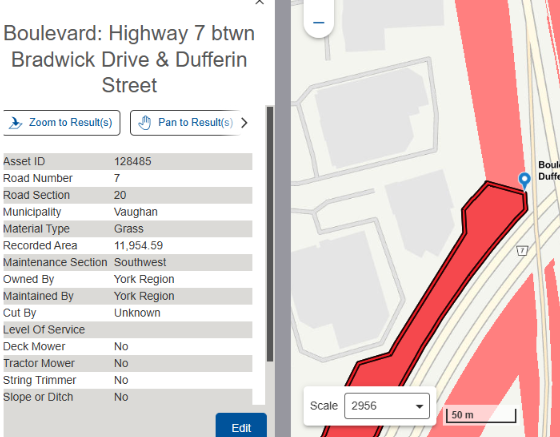
I can change the Deck Mower attribute from “No” to “Yes” without any issues.
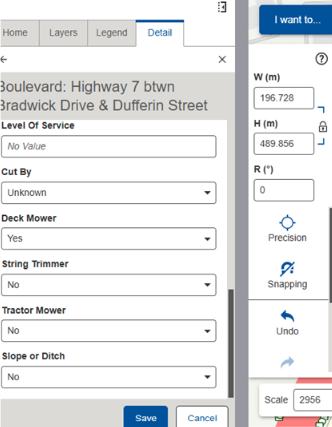
However, when I change the Cut By attribute from “Unknow” to another value, several other fields are unexpectedly set to no value, while some fields (e.g., Location) remain unchanged.
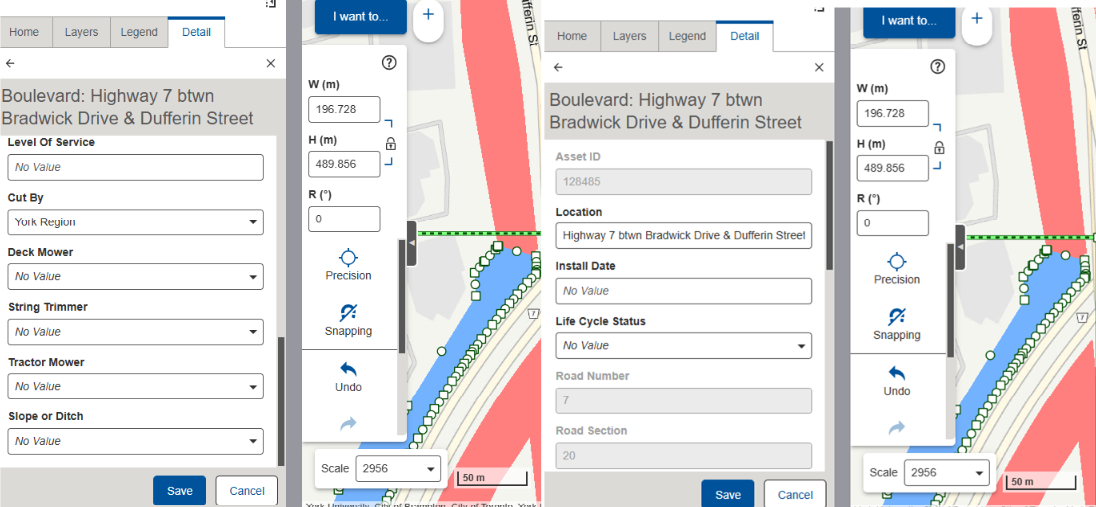
Clicking Undo will revise the change I did to “Cut by” but not the other fields that got affected
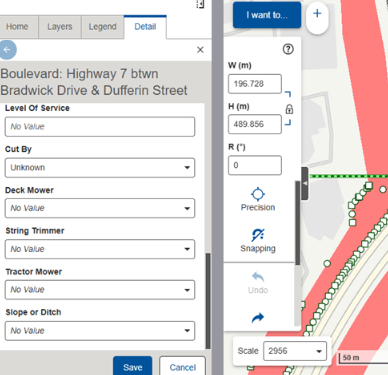
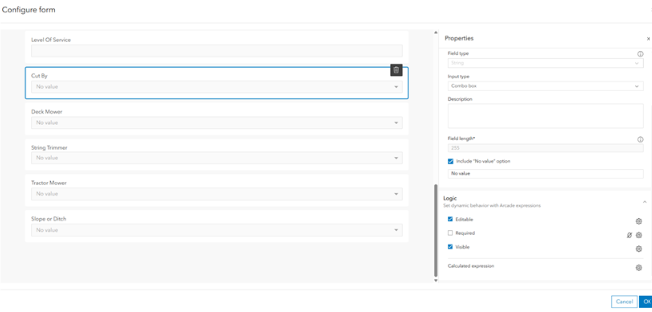
I checked the form in arcgis and I don’t see any logic would reset other fields
-

I found this bug after VSW upgrade to 5.38.1. It has since been fixed in 5.41.2.
1
Vous devez vous connecter pour laisser un commentaire.
Commentaires
1 commentaire