Layer Style not previewing correctly for Map Image Layers

Hi,
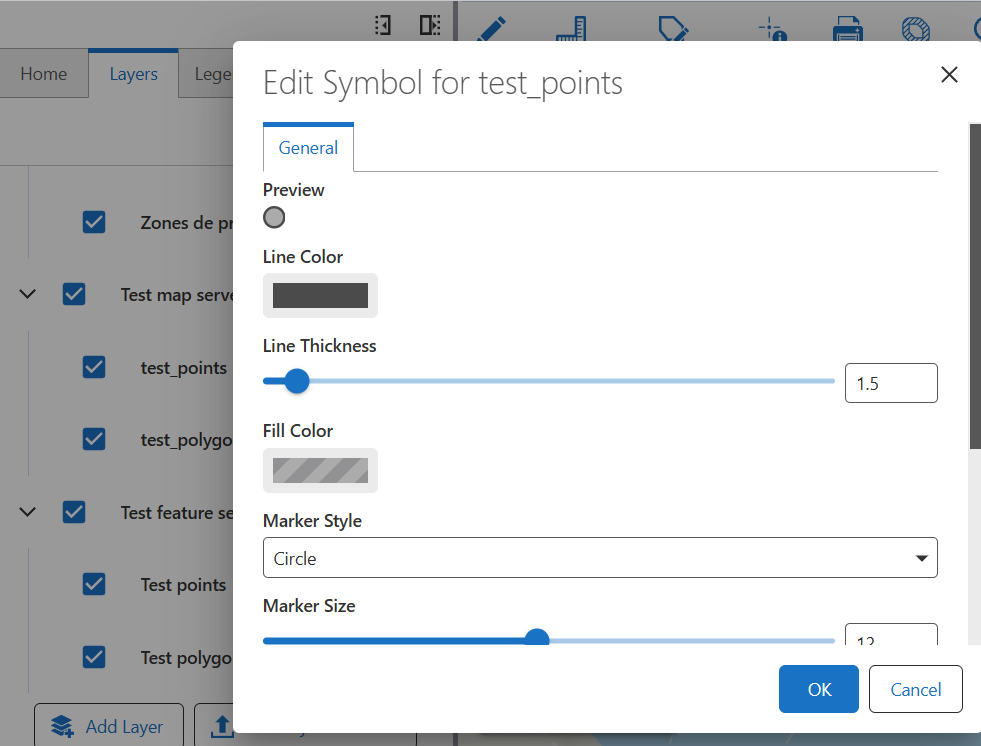
When a web map is published both with a Map Image and a Feature layer (of the same features) and you choose the Layer action ‘Layer Style’ for the MIL one, the Preview doesn't get the current symbology of the layer but a default/grey symbology instead.
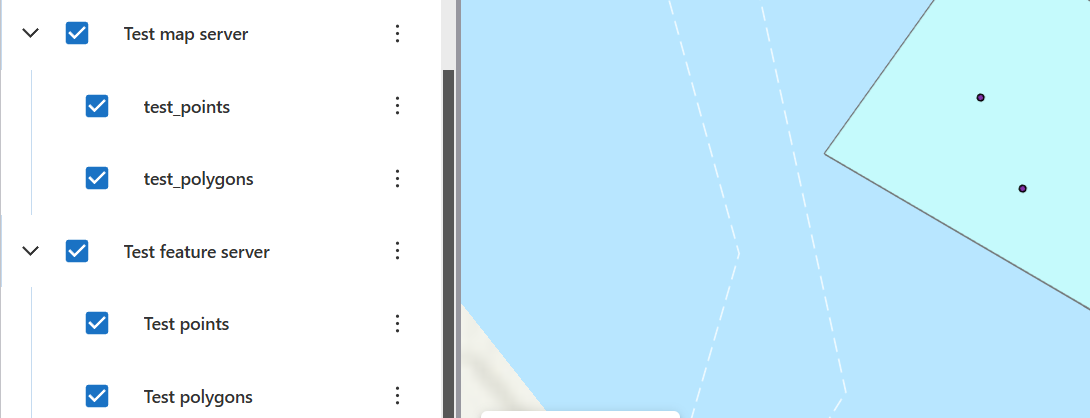
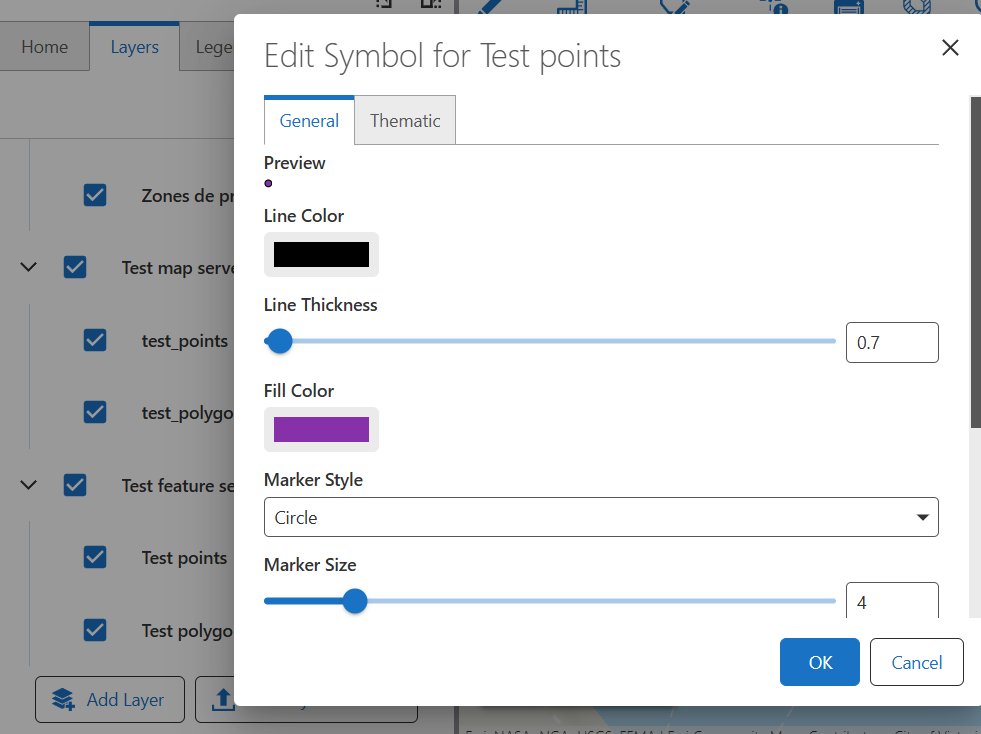
Example: Layer Style on Test points (feature server) picks up the current purple with black outline.
When performing the Layer action from its test_points counterpart (map server) it doesn't.
Not sure whether this is as designed?
BR
1
-

I too am curious about this. You can still edit the symbology (General Tab) of a map image however why would there not be an option for a thematic symbology change?
0
Vous devez vous connecter pour laisser un commentaire.
Commentaires
1 commentaire