Layer List Spacing / sizing

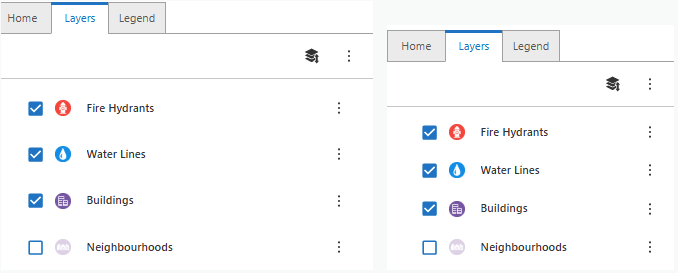
User Feedback; The LayerList is wasting a lot of space with margins and white space between layers.
Would be nice to be able to easily update to fit more items within display “Compact” vs “Large” type options?
-

As a workaround, this can be done using the 'Inject CSS' activity in Workflow and was able to put together something that might do the trick for you. Basically it's possible to use the browser dev tools 'element picker' to determine the class name for the desired object, and then apply the desired CSS effects in the Workflow, which is then attached to the Web app. Please note that class names can change with new releases of Web, so it's possible the workflow may need to be updated in the future.
You'll want to set it up to run on 'App Initialization' - you can add the workflow under the 'Services' tab, and then by selecting 'App'. Once in this configuration, you can select the workflow under the 'App Initializing' event.
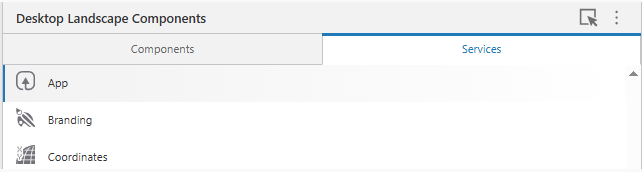
The contents of the workflow is basically changing the padding from 8px to 3px - you can modify this as needed. Here's what the input looks like:
.gxw-ltr-ysb1r1 {
        padding-top: 3px !important;
        padding-bottom: 3px !important;
    }
If you'd like to have the layers even closer together, you'd change the 3px to 2px or something smaller.
 0
0
Vous devez vous connecter pour laisser un commentaire.
Commentaires
1 commentaire