Add secured WMTS in VertiGIS Studio Web without exposing the API key

Hi, does anyone know any way to use WMTS connection in a VSWeb application without exposing the API key?
We intend to use WMTS connection of imagery (added as an item in ArcGIS Online) for a public app and so far found two things:
-
When I open the public app, it prompts the ArcGIS Online sign in even though I have added the key to Custom Parameter in ArcGIS Online. Clicking on the Cancel button will bring me to the map without issue though.
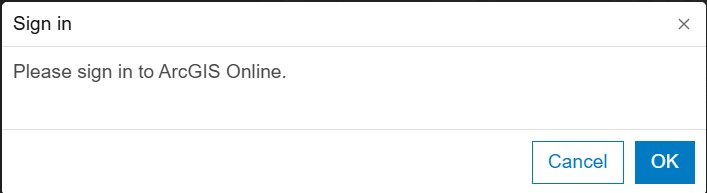
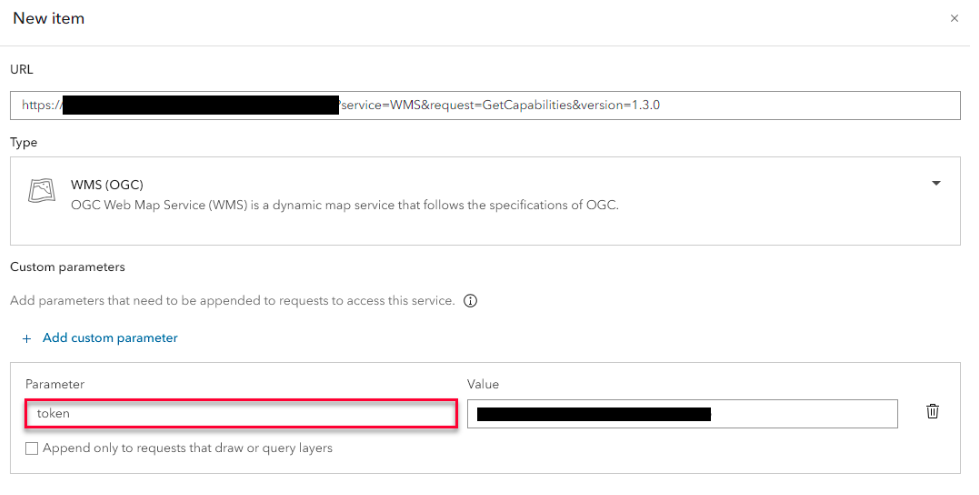
Is there any way to remove the Sign In prompt?
2. Once the map is open, the WMTS URL (with key) is still being exposed through the Network console if I open the Developer tool.
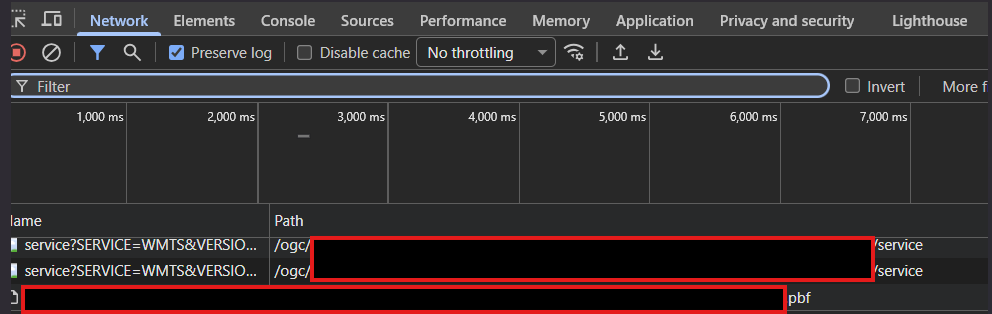
Is there a way to hide the key?
Thank you.
1
Vous devez vous connecter pour laisser un commentaire.
Commentaires
0 commentaire