Background color display form (Dropdownlist) in VertiGIS Mobile
Terminée
Hi,
I'm currently looking for a way on how to change the background color of my display form in Mobile.
I have tried the following situations:
With a panel added where the workflow is nested in:

Which gives the white background, but I can't seem to get rid of the gray title box.
Other option, just the workflow which gives the following result:

Where the dropdown box is transparent but I want to change the background color of the box for readability.
I tried looking into the xml and app.json but without any success.
Thanks in advance!
-

Hi Andreas Broothaerts, I am Jack from the Mobile team here to answer your inquiry.
After consulting with our dev team, they've informed me that the background color can be changed, but it will change that for the entire Workflow. To do so, add a `background-color` property in the XML file and assign it a value. The value can either be a name (CSS Color Names), or a hex value (which allows you a finer control of the value and its opacity). Here is an example
<workflow id="workflow-1c1468d3" config="e75c0950-e054-4b28-89bf-db3d7a02ec31" background-color="#6495ED25"/>The result of that is the following:

You may change the background color of a specific component, but that requires more in-depth knowledge of Mobile and developing your app using the Mobile SDK. Does this answer your question?
0 -
Jack Basha Thanks for this elaborated answer. I eventually also made it work by putting the element inside of a section which made it a white background. Probably less pretty but did the trick for now.
 0
0 -
Glad to hear and happy to help!
Regards,
Jack Basha0 -
Hi Jack Basha I'm getting back to this one with another question.
Support had let me know that using workflows directly in the map is not the correct way and they should always be inside a panel but this brings me to my question.
If I have the workflow inside a panel I always will get a ‘greyish’ banner with the titel at the top of the panel in the map. This doesn't look clean, is there a way to remove the grey top banner and the title so it is just the display form? Hopefully it is a bit clear.Best wishes!
0 -
Hi Andreas Broothaerts, I've had a role change within the organization so I won't be able to reply to questions regarding Mobile much more. However, to get you started, it is indeed not the recommended way to have Workflows directly on the map. But you can set the title in Designer to be an empty space, and that will allow you to have a form without a title.
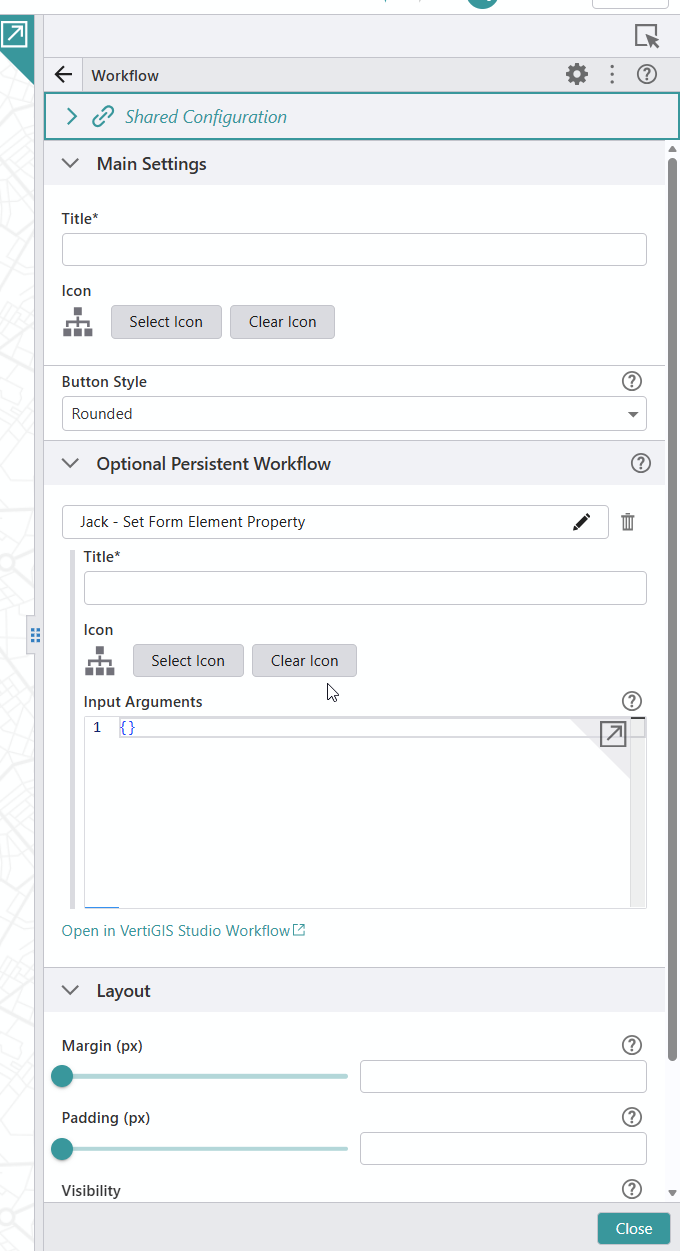
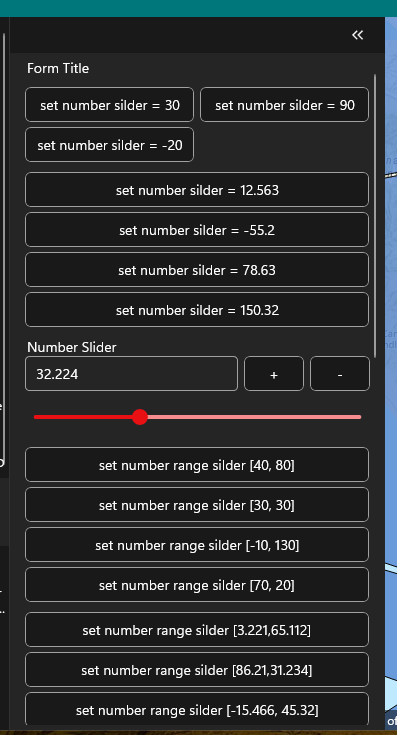
Hope that answers your question.
Regards,
Jack Basha0 -
Hi Jack Basha, thanks for the help in the previous months, good luck in the new position.
I still have an issue with your solution, as you can see I still have the grey banner at the top which I can't seem to get rid off. Any ideas?
I tried changing the secondary background in my mobile designer theme but that makes too much transparant.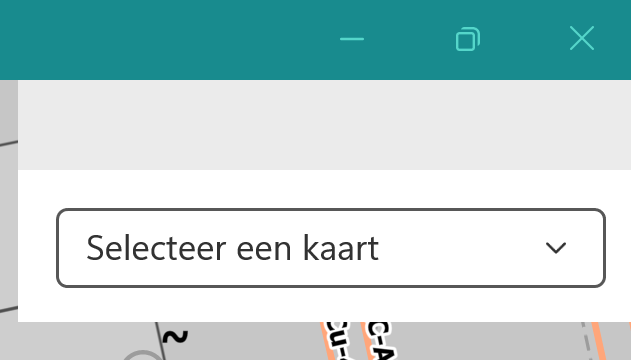 0
0 -
Hi Andreas Broothaerts, you're more than welcome, and thanks!
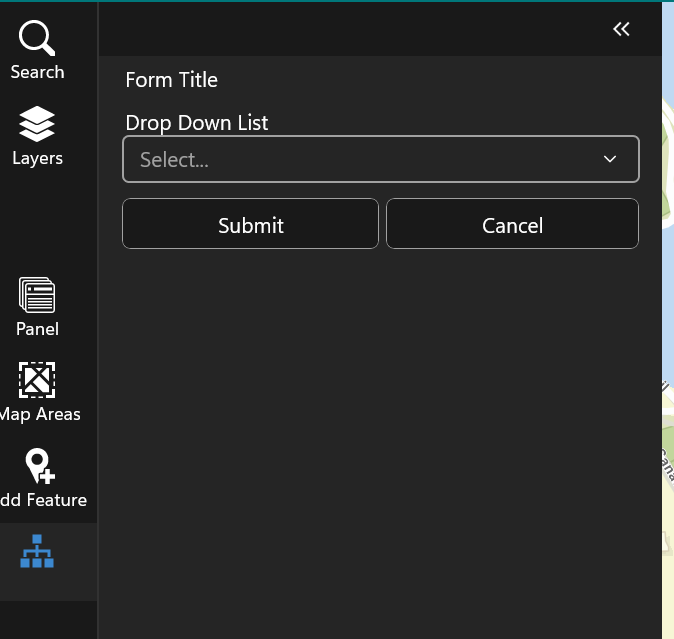
Yes, you will still get the header regardless. I tried to hide it but it doesn't seem to be possible. It looks less obvious if the Workflow was inside a panel and not on the map. If you'd like to see this be implemented eventually, I suggest you make a post in the ideas forum instead. Once enough people vote on it and the Mobile team is free from current demands, they'll get to it and implement it eventually.
 0
0
Vous devez vous connecter pour laisser un commentaire.
Commentaires
7 commentaires