Visible Zoom level

Hi Guys,
I would like to have visible zoom levels in my vs web application. In the old web app builder you were able to adjust visilbe zoom levels:
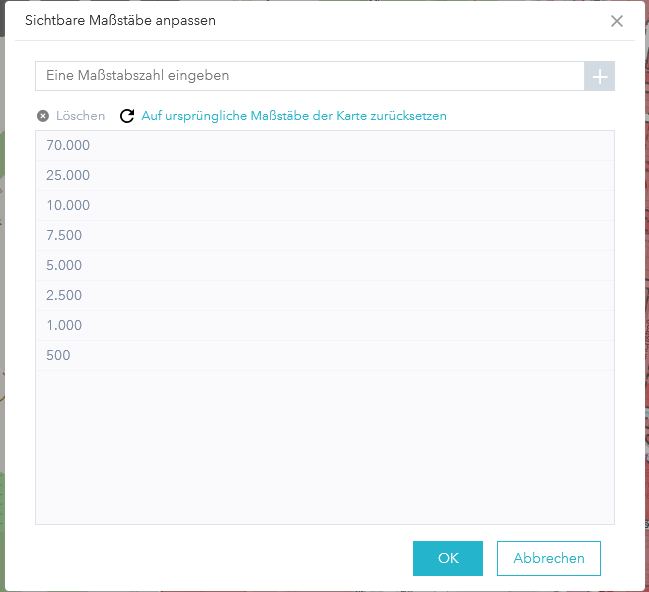
How can I adjust zoom levels in vs studio?
-

Hi
Can you give us some more context here - the German UI makes it challenging to understand the context of where you are configuring this.
Also, understanding the why helps too - is this to have the user ‘snap’ between different zoom levels or something else?0 -
Hi Gareth, sure,
in the web app builder in arcgis portal you can adjust the visible scales (screenshot above). When you adjust it let´s say scale level 500, scale level 1000 etc. you can scroll or zoom into this levels in the application. I have not found yet the option in the Expereince builder either. So my Question is: Is there an option to control the scales in vs studio web?
In the web map viewer in Portal I can set the visible range from a layer. But I don´t know how I can change the scales (scale for buildings 1:1250, but I want to change it)
I hope that helps for understanding my case.
0 -
The adminsitration wants to use it´s own scale levels. So the users know the scale and can print in e.g. 1:500 for plans they use for their building law stuff. Some laws say the plan have to be in 1:500 or something else.
0
Vous devez vous connecter pour laisser un commentaire.
Commentaires
3 commentaires