Web SDK localhost not able to authenticate against Online Portal
Répondu
This is my first time working with the Web SDK and get the following errors.
My motivation for getting into the SDK is integrating Google Street View, Pictometry, and/or Nearmap.
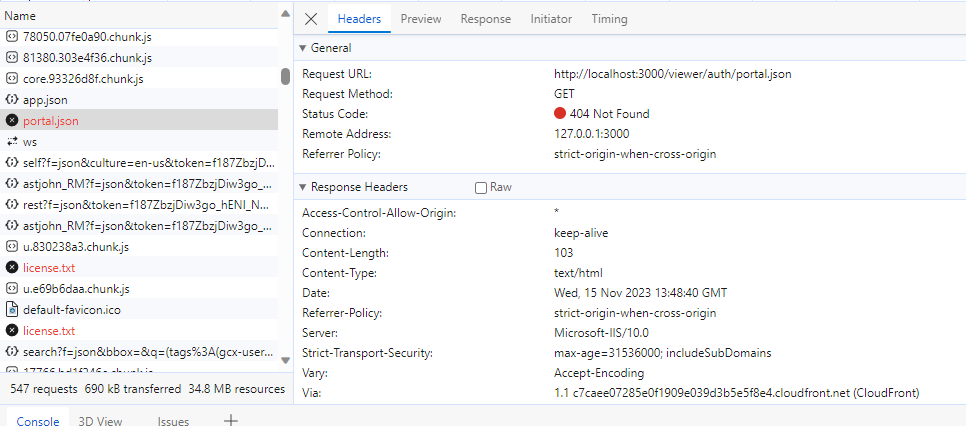
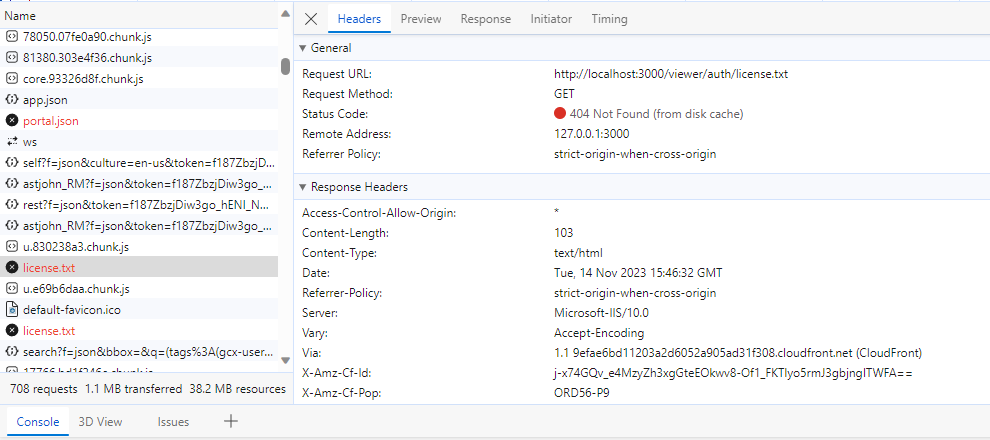
I can find these files on my AWS-hosted VS web server, but not on my local machine, since Web is not installed and authorized on my local machine.
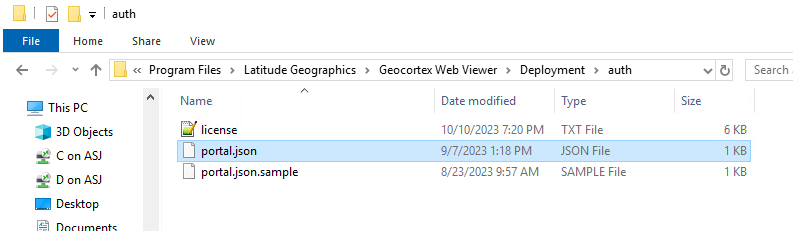
Am I supposed to install and authorize Web on my local machine as well? Or where can I put these files and point the debugger to them? Do I not understand how node and local debugging works?
I also see this error, which is maybe an independent problem:
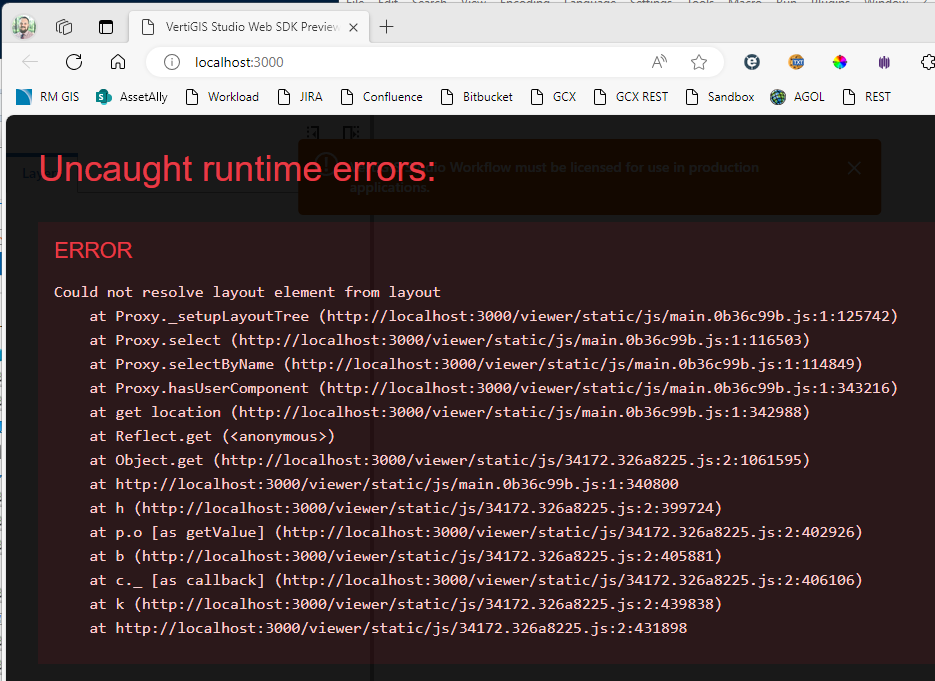
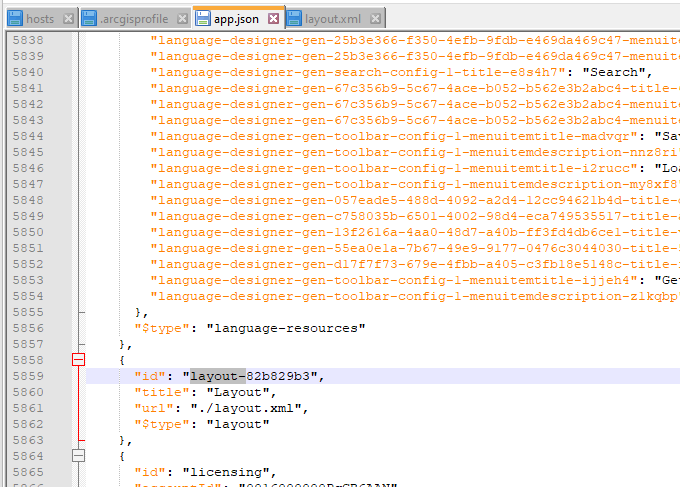
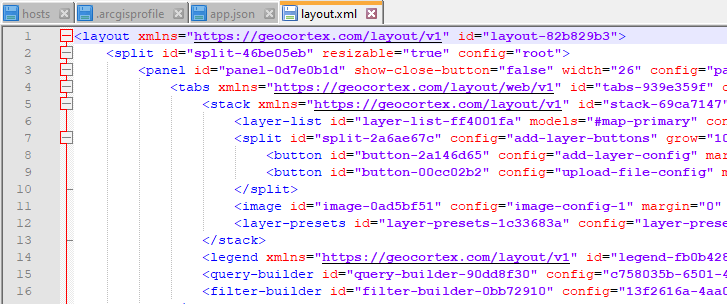
But I have the layout.xml and the app.json matched up, I think:
-

Hi Alex St. John
I believe a local deployment does still need a license. That second layout error... I'm not familiar, though I think that is separate.
There's a bit in our Developer documentation on Development patterns that is relevant here. I'd suggest using your existing VSW deployment rather than standing up a full local deployment of designer. Those steps walk you through the idea of setting up a development application, then downloading it so you can start working with the source.
Once you have that, you can then look at building your component.
Hopefully that gets you going, please let us know your experience.
1
Vous devez vous connecter pour laisser un commentaire.
Commentaires
1 commentaire