Application Experiencing Issues While performing this Operations

I receive the attached error when attempting to run a simple workflow. Note* the same workflow works fine using ?App Builder. Just wondering if this is known bug? perhaps something simple I am missing. I have followed all steps in the guide and have tried multiple workflows.
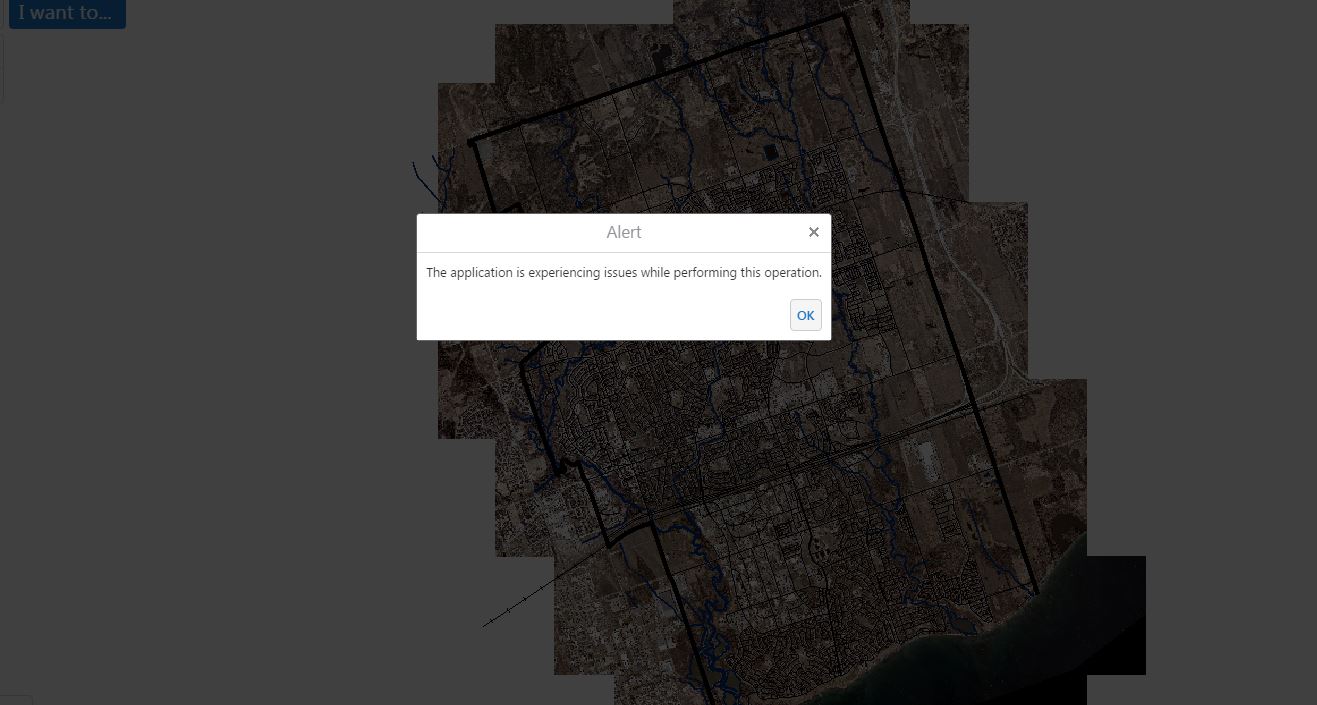
-

Hello Chris,
Have you shared this workflow so that it is available for the currently signed-in user? Also, can you try running the workflow with Developer Tools (F12) open in Chrome and screenshot the expanded error message?
Thanks, Stefan
0 -
Thanks for getting back to me, Let me explore the first question first. Currently I sign into Geocortex using a windows user (as will everyone else), not as an ArcGIS online user. Will this only work if users sign into Geocortex with an ArcGIS Online account unless I share it with everyone? I just shared it with everyone and it worked… THANKS Chris 0 -
No problem!
Yes, this is the intended behaviour. Our licensing and security framework is Esri/ArcGIS Online-focused and requires users to sign in through AGOL with a linked Geocortex account in order to execute workflows. I would suggest that you share within a particular group of users configured in AGOL if you are wanting to limit access.
Let me know if you have any other questions.
0 -
Hi Chris,
Let me clarify my response. Workflow authors require a Geocortex account but executing workflows can be done by any users. Depending on your workflow and the activities used, you may need to have your users sign in through and ArcGIS account.
Thanks, Stefan
0 -

I'm getting this same error: The application is experiencing issues while performing this operation.
0 -
Hello Ethan,
If you open the developer tools (F12) and expand the error message, it appears as though there may be a difference in the spatial references. Try specifying the WKID of your map in the Query Layer.
Thanks, Stefan
0 -
I created a new workflow that attempts to just show an alert with the cordinates of a user clicked point and I get "The application is experiencing issues while performing this operation." There is now WKID setting.
0 -
That error likely indicates that the Alert text was incorrectly formatted. If you are displaying an output value, make sure you are using an expression and formatting the string properly: ="Output value: " + $value1.myvalue
0 -
You answered my question in another thread. The problem was syntax that I couldn't find documented nor appeared in the autocomplete (.geometry[0].x). I'm going to attempt to do what I was trying to do 5 months ago and couldn't get to work (get data from a layer based on user click).
0
Vous devez vous connecter pour laisser un commentaire.
Commentaires
9 commentaires