How to Export to Excel With Date Formatted

We have a bug report on the export to excel option outputting the date fields as a number like "43308" which is actually "27/07/2018" but the excel document hasn't been told what the date cells are.
I explained that excel works like this and you can just tell it that those cells are dates which gives you the date. This isn't an acceptable solution.
I've since been informed that this is a significant bug and we should remove the export to excel functionality until it is fixed. They note that .csv export represents the dates correctly.
Is there a way to export dates in a certain format when doing an excel export?
-
I meant to say "This isn't an acceptable solution to the users/customers". I'm thinking it's not so bad but users want to see date data in human readable format - to the point of saying "We will have to remove the button"
0 -
Hi Mathew did you find the solution for the export with date formatted?
0 -

I've flagged this for the attention of the product lead for the Geocortex Viewer for HTML5 (I'm assuming it is that product and not Web you are referring to since Web doesn't have an export to Excel function yet).
0 -
Hi Cam, Yes its for Geocortex Viewer for HTML5 where you export FIT data with dates to excel /csv the format changes in excel. Is there a solution?
0 -
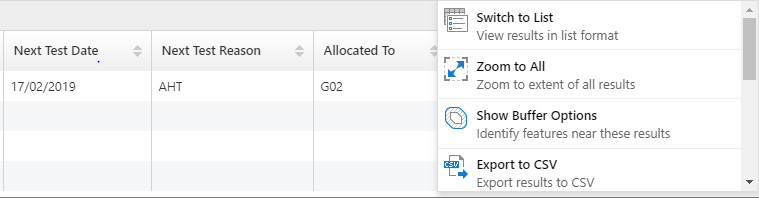 0
0 -
We recently re-worked the export functions in Geocortex Web so that the output mirrors what end users are seeing in the UI (rather than favoring formats that would be compatibility with the import of that data). The consensus from those I spoke with was that the vast majority of the time the data exported is for viewing, not for importing.
0
Vous devez vous connecter pour laisser un commentaire.
Commentaires
6 commentaires