How do I customise the layer description?
Répondu
I was looking at the 'Web GIS - Default' example template but didn't find a way to customise the description for layer.
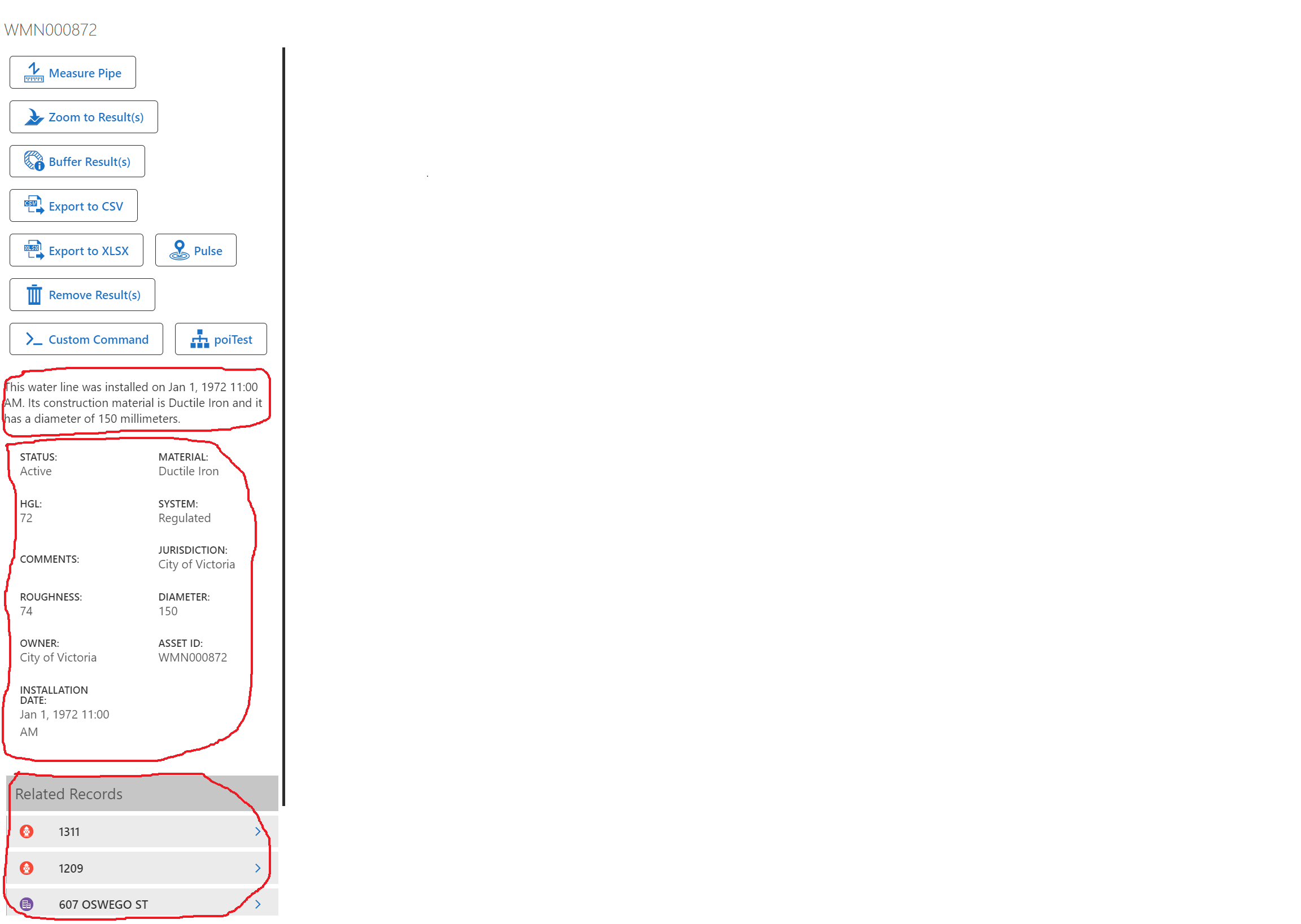
The attached image is a screenshot after I use the identify tool to query a specific feature. I circled the customised description of that layer, the fields to show, and the related data for that feature.
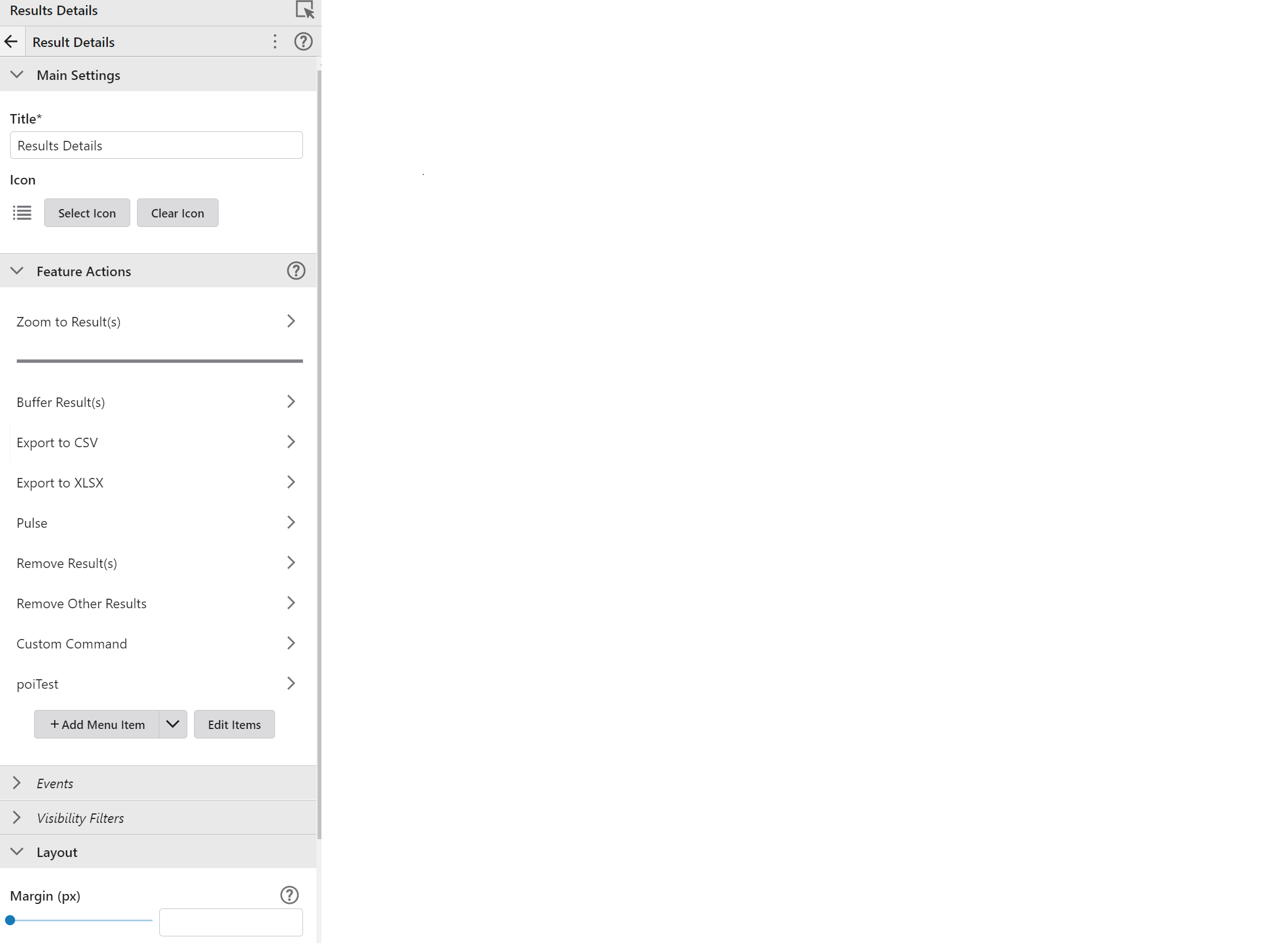
Can anyone show me how we can customise these parts? I also took a screenshot of the result details component, but only found the 'Feature Actions' section to set up the buttons. Didn't find anything about the description.
-
Commentaire officiel

Hi Johnny,
These are customized on the Web Map itself:
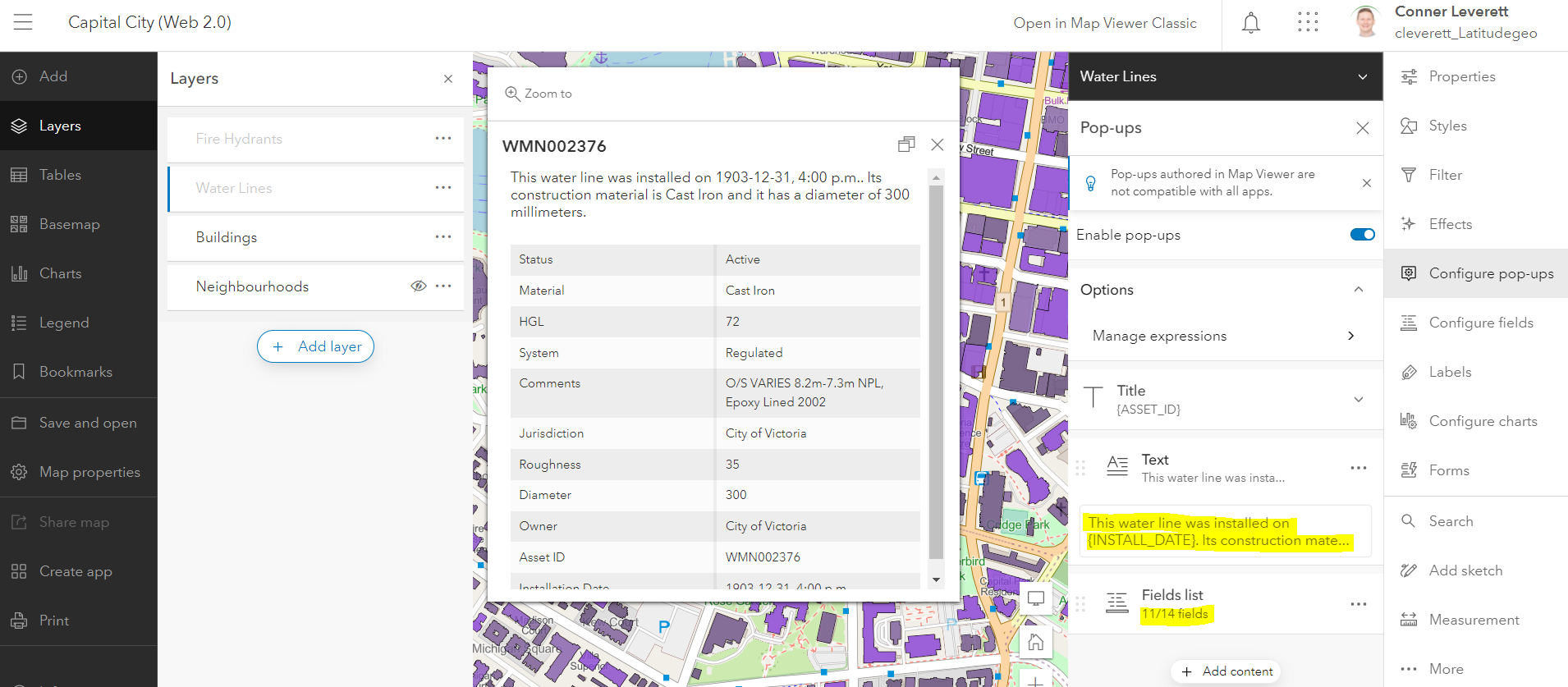
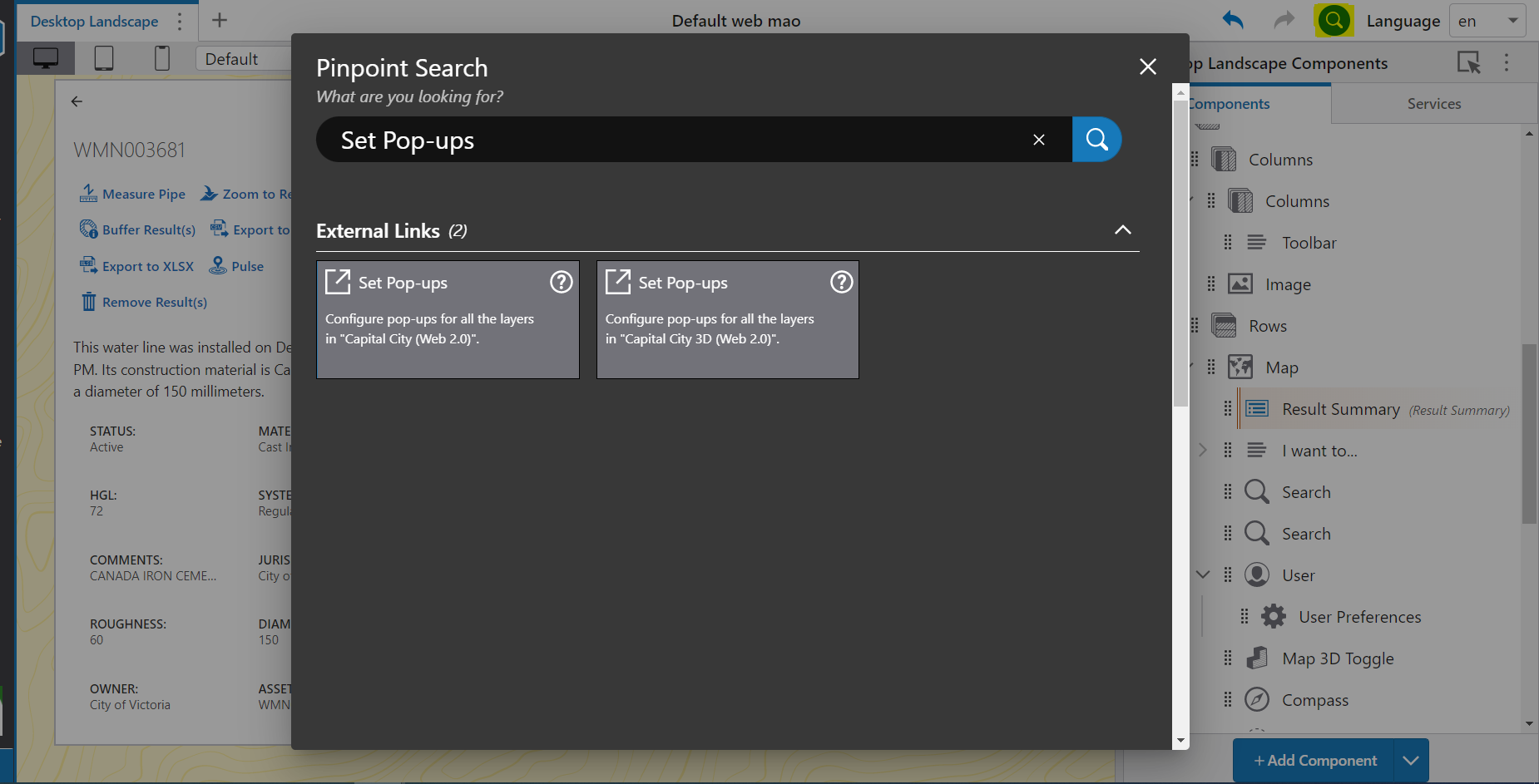
A simple way to get to the Web Map you'd like to configure is to use Pinpoint (highlighted in the image below) and search for "Set Pop-ups"
-

Is there a way to do that with workflow? I'm adding a layer into the map from JSON and want to control the popup title so it's not just blank when they identify features.
0
Vous devez vous connecter pour laisser un commentaire.
Commentaires
2 commentaires