How to edit the geometry of a feature
Répondu
I've figured out how to edit a feature's attributes, but I'm not able to figure out how to edit the geometry. In Geocortex Essentials, once in edit mode, I could simple click and drag my feature to change it's geometry. How is this done in Studio Web? Thanks!
-

Hi Kim,
I believe the next version of VertiGIS Studio Web will include OOB editing tools, but in the meantime we do expose some commands (Ex: sketching.edit-geometry) that can be called from workflow for performing this type of operation. I'd recommend taking a look at the VertiGIS Studio Web Sample Package as there is an "Edit Feature" workflow that is run from a feature action that allows you to edit the geometry (and attributes) of an existing feature.
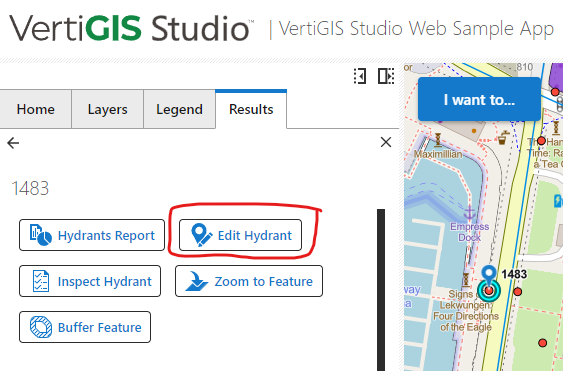
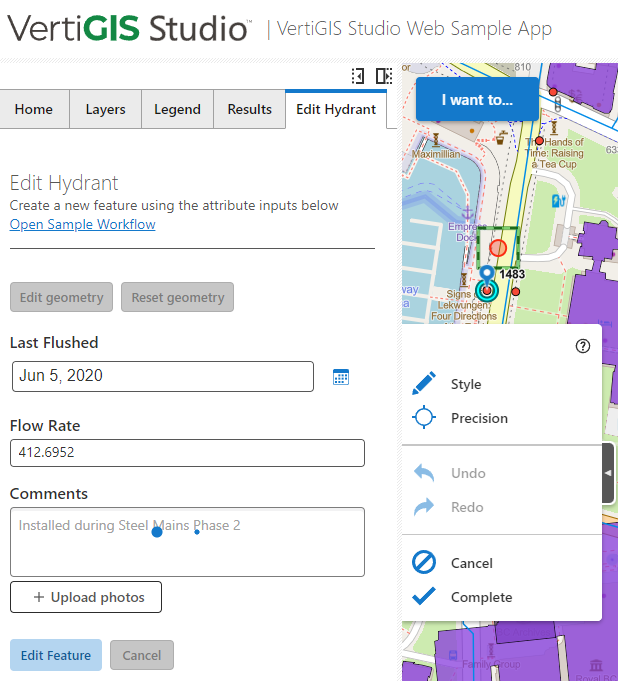 0
0 -

Thanks @... That sample site was helpful. Will 5.17 expose the capability to add/insert a vertex to an existing polygon? Can I do that now with the right command?
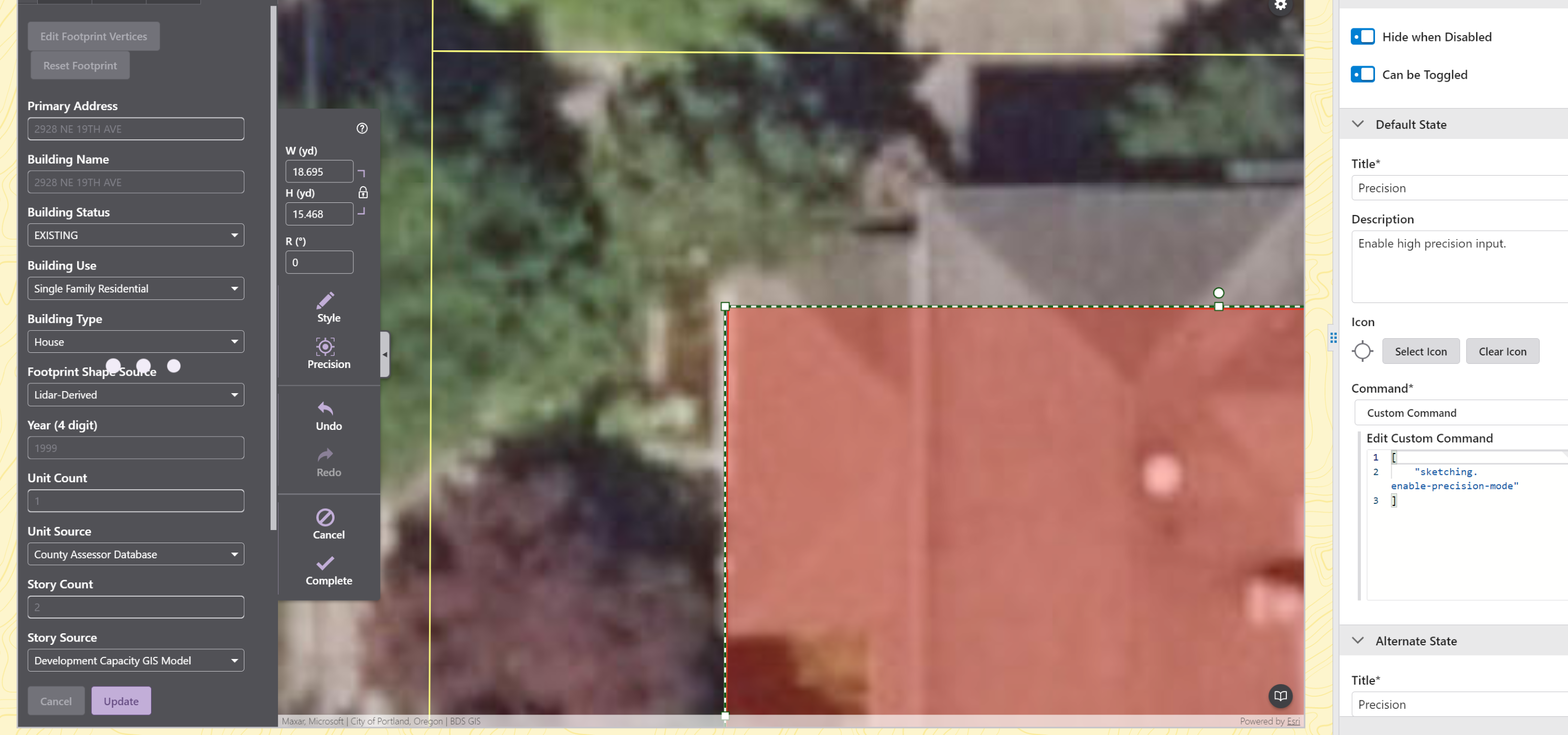 0
0 -
Hi Jake Brown, vertex editing will be supported in the next version of VertiGIS Studio Web.
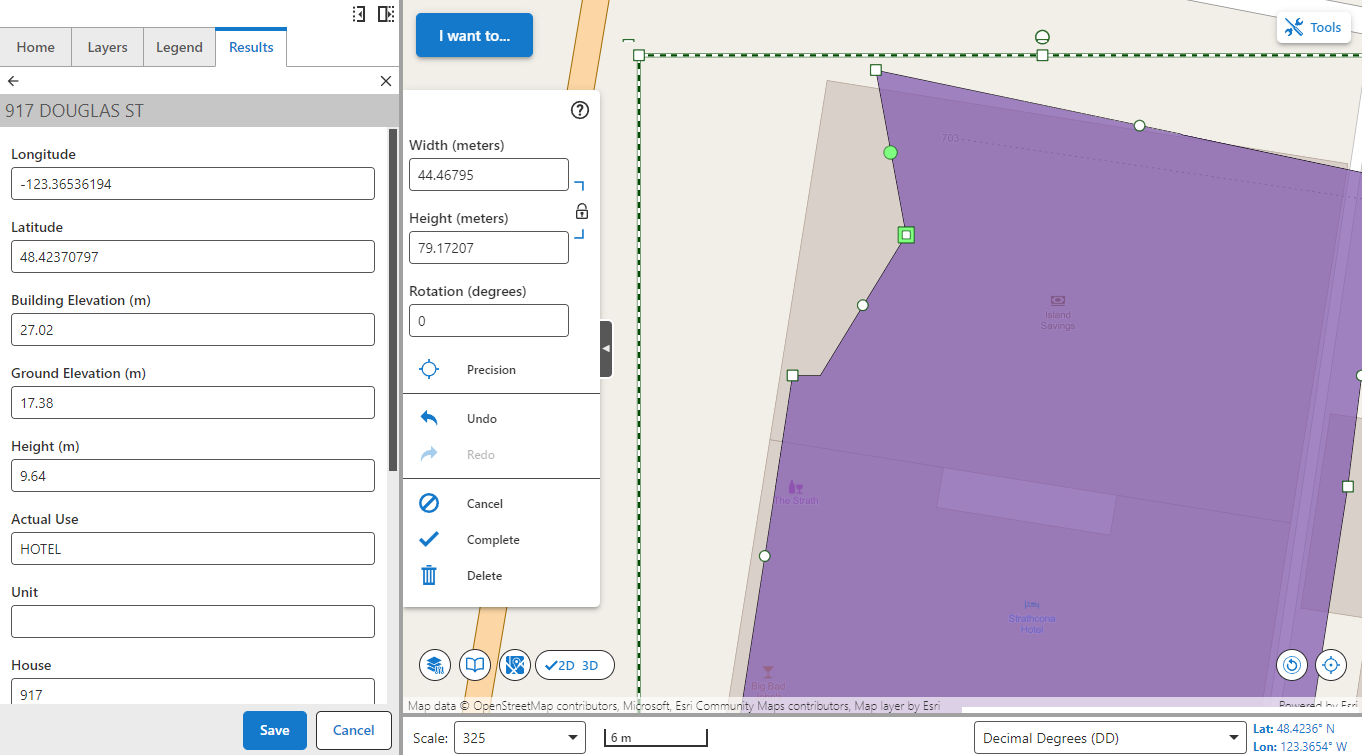
You can create new vertices by moving the midpoints between vertices (this will create two new midpoints that you can adjust for vertices.
Hopefully the screenshots below demonstrates this -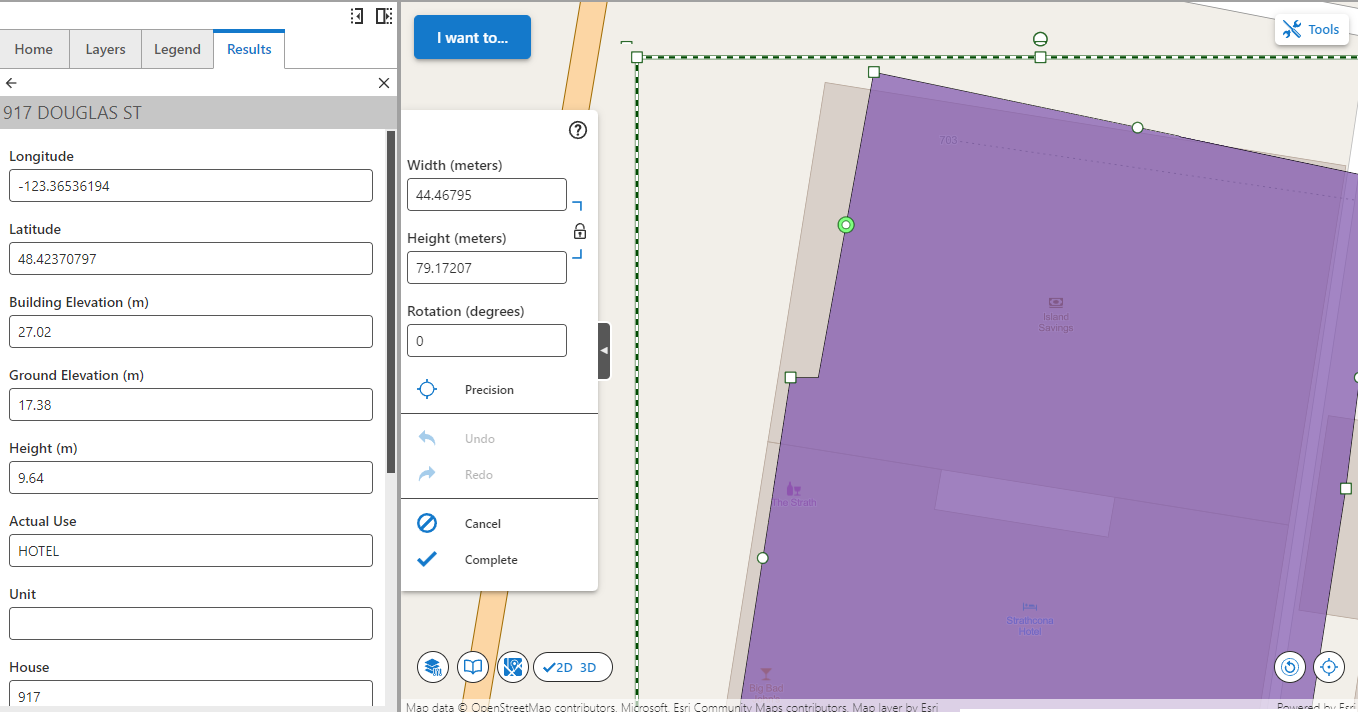
Two new midpoints are created when moving vertices.
If you need to edit/adjust vertices programmatically then you might be able to the "sketching.add-node-to-geometry" command.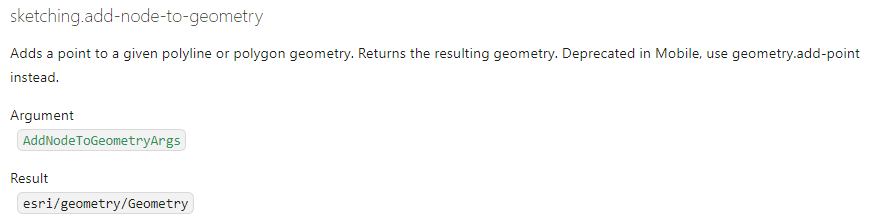 https://developers.geocortex.com/docs/web/api-commands-operations-events#definition-AddNodeToGeometryArgs
You could also use a workflow to loop through the geometry vertices/paths and adjust/add items to the array. We also have a detailed article which outlines some of the geometry editing commands that are exposed in VertiGIS Studio Web that can be found at:
https://community.vertigis.com/hc/en-us/community/posts/4416454222226-Geometry-editing-for-drawing-and-measurement-in-the-upcoming-5-14-Web-release
Hope that helps!0 -
Terrific news, thanks for the screen shots!
0 -

This is now available in Web 5.17
0 -

Have a dumb question how does one select multiple features and snap in 5.17 editing? Where are these options hidden. Users want to select multiple lines also want to snap while drawing features.
0
Vous devez vous connecter pour laisser un commentaire.
Commentaires
6 commentaires