Unable to add print tool to toolbar/ Menu
Répondu
I am trying to add the Print tool to either the Toolbar menu or I want to menu, and it is unavailable in either list. Additionally, when I try to embed the print tool in an expand (similar to how basemap selector is configured in the template) the print button disappears after closing the print window. It seems that the print tool is not functioning properly in our interface, and am just seeing if anyone is experiencing these issues?
-

Hi Erich - Printing has both a component portion that needs to be in your layout somewhere (Add Component > look for Printing under Maps) as well as a way of invoking it (such as a button in the toolbar).
If you add the Printing component first to your layout, Designer should allow you to then add an item to your toolbar.
0 -

I'm experiencing this same problem with version 5.31.0 of Studio Web. However, it's only happening with one of my viewers; I have several other viewers that show the Print tool just fine. This particular viewer that isn't showing the Print tool does have the Printing component added.
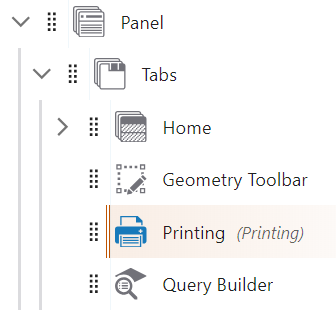
Here's a screenshot of the available tools where Print should be:
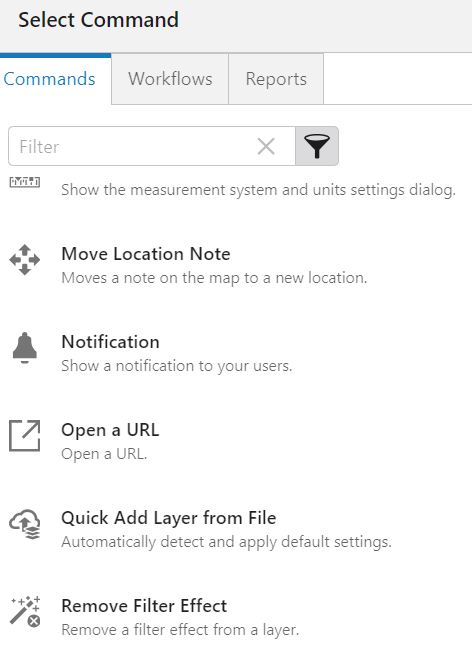
I'm really confused why some of my viewers provide the option to add the Print tool, while this one does not, so any insight into this issue would be greatly appreciated. Thanks!
0
Vous devez vous connecter pour laisser un commentaire.
Commentaires
2 commentaires