Does VSW really not have a proper equivalent to the Webmap Popup? Am I missing something here?

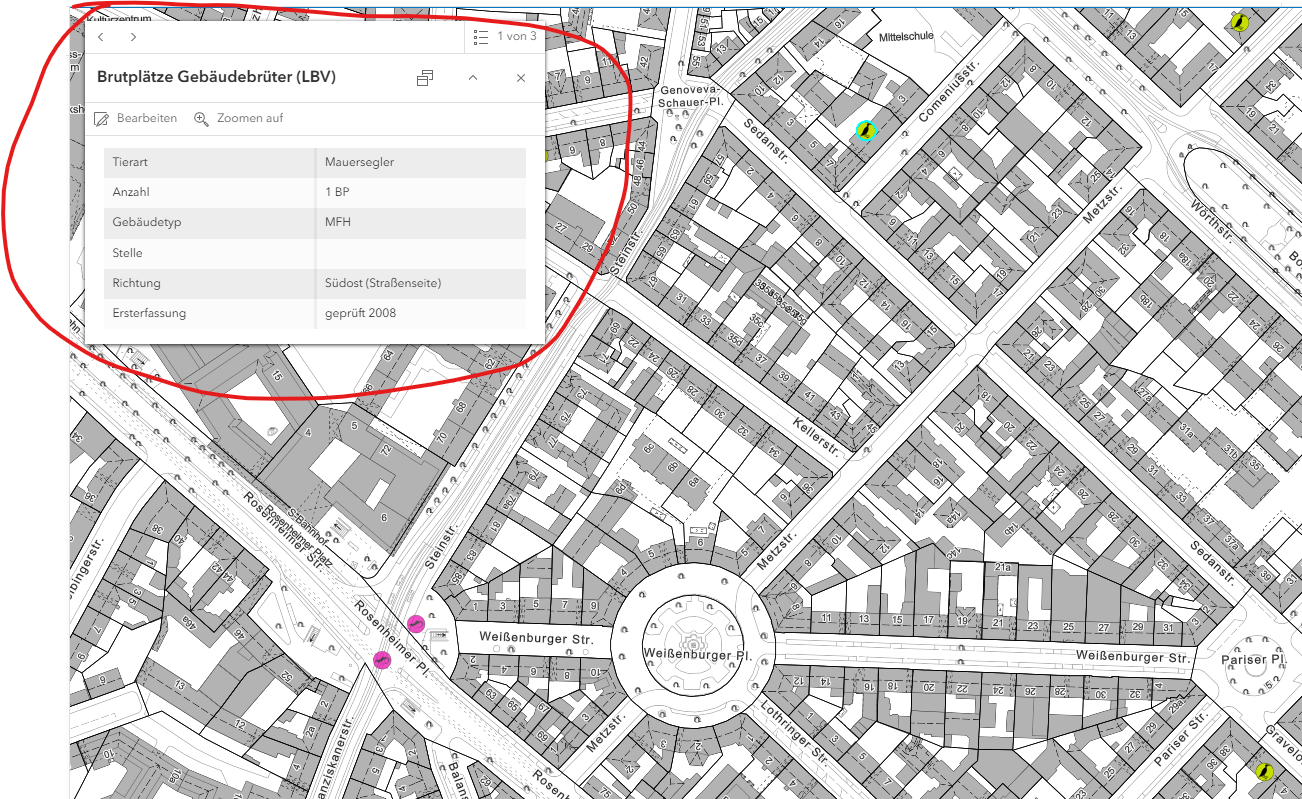
All we want is a Popup like the one in a default Arcgis Webmap:
- a Popup window which stays in the top left corner
- dynamically resizes depending on how many fields are configured
- shows all the fields we configured in the Popup
Am I seeing this right that VSW doesn't offer a solution like this? Both components “Results Summary” and “Results Details” come with different drawbacks:
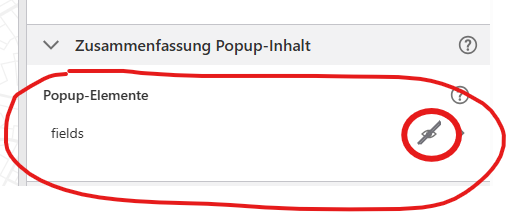
“Display summary” does the job well, except for one major drawback: it doesn't show any field values at all, unless you painfully configure it for each layer in VSW:
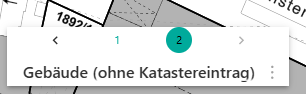
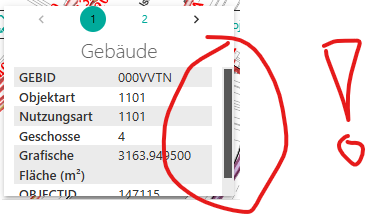
Meanwhile, “Display details" gets the fields right, but doesn't come with an automatically resizing window. Once too many fields are shown, it adds a scroll bar:
Is there really no solution for this?
-

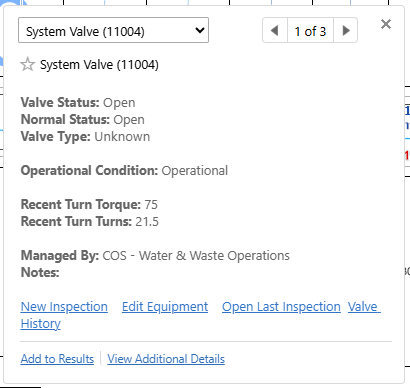
Sorry I can't add any help here, only our added frustration with this and the inability to have workflows run from links in a popup. This (to our staff) is a significant step back in user functionality and visual appeal. To go from clean popups like this - with links to workflows for those features to having buttons that are either have no text and you have to hover over to figure out what they do or large bulky buttons that take up crazy amounts of space is a step back from our users point of view. The workflows I can see being an issue related to the use of webmaps, but definitely could have a clean pop up like the webmaps.
 1
1 -

I agree pop ups have been a pain to deal with in vertigis studio web. Very tedious if you change webmaps
1 -
Everytime you republish a map service the pop ups break. Major annoyance. I resorted to creating them in ArcPro before and publish that way. Still not 100% but better. Improvements are needed
2
Please sign in to leave a comment.
Comments
3 comments