Modify outline and fill of map areas for a Line Print

Is it possible to modify the outline and fill of the map areas shown in the overview of a Line Print?
So e.g. remove the orange fill and modify the outline to black?
https://docs.vertigisstudio.com/desktop/latest/en/printing/multi-page.html#line
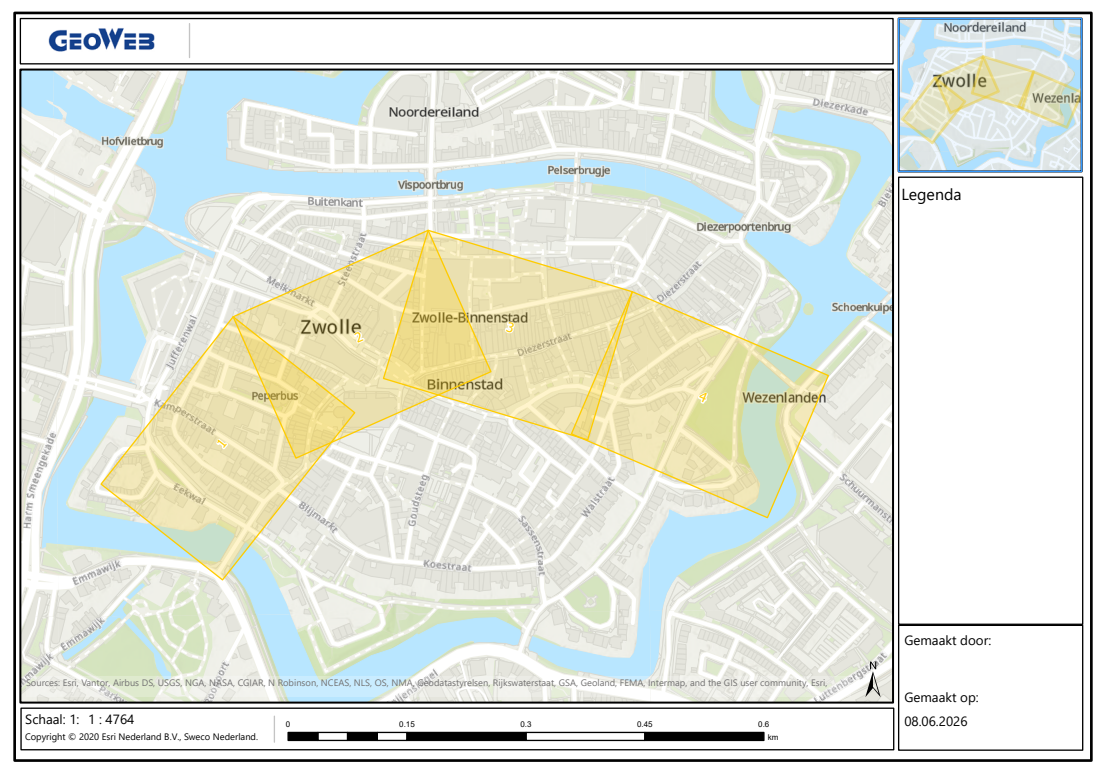
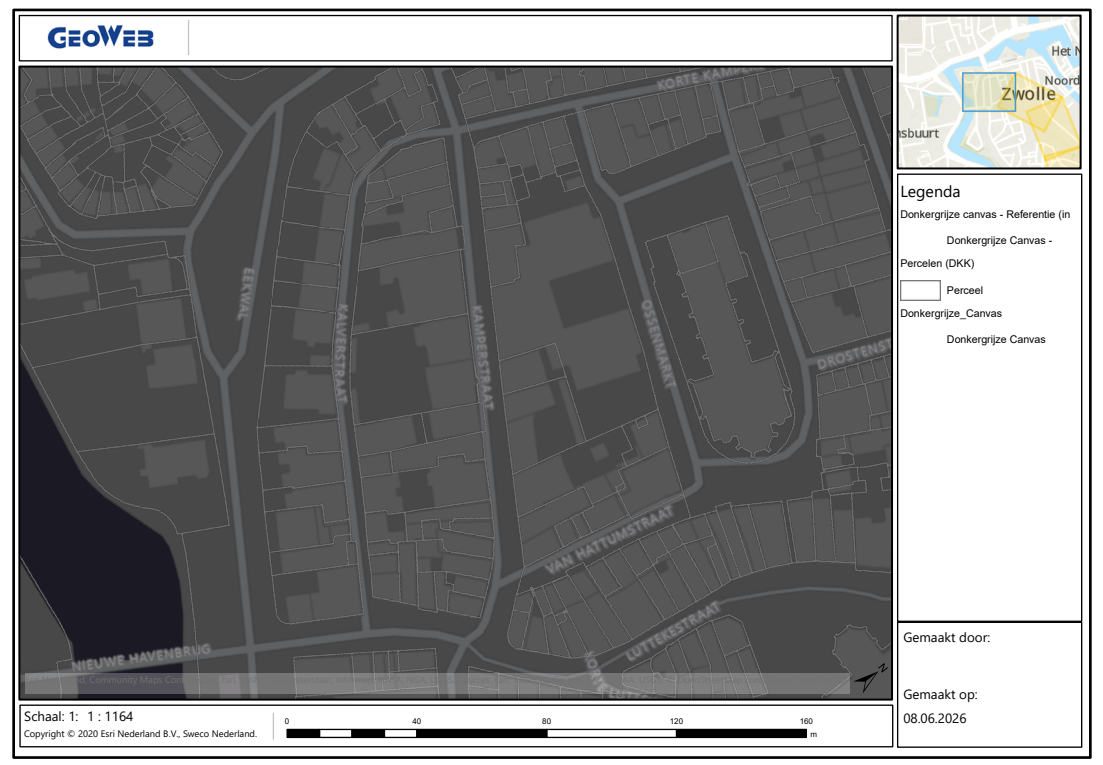
-

Hi Nico Burgerhart
Thank you for asking! As far as I'm aware, there is currently no way to modify the colour of the print preview graphics. We do have a feature request for this functionality filed to our backlog, so I have added you as a stakeholder. You can also add a post to our Ideas section if you like.
0 -
Alisa Lindley Are ther options with the additional settings parameter of a print task? (colorStroke / colorFill parameter)
0 -
Nico Burgerhart as far as I'm aware, those additional settings parameters only apply to the Print Task itself, which is the printing process that produces the final PDF. I think any changes to those parameters would apply to the PDF but not to the VertiGIS Studio Web app, especially since I believe the graphic's colour is coming from VertiGIS Studio Web's end, not from the Printing Engine. Loading the print options in Web invokes the Get Layout Templates Info Task, which does not appear to have colour options, and I don't think there would be an easy way to intercept this task anyway since there is no equivalent to the printing.print-prepared event that occurs early enough for it.
0 -
Alisa Lindley Thanks for additional technical info, it's appreciated.
0 -

The existing user story for this topic has been reviewed and extended with additional specifications.
The need to switch to a different color scheme typically arises from the prevalent color(s) in the web map that is used and much less on the colors defined on a specific print layout.
Therefore, the color settings shall be defined in the app config and be independent of the Printing layout in use. Consequently, the Get_Layout_Templates_Info_Task shall not be extended with any color-specific information.Clara (Administrator) shall be able to define the style of the print page box for a given Studio Web app:
- Page Box Color (Color Chooser) defining values for R (red) + G (green) + B (blue) + A (alpha / opacity)
- Page Box Outline Color (Color Chooser)
- Page Box Outline Width (Slider and text field, 0-5
- Page Label Color (Color Chooser)
- Page Label Halo Size (Slider and text field, 0-10)
- Page Label Halo Color (Color Chooser)
- Page Label Font Size (Slider and text field, 0-20)
Oscar (End User) shall be able to completely override the print page box style in the print menu in Studio Web.
Setting the alpha channel of a color, the font size or the outline with to 0 will result in that box or page number label not being displayed at all.The color settings shall be applied to both the print preview in Studio Web and the generated print output (PDF) to create a matching UX.
- User Story 385088: [Printing Engine] Allow custom color configuration for print area box and label in print requests
- User Story 385111: [Printing Web Designer] Allow administrators to select the style of the page box and label on the overview page
- User Story 322060: [Printing Web] Allow end users to select the style of the page box and label on the overview page
Please note that these work items are not currently on our roadmap, and therefore no delivery date can be provided.
0
Please sign in to leave a comment.
Comments
5 comments