Customize background color

Hi all,
I'd like to have this effect on my App, changing the background color and giving some space between the elements, or even change a color of a component (Column or Rows):
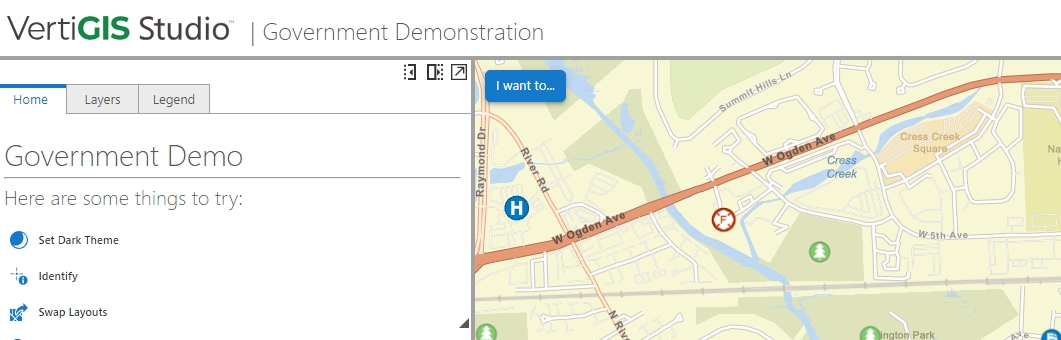
Anyone knows how I can do it?
Thanks in advance.
Donatella
-

Accent Color and Color Theme
https://docs.vertigisstudio.com/webviewer/latest/admin-help/settings-branding.htmlCompact View
https://docs.vertigisstudio.com/webviewer/latest/admin-help/settings-user-preference.html0 -
Hi Nico,
thanks for the quick answer, but I still dont't understand how I can obtain the effect, because the “Theme” is only “Light” or “Dark”, and the “Accent Color” is only for the elements, as Buttons. I'd like to visualize better the single components, as, up to now, it's all white and also adding some Padding or Rand is not helping.
Thanks
0 -
You can use a startup workflow with Inject CSS activity, but documentation on this topic is limited.
https://docs.vertigisstudio.com/workflow/latest/help/inject-css.html0 -

Hi, as Nico mentioned that there are limited resources on this, does anyone have an example of CSS that they can share on how to change the background colour of a component, specifically a column in Studio Designer, using workflow? I'm trying to colour the header background black as seen in the screenshot below. This header is made of columns component.

I tried to use the Inject CSS activity in workflow, which I add within the App Initialization tab, but it didn't work:
split-91e1ab0d {
background-color: #000 !important;
color: #fff;I'm new to CSS so would appreciate any pointers to make this work. Thank you!
0
Please sign in to leave a comment.
Comments
4 comments