Reports on certain features only

Can someone explain how the sample app allows specific reports to be attached to their respective layers, or not at all? My team is currently struggling with the transition from GVH. It seems I can add a report action, but it attaches the button to ALL layers in the map. I just want the reports to be visible for the layers they are applicable to.
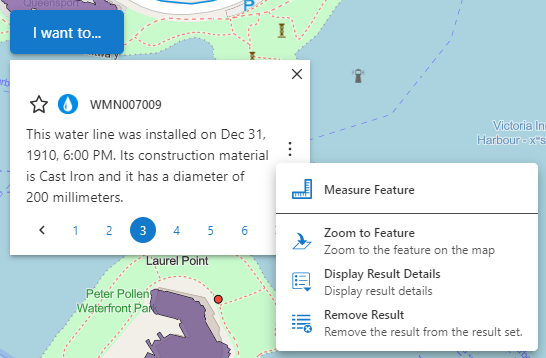
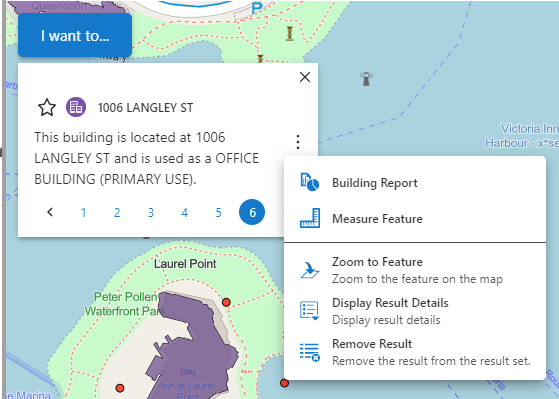
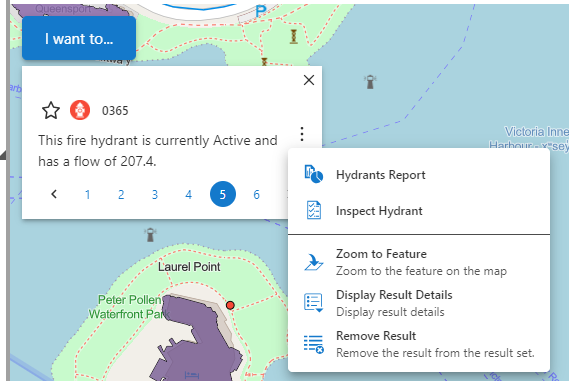
-

You can add a report to each layer, under the Map Component. Click on the map, then select the layer you need to link your report to.
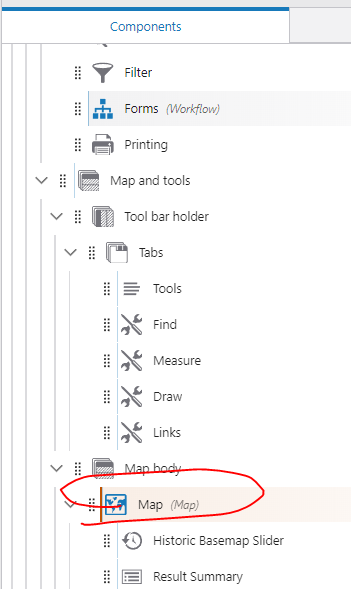
Under the layer ‘Feature Actions’ - Click ‘+Add Menu Item’ and select the report you would like to link to that layer.
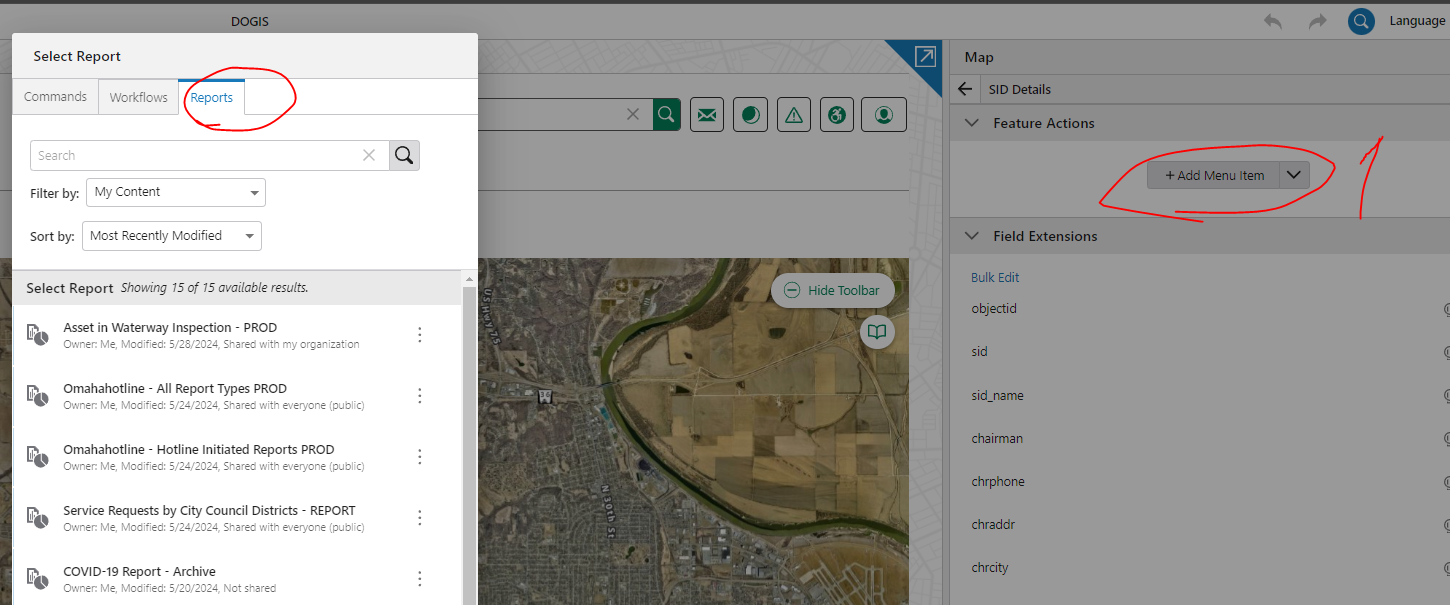
I hope this helps.
1 -
Wow. Thank you
0 -

Nataliya nailed it, though to add: our docs on Feature Actions are relevant here too. Note you can even show or hide these feature actions based on the authenticated user.
0
Please sign in to leave a comment.
Comments
3 comments