The photos are automatically cropped when inserted into a post!!!!

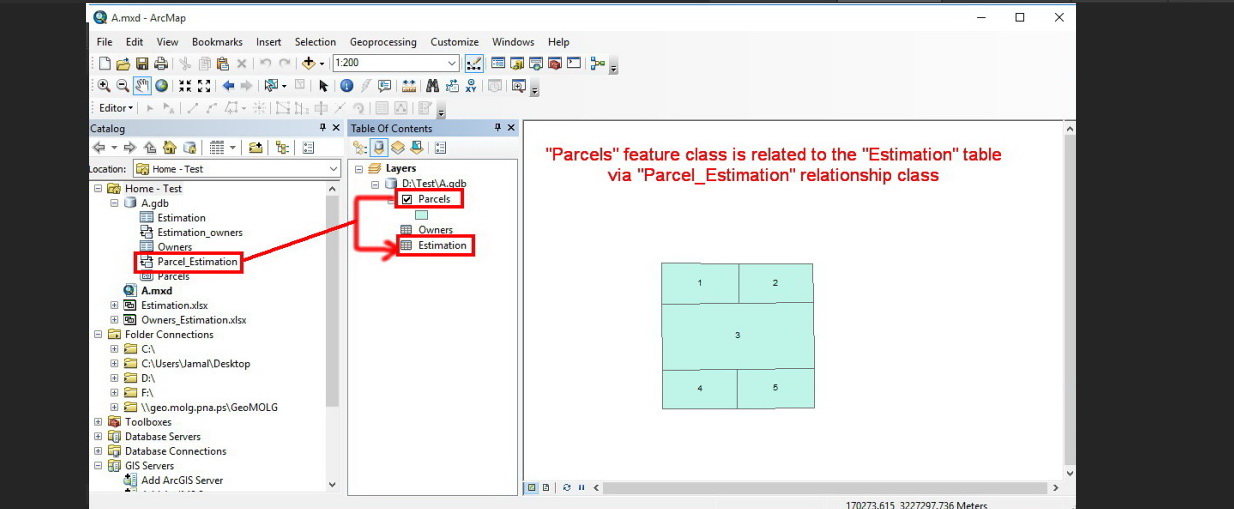
When I insert a photo into a thread, it is cropped automatically, and a large portion of the targeted context is lost! Is there a way to resolve this problem?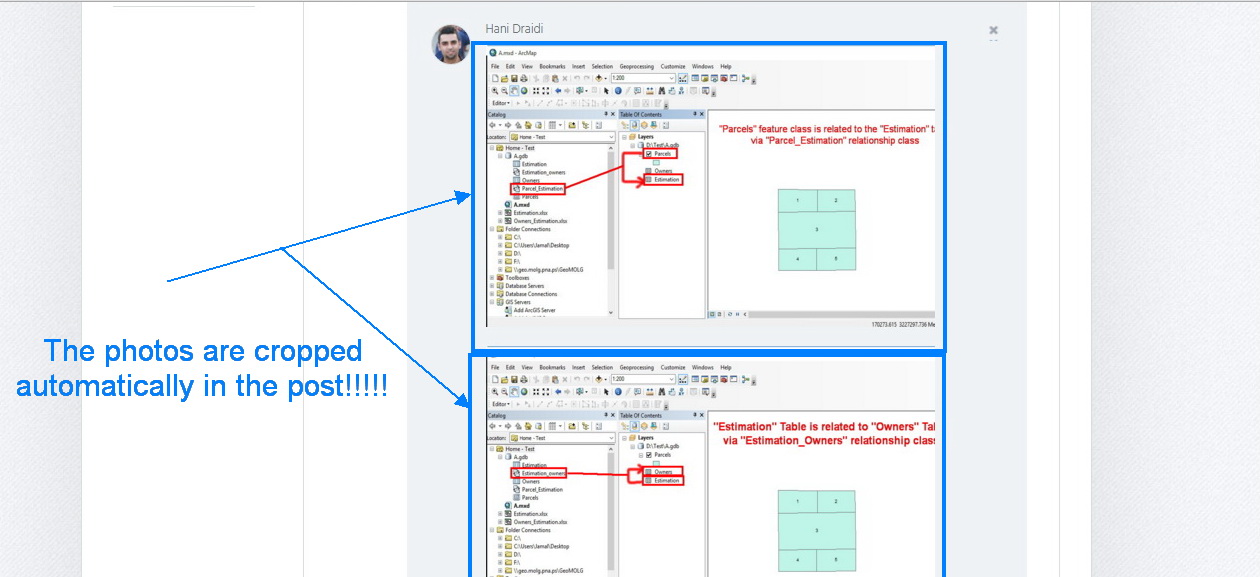
How the photo appears in the post (cropped)
The original photo:
0
-

Hello Hani,
Thanks for your feedback, I've added your name to the list of stakeholders.
Stefan
0 -
Hi Hani,
I've been playing with this, and it appears to be tied to the aspect ratio of the image. It also appears to be browser-dependent -- Chrome and Firefox seem to crop images whereas Internet Explorer does not. I'll talk to the design team about possibly finding a solution.
The good news is that the image itself is not cropped; only its display within the the post. If you display the image in a new browser tab or window, you should see the full image.0 -
Thanks for following up Stefan and Jordan, 0
Please sign in to leave a comment.
Comments
3 comments