Generate multiple pages for a report

Is it possible to generate mutliple pages through a subreport?
A query has the potenital to return many records, our subreport can display a maximum of 10. The rest are not shown in the output. Does anybody know the process to contiune generating addition pages to display the rest of the query results in the report?
Regards,
Elliott
0
-
I am looking for an answer to this question too. Once the subreport gets to the end of a page it truncates the rest of the data. 0 -

My understanding is that a subreport is essentially a reserved space on a report. So since it's a report on an existing report, it can only take up that amount of space on the page.
However, if instead you're talking about a subreport that returns multiple records (i.e. from a one to many data link), then you should be able to make the report be as many pages as it needs to be to list all of the linked records.
Can you check the CanGrow settings on your subreport control in your main report and your Detail on your subreport?0 -
The subreport control is set to grow and shrink. The detail section is also grow and shrink. 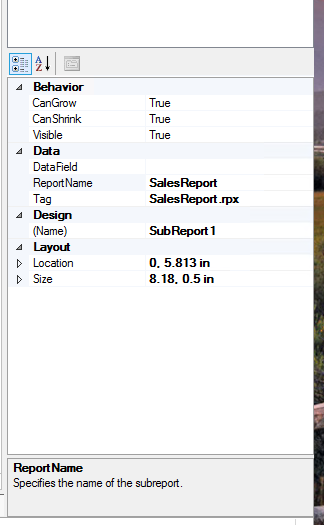
Subreport Control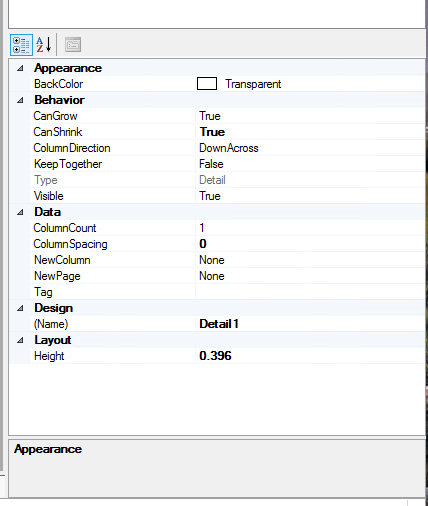
detail of the subreport
I had the max pages of main report at 2 (not sure why) I just changed it to 0. Which is a little better but the last 2 records are truncated. see below.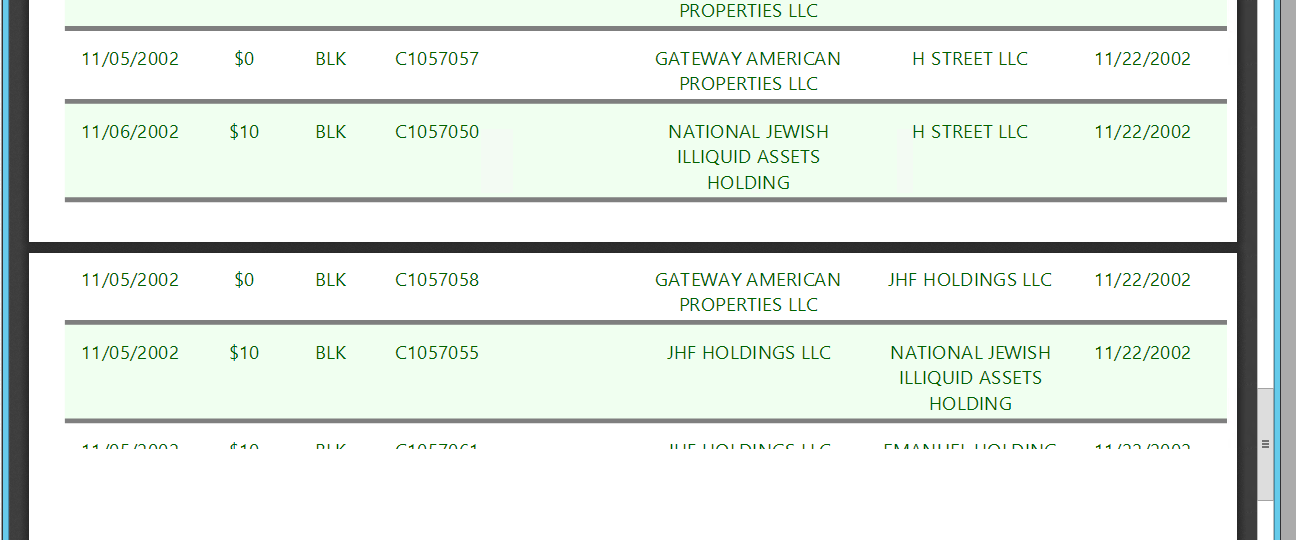 0
0 -
Hmm, I see a couple of differences between your settings and mine.
1) In my subreport I have CanShrink set to False.
2) The heights in my Detail1 in my subreport and my Subreport in my main report are identical (yours are .396 and .5)0 -
With CanShrink to False and heights in subreport control and the subreport detail as .5 I am not seeing any changes other than that each row is now .5 height unless the content is bigger than the .5 height alloted.
I just saw the CanGrow control for the main report section was set to false! Changed it now it is working as it should. Thanks for reviewing my report settings and helping me figure out this thing.0
Please sign in to leave a comment.
Comments
5 comments