Selection

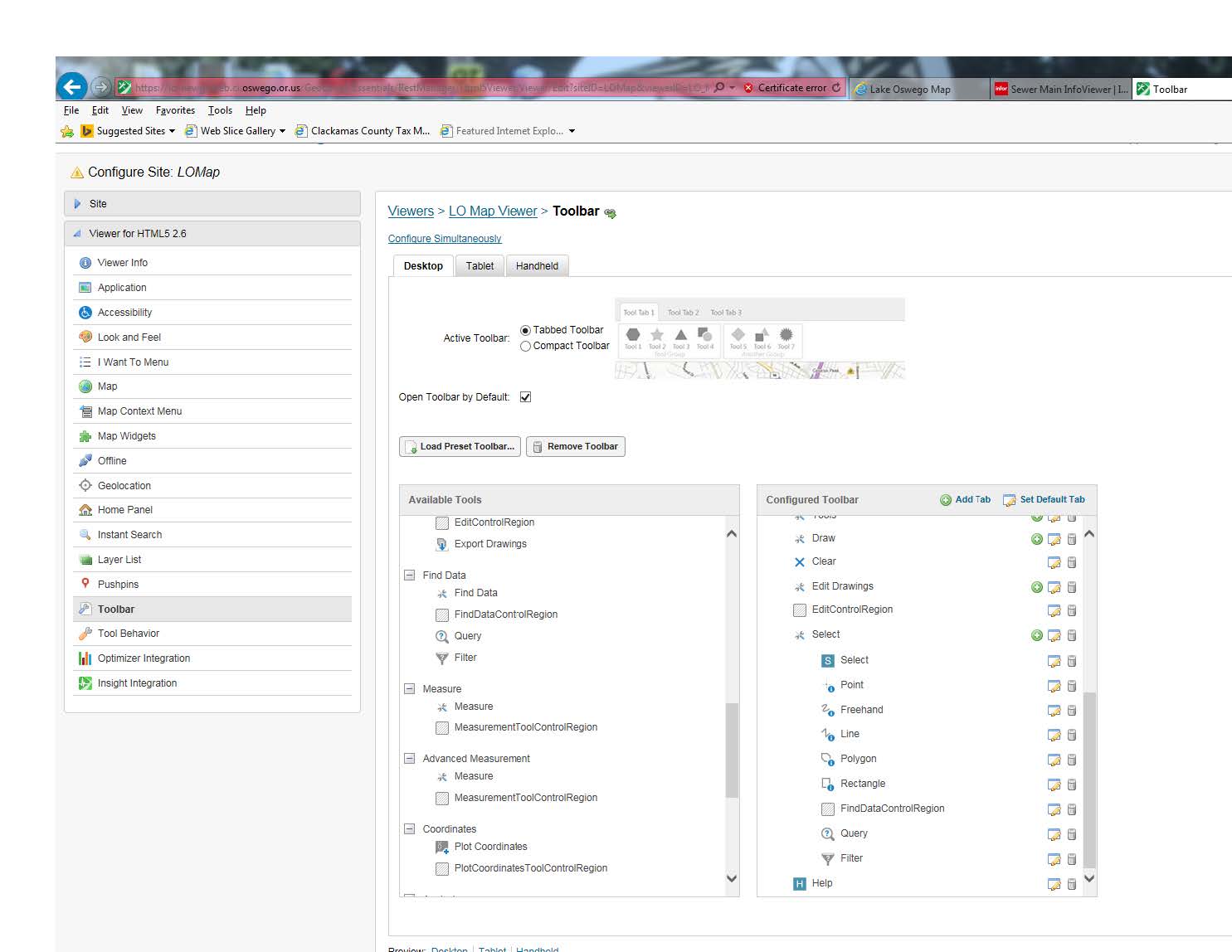
In our HTML5 viewer, we have created multi-tools that display in our toolbar for tasks such as Draw, Measure and Find (which we label as Search). We have added a button that is used only for display on the toolbar - it is the first item listed in our list of tools for the multitool. When a tool is used, such as using the Rectangle Tool to select a number of items on the map, the tool replaces our button on the toolbar. Is there a way to not have the tool replace our button?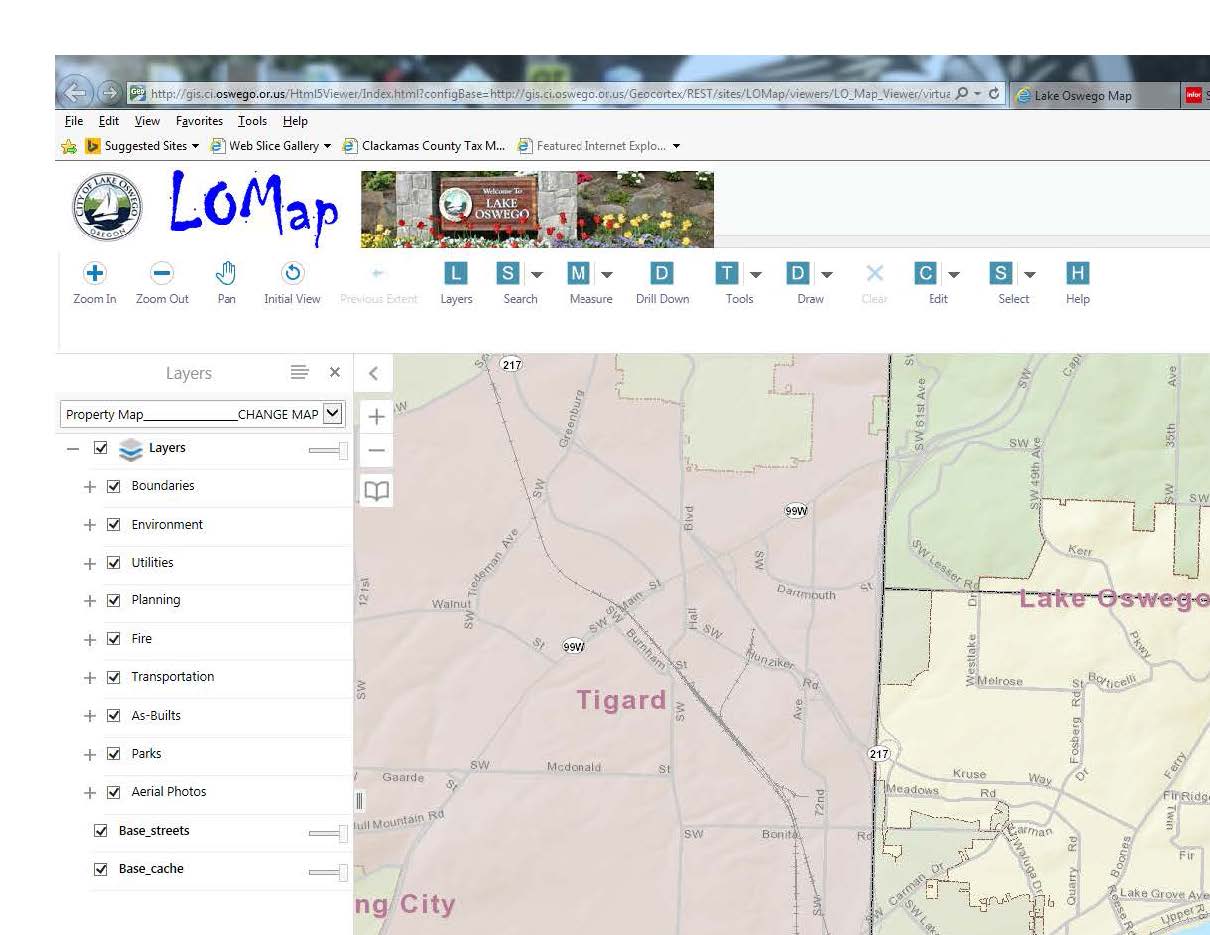
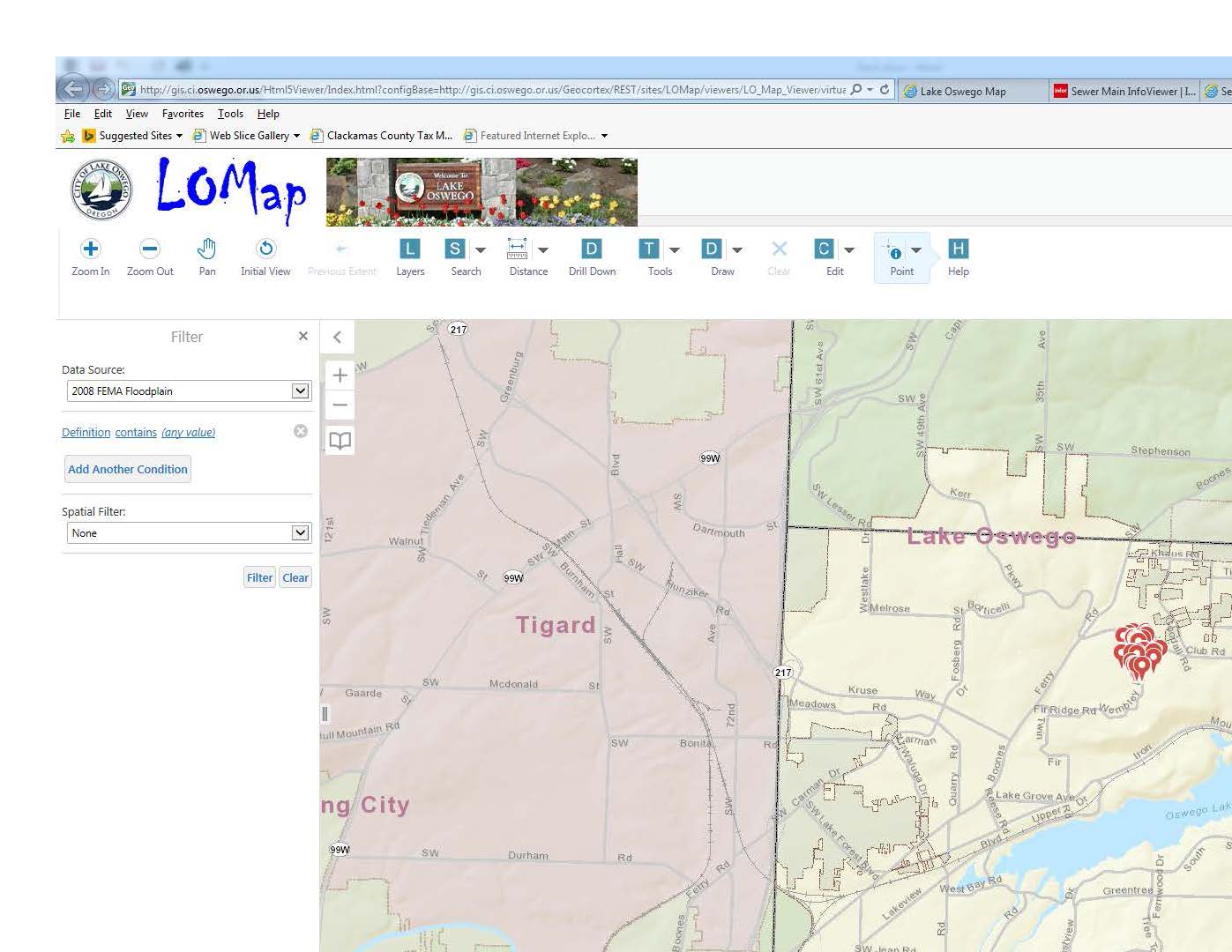
Below: Our toolbar with a "S" image for the Find multi-tool:
Below: Our toolbar with the "S" replaced with the Point image:
0
-
I am interested in this as well! 0 -
Hi Roger and Arjun,
Unfortunately, the Multi-Tool is coded to work like that. This allows the user to know which multi-tool they have selected. If you do not like this functionality, then I would suggest adding this to our Ideas Board here:
https://support.geocortex.com/GSCIdeas?c=09a6000000008RsAAI&filter=1&categ=all&sub-nav=ideas&main-nav=essentials&page=1
Our developers monitor this board quite closely so they will definitely be aware of this when you post it. If enough users think that this is an issue, then it will be improved upon in a future release.
I hope this helps.
Carmen0 -

Carmen,
It just so happens that I've been toying with this feature today and am having the opposite issue of OP, which may be a bug but perhaps you can help me out. I have multitools populated with buttons that will run a workflow with slightly different parameters, and all run fine. Unfortunately, when a user selects a second ot nth button from the multitool the "top" button does not update to reflect this. Does this sound like anything to you?0 -

Hi Zack,
It looks like tools inside multitools will replace the multitool button on the toolbar, however buttons inside multitools will not. Because RunWorkflowById requires a command parameter, the workflows would have been added as buttons. We have this issue documented internally as GVH-10966, so I will add you to that as a stakeholder. As always, you can help improve an issue's visibility by posting it to the Ideas section so that other users can vote for it as well.
Hope that helps,
Amanda0 -

Hi all,
I have a similar issue and I want to ask you if someone has a solution. I have two different button which call two different Workflows. I want to add these buttons in a Combo box. I tried with a MultiTool but, in this case, when I expand the combobox and I click on the second button, the system calls correctly the workflow but the ComboBox preview image is always the same.
In a nutshell, if the default button is TODAY and then i click from the ComboBox YESTERDAY, the system close the combobox but the button remains on TODAY.
Any suggestion?
Many thanks0 -
As Amanda said, a multitool toolbar item will only update with the image of a tool that's been clicked, but not a button. These are distinct types of items in a toolbar, and as only buttons will run a workflow there is no solution for the issue at this time. I ended up splitting the buttons out into the toolbar, myself. 0
Please sign in to leave a comment.
Comments
6 comments