Help connecting to a service

I'm trying to add a Map Service (I've only done this once or twice and it's been a long time).
I was given 2 ways to access the data: ArcGIS server or WMS. Both ways give me a "connection error" message when I try to enter them.
ArcGIS Server: https://genesis.srd.alberta.ca/genesis_tokenauth/services
WMS: https://genesis.srd.alberta.ca/genesis_tokenauth/services/FireMap/Latest/MapServer/WMSServer?request=GetCapabilities&service=WMS
They work fine in ArcCatalog. Am I using an incorrect string when I paste these into the URL when adding a connection in GeoCortex Essentials?
Thanks
0
-
Will it work if you try adding the connection with this URL?
https://genesis.srd.alberta.ca/genesis_tokenauth/rest/services
I can at least get to the rest endpoint in chrome with that URL
Best,
Aaron0 -
Thanks for trying that Aaron. I am also able to see the rest endpoint in a browser. But when adding a Map Service in Geocortex, I still get a message "connection failed for both the ArcGIS and WMS addresses. 0 -
I agree with Aaron, I think your ArcGIS for Server rest endpoint is incorrect. I was able to add it that map service to my map. Go to Add a Map Service -> enter "https://genesis.srd.alberta.ca/genesis_tokenauth/rest/services/FireMap/Latest/MapServer" and hit ok. 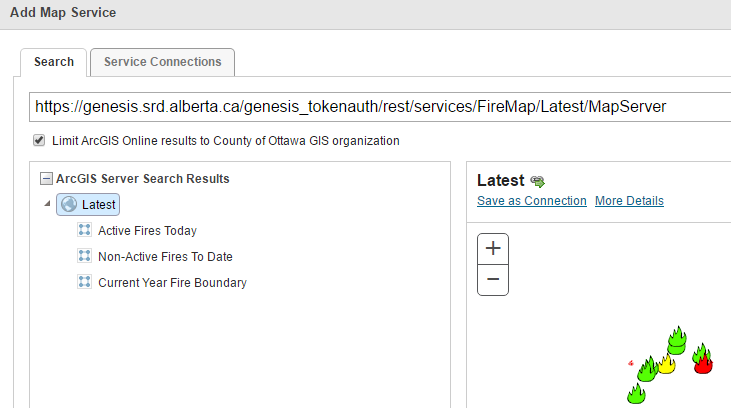 0
0 -
Maybe a firewall or port issue? Tried the same as you and get No results found. 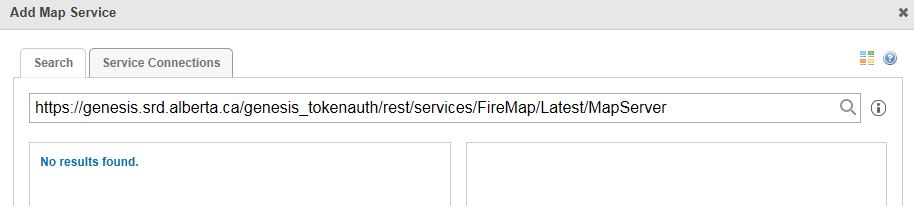 0
0 -
Yeah, it could be...Have you used Fiddler to capture your web traffic? Here is what is returned for me... 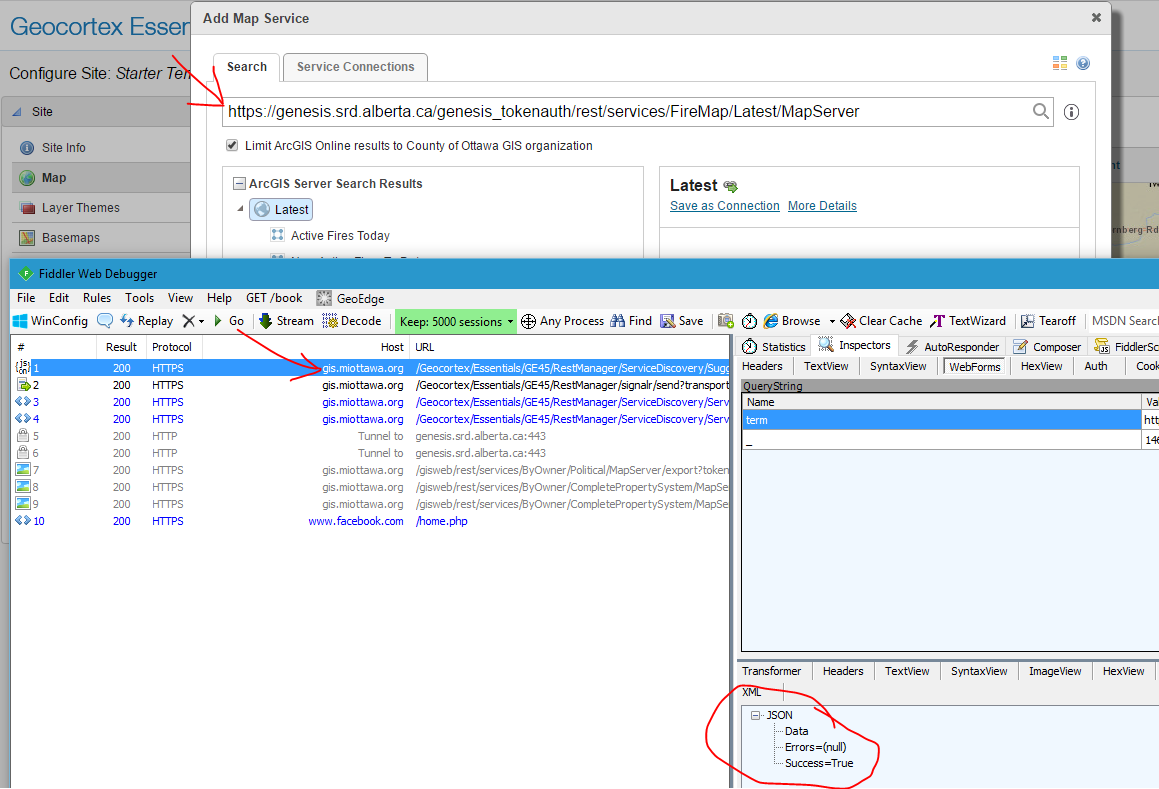
But you said that the rest endpoint 'https://genesis.srd.alberta.ca/genesis_tokenauth/rest/services/FireMap/Latest/MapServer' resolves successfully in your browser, so that is confusing...0
Please sign in to leave a comment.
Comments
5 comments