Collapse (Not Remove) the Layer List panel on start up (GE 4.5.1 and HMTL 2.6.1)

Hi all: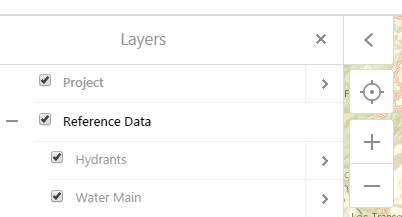
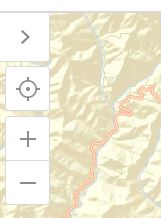
I want to collapse the Layer List panel on start up. Right now, when the user opens the application, the Layer List panel appears on the left side of the screen.
See first screen capture. This is what it looks like now:
I would like it to look like this:
I would think this would be a simple setting in GE Manager but I can't find anything. I also removed the LayerDataContainerView view in the config.json but that just removed all of the contents (I don't want to remove the contents I just want to collpase them and have the user be able to exapnd them)
Thanks!
0
-
Hi David,
In the Look and Feel section in GE Manager, look for Data Frame options, you can untick the option to open by default.0 -
Thanks! Can't believe I missed that 0
Please sign in to leave a comment.
Comments
2 comments