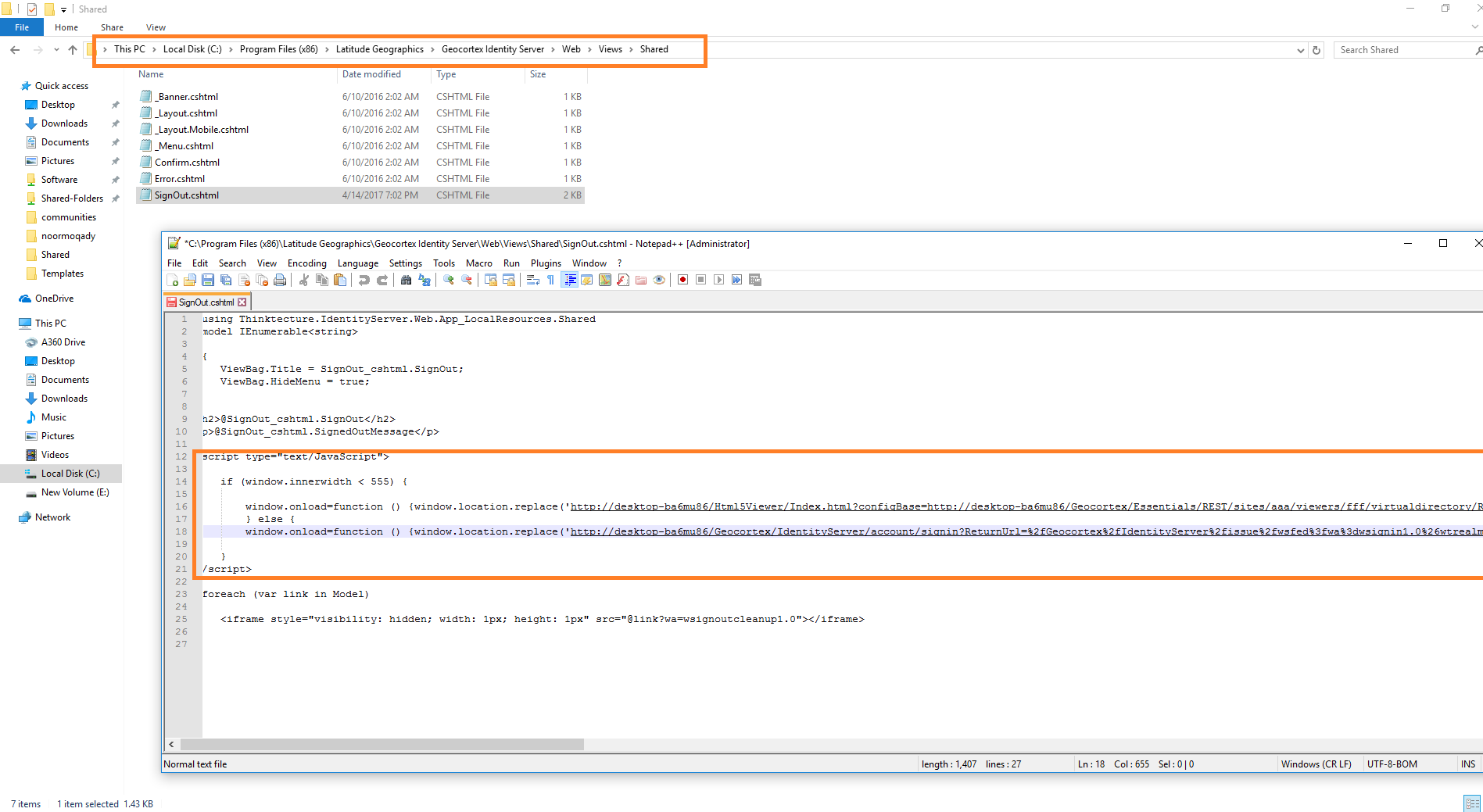
The Geocortex fails to respect the “Sign-Out Landing Page URL

after adding this code :-
<script type="text/JavaScript">
if (window.innerwidth < 555) {
window.onload = function () {window.location.replace('my site url');}
} else {
window.onload = function () {window.location.replace('my site sign out page url ');}
}
</script>
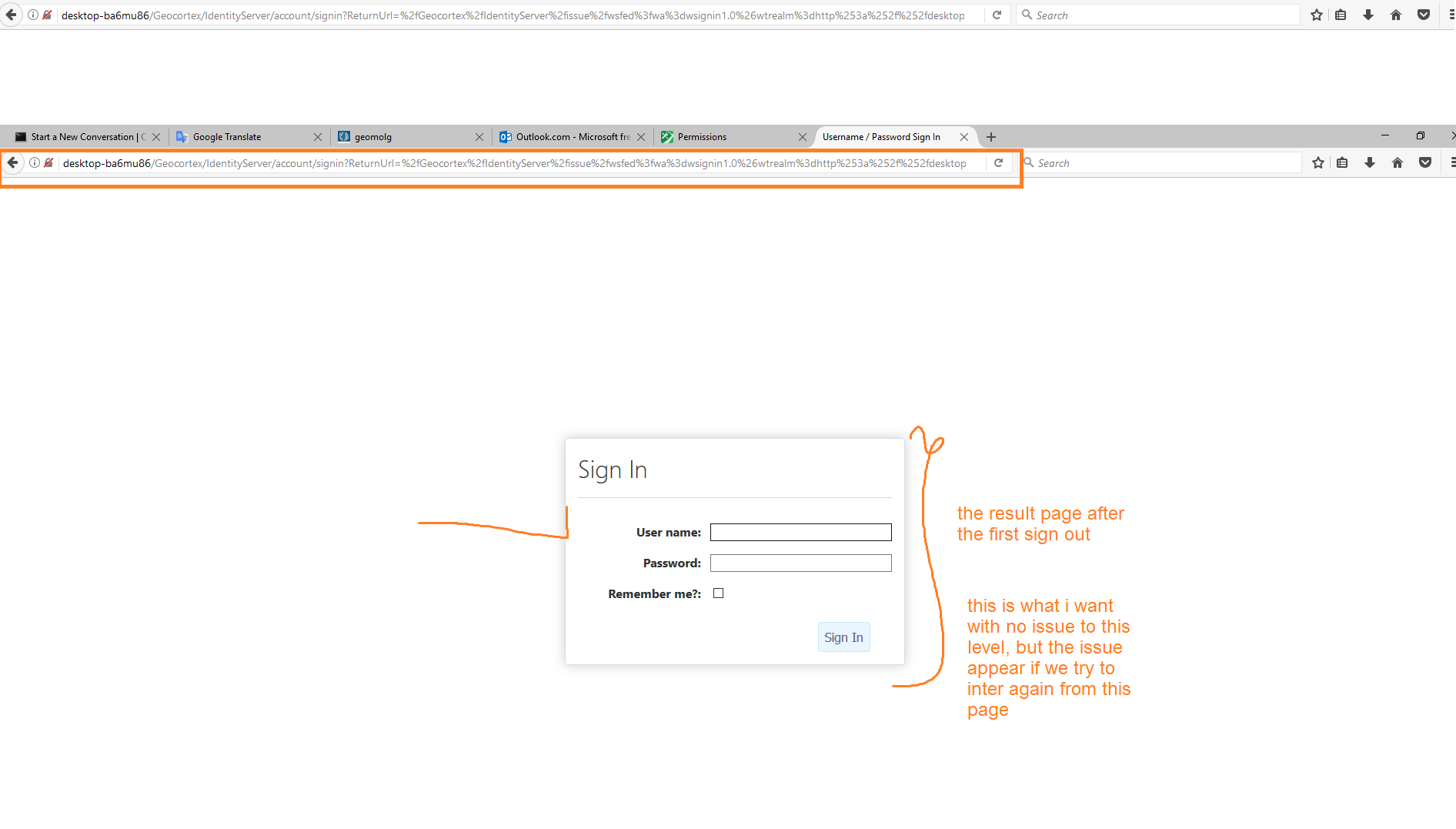
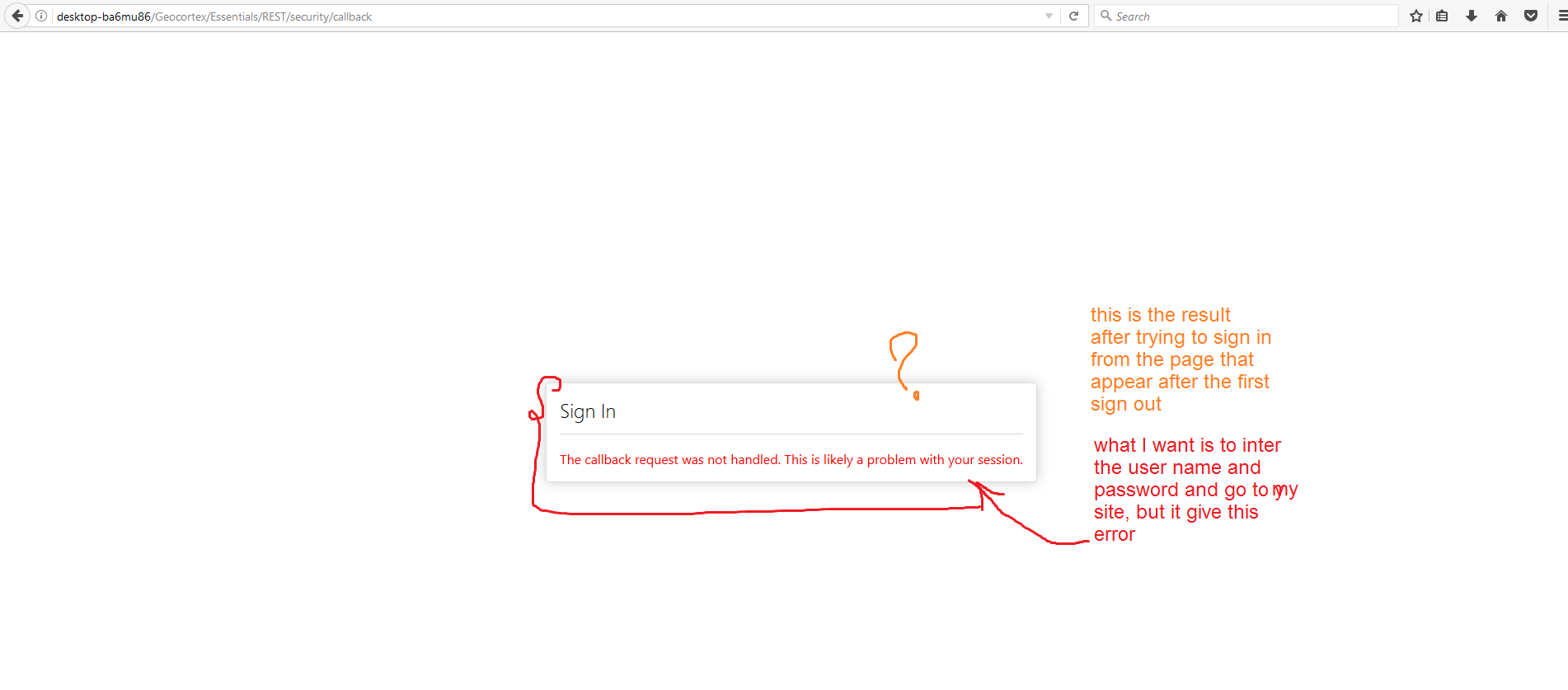
to ( SignOut.cshtml ) file, my site works fine, and sign in and out fine, but after the first "sign out" my site get me back to the sign in page so i could put my user name and password to sign to my site again but unfortunately it gave this error " The callback request was not handled. This is likely a problem with your session. " as in the attached photos
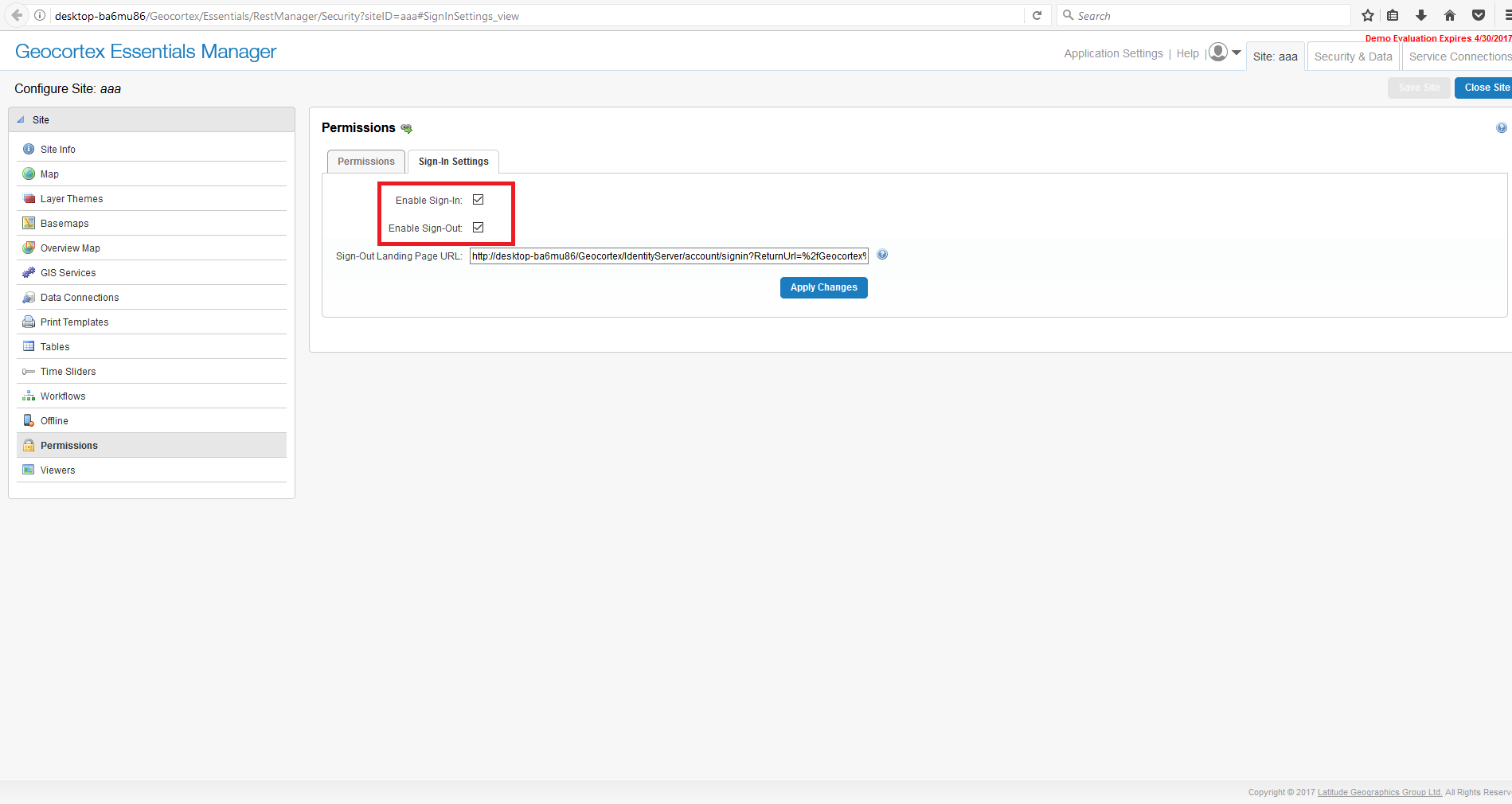
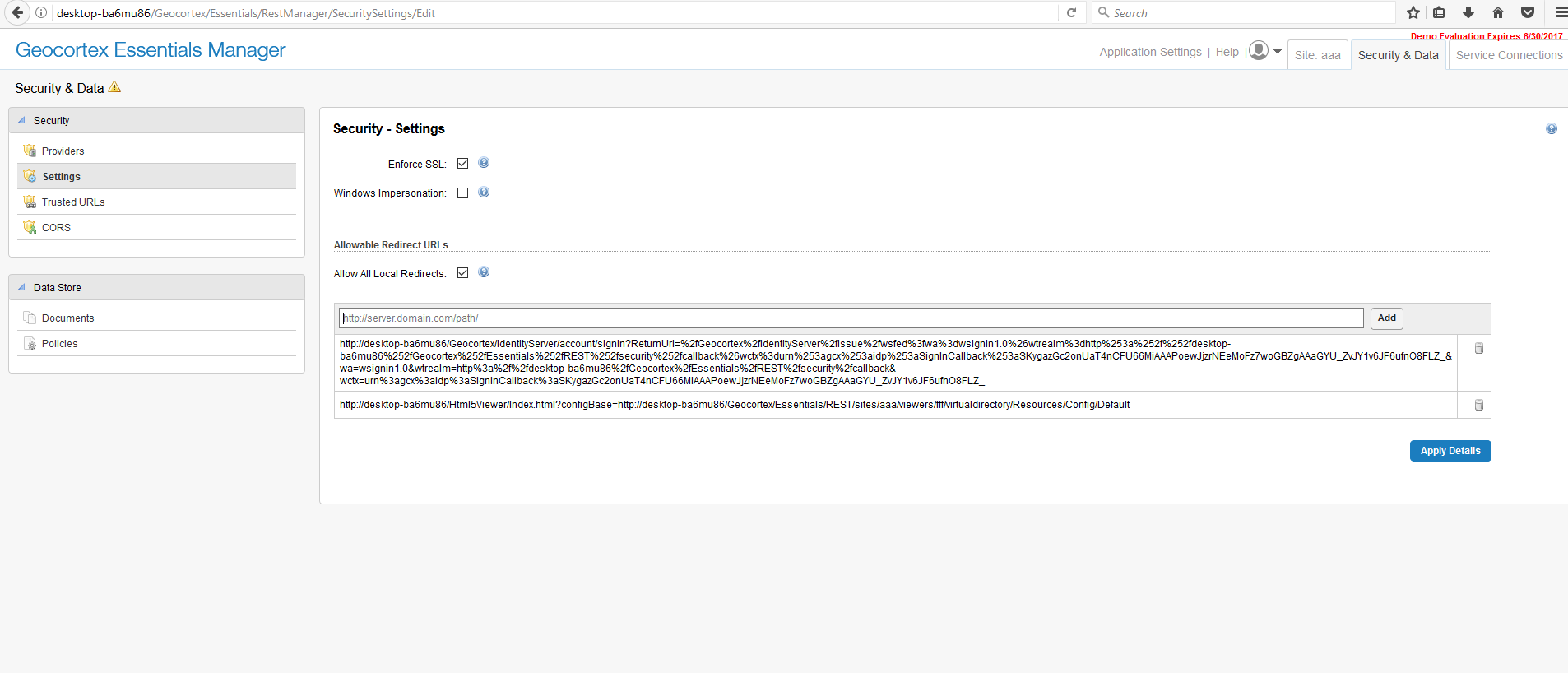
this photo display the configration in GE level
what might be the issue in the added code ???
-

Hello Noor,
You shouldn't need to make any changes to the SignOut.cshtml file. One thing that might be missing in your configuration is that you must select the option to Enforce SSL within the Post Installer in order to use the Sign Out mechanism with Identity Server and adding your server to the list of allowable redirect URLs, as mentioned in the Geocortex Essentials Administrator Guide in section 46.11.1 Configure Sign In Settings.
I hope that helps and resolves your issue. Let me know if it continues.
Thanks, Stefan
0 -
Thanks Stefan Schweigert,
I followed your instruction but, it did not give me what i need. The attached photos display the result of your instruction that appears the Sign out page "You are now signed out" and this is not my point.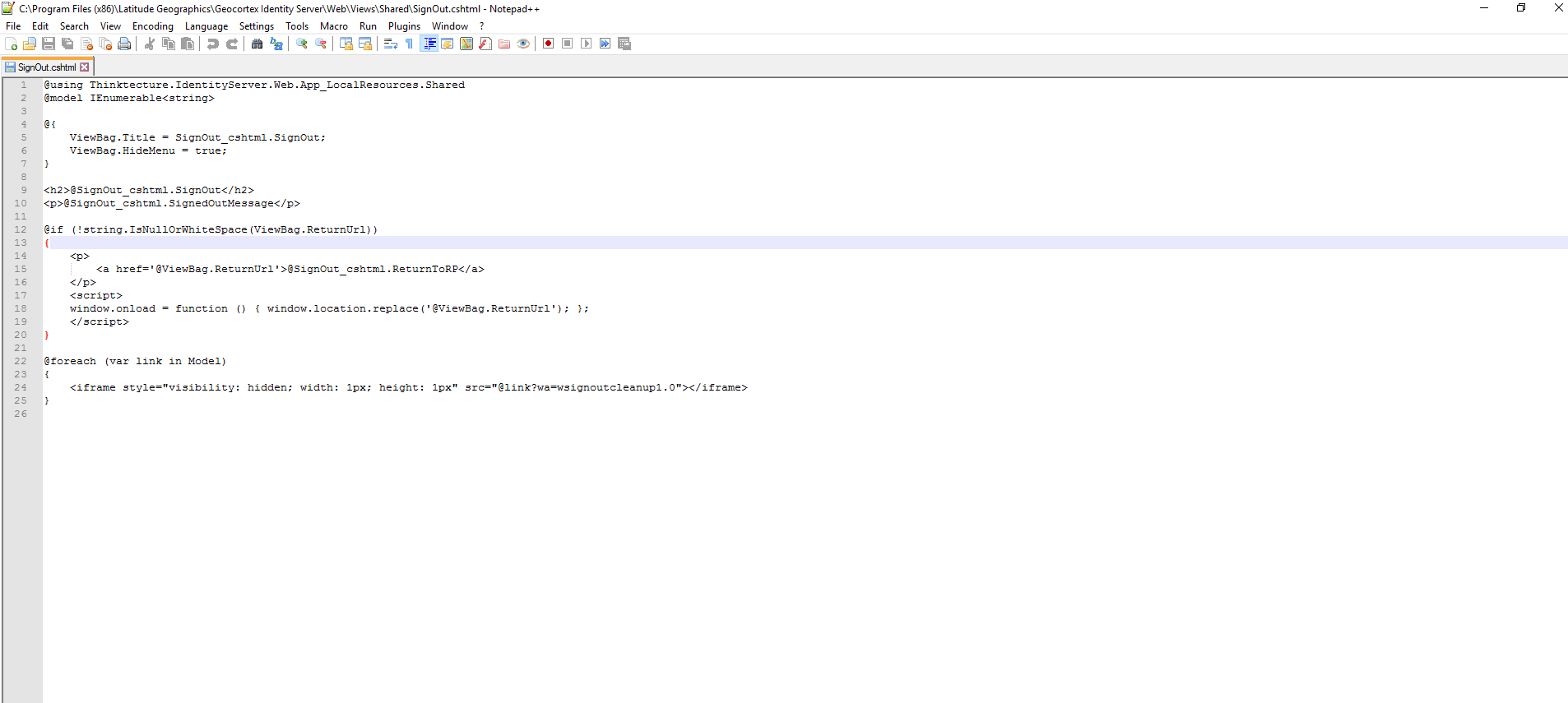
 0
0 -
Hi Noor,
We are getting closer, in the list of Allowable Redirect URLs, you only need to include the servername. In your case, this would be 'https://desktop-bad6mu86/'. As I mentioned above, you can only use redirects with Identity Server if you are accessing the viewer using https.
Thanks, Stefan0 -
Hi Stefan,
am afraid i do not understand what you mean ?! actually
what i want is to can access my site again after sign out happen "successful loop from sign in ,sign out and again sign in, sign out ...." .
I do this in GE (in attached photo).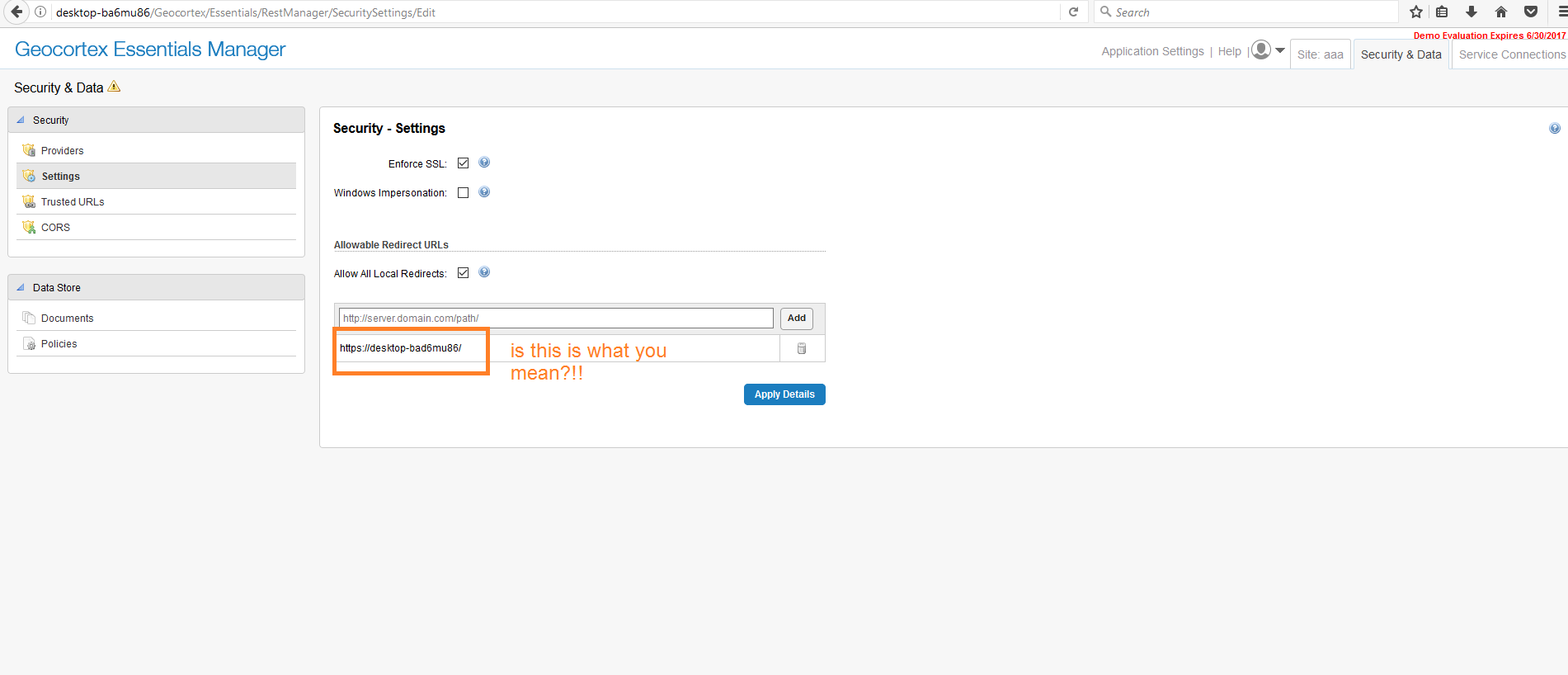 0
0 -
Yes that is correct. Now when using your viewers, you'll load them using HTTPS. 0 -
Thanks Stefan,
actually this configuration does not return any changes, the same sign out landing page. "as in the attachedd photo". 0
0 -
I can see in your attached image that you are using http instead of https in your URL. 0 -
Is there is an option to change from http to https and where ??
many thanks.0 -
In the Post Installer, click on the Configure Identity Server button, then select the option to Require SSL. This information is outlined in the Installation Guide as well. 0 -
Hi Stefan,
I’m not sure why we need to have https in order to let the “sign-out” lands on the “sign-in” page. Why shouldn’t it work with the http? Why this is technically challenging? All web apps do return to the sign-in page when signing out.0 -
Hi Jamal,
Requiring SSL is a requirement of the IdentityServer product which Geocortex Essentials uses, which is not our implementation.
Thanks, Stefan0 -
Thanks Stefan.
We have allocated resources to let the geocortex “sign-out” lands on “sign-in” page. But this sounds to be very challenging.0
Please sign in to leave a comment.
Comments
12 comments