Highlight Mode for all features not working in Results Table view

We are using Essentials 4.7.1 and GVH 2.8.2
When my viewer is set to "Highlight Features On Page" everything works fine but this setting is confusing to my users. If there is more than one page (50 records or what ever I set it to be) then only those records are highlighted and they want to see them all. When I changed the Highlighting mode to "Highlight All Features" highlighting doesn't work at all. My Results View is set to "Results Table". This feature is working fine in other views that I have "Results List" set.
My work around was to go into the viewer config. file and turn Paging to "False".
Thanks,
Bobby Jo
0
-

Thanks Bobby, I can reproduce this issue. The bug ID is GVH-15681. Our developer will look into it.
Long0 -
Long,
Thank you!!
Bobby Jo0 -

I'm having this issue with the Resulst List view. The features in the list are only highlighted when I hover over them in the list, but if I switch to Table View they are all highlighted. 0 -

Jessica, have you tried changing the highlight mode in the viewer's look and feel? 0 -
I don't see this option in my HTML5 2.10 viewer - what am I missing? 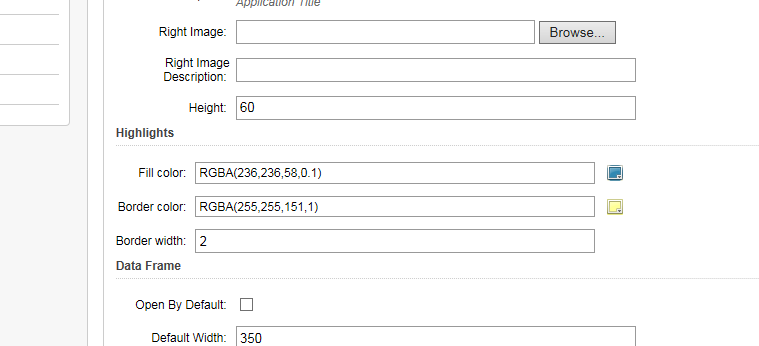 0
0
Please sign in to leave a comment.
Comments
5 comments