Hiding a TimePicker on Out of box form.

How do you hide a time picker on an out of the box form? Below is a view from a tablet. On the desktop it shows a timepicker icon (stopwatch), which I was able to hide using a custom css entry (.ui-timepicker-div{display:none !important;}) for the desktop, but it did not work for the tablet.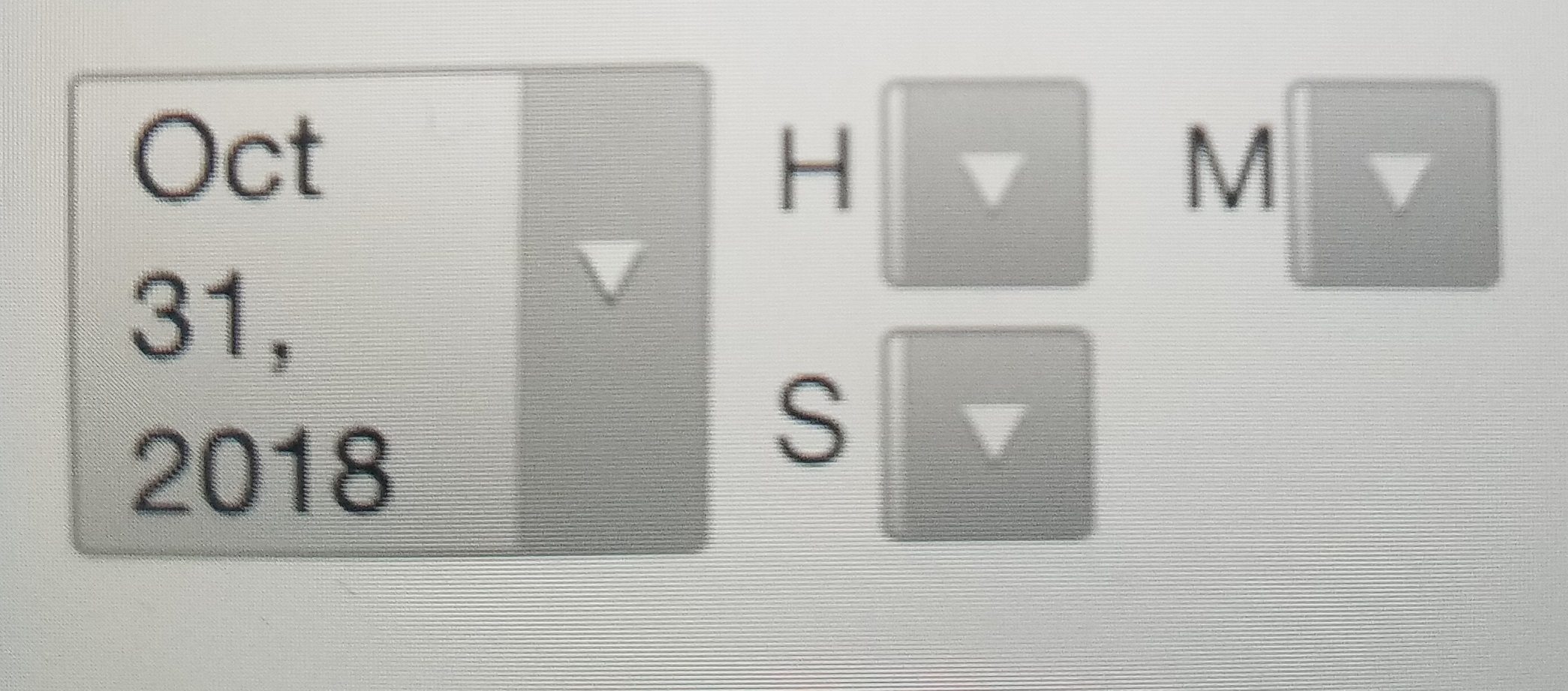
Obviously the id for the object to hide is not the same, but I do not have developer tools for iPad or Andriod tablet so I am unable to find the object names for the hour dropdown, the minute dropdown, the second dropdown or the parent container.
What are those object ids? OR what is a better way to hide the time picker on an out of the box form?
This is what it looks like on a tablet.
Thank All!!!
-Mary Kay Larson
0
-
There are specific handheld/tablet URLs included with the viewer, you could try loading the handheld/tablet viewer URL in your desktop browser and then using developer tools.
e.g. http://<viewerurl>/tablet.html?viewer=<viewername>0 -
Thank you, I did not know about the tablet and handheld URLs! That will be useful moving forward. Unfortuately, the output was the same as the desktop.
I also looked at the previews within Geocortex Essentials manager for table and handheld. They do not accurately represent the form fields either.
Thank you Andrew Biggins!0 -
Here is the answer:
Updated the custom Handheld.css and the custom Tablet.css the below.
The ui-timepicker-div is the only one needed for the custom desktop.css. I just kept it to be consistent.
And the timepicker-* on my output was timepicker-9k5MK4G7, and I have also seen timepicker-Hv3X3Z8E, so I do not know if would need to use something other than the wild card.
.ui-timepicker-div, .time-select, .timepicker-*{
display:none !important;
}
.dp-tp-select, .datetime-select time{
display:none !important;
}0
Please sign in to leave a comment.
Comments
3 comments