Report is Blank!

I have a VERY simple workflow that runs a report from a hyperlink in a map tip. However, for some reason, the report is showing up blank, I cant even get text fields to appear in the detail section. Has anyone ever experienced this? I feel like I"m going crazy! What am I missing!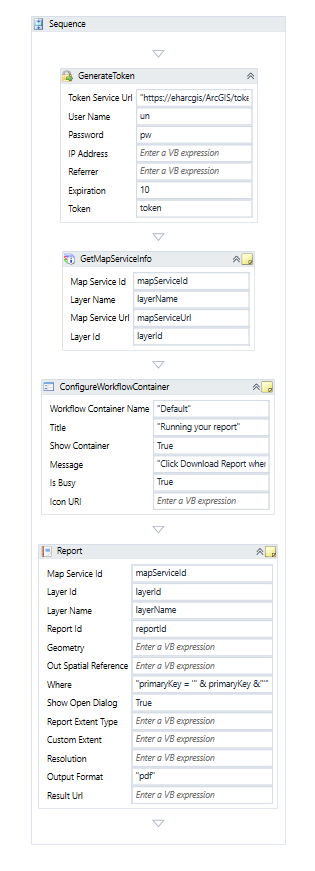
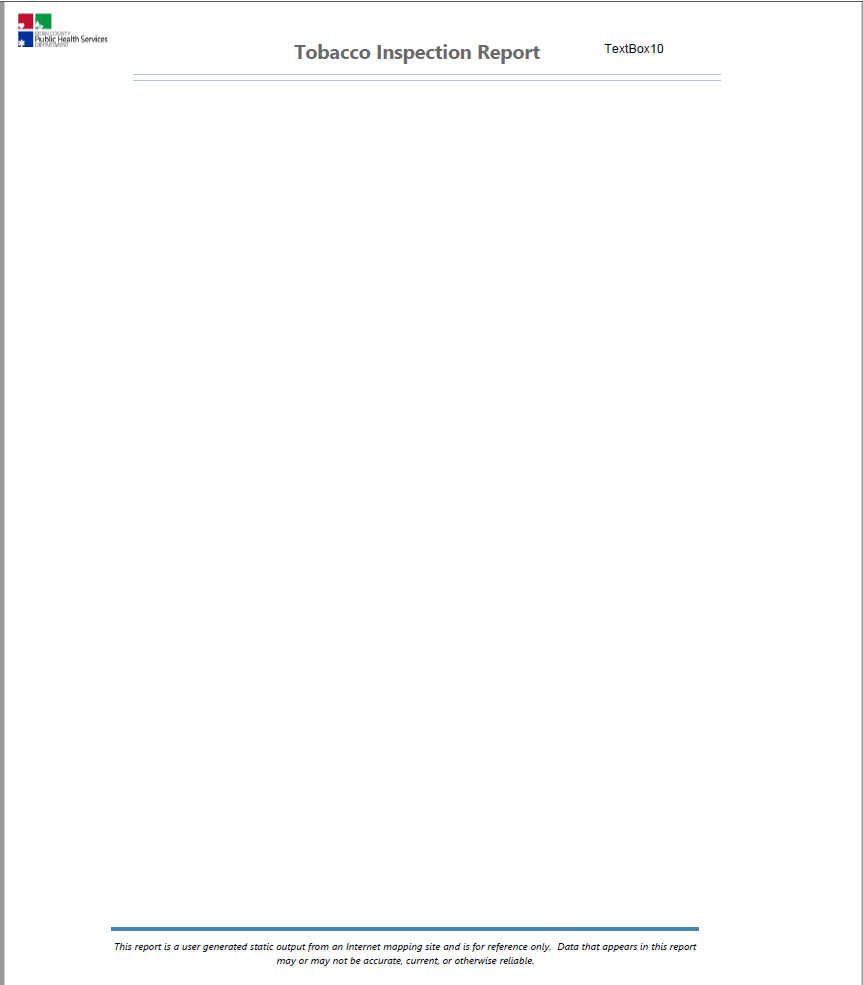
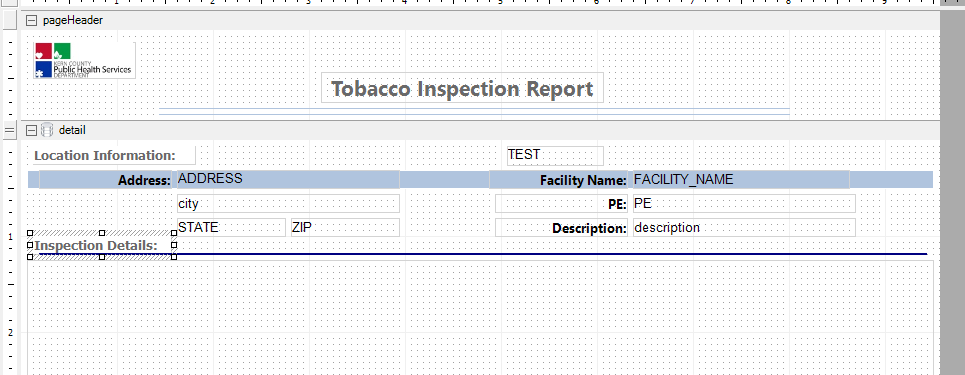
Even if I have the data fields wrong, I should at least be seeing the 'Location Information' and "Inspection Details' since those are just text boxes right!?
0
-
Hi Lisa,
The "Details" section in a report gets repeated once for every feature that it's reporting on. When you see a case like this where even your text doesn't show up, the most likely cause is that the report is using 0 features, so the details section is included 0 times.
I would recommend copying the text from the "Where" property of the Report activity and pasting it into an Alert or Log activity. Then you can run the workflow and check if that value makes sense, and test if it works when you try to query the ArcGIS REST endpoint for the layer directly. In a case like this, one of the likely culprits would be that the link in the feature description isn't configured to send the input argument (primaryKey) correctly.
Hope that helps!
-Amanda0 -

Sorry to dig up an old thread, but we are running into the same issue. We are adding a simple mail merge report to a layer in the site. The report runs great in Reporting, but when deployed to the site, it returns a blank list. Just the comma that was added in the report text expression to split the city and state is returned. The primary key, according to the Essential REST endpoint is set to OBJECTID, and we set the object id in the query for the report. I know I am missing a step in there somewhere. 0
Please sign in to leave a comment.
Comments
2 comments