Keep Workflow Container Open at all times in Handheld

I have a workflow that allows users to drop a point on a map on a handheld device. In the Display Capture Geometry activity, when point is selected as the default tool, the workflow container automatically minimizes/disappears when the workflow is run. However, when there is no default tool, the workflow container stays open the whole time.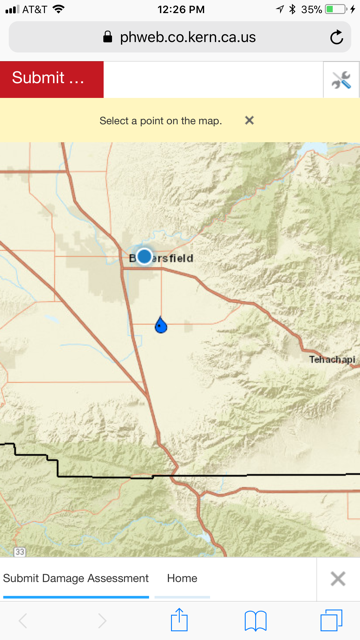
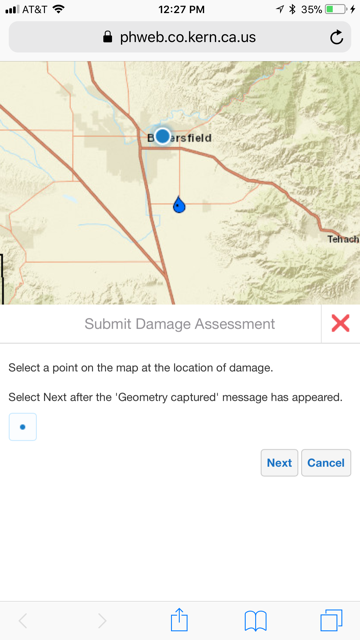
I'd like point to be the default tool, but also for the workflow container to stay open in order to display workflow instructions.
Are there any settings I can adjusted to keep the workflow container visible throughout the entirity of the workflow?
Thanks!
Image showing the workflow container minimized when the point tool is set as the default tool:
Image showing what I would like the workflow to look like:
0
-

What if you set the showCaptureStatusMessages setting in the Workflow module to false? showCaptureStatusMessages: When set to true, the capture geometry messages are shown in the status module. The default is true.0 -
Hi Nico, thank you for the suggestion, however making that change in the .json did not result in any change in the workflow. When a workflow is started, the display capture geometry messages are still being minimized. 0
Please sign in to leave a comment.
Comments
2 comments