Text Drawing halos disappearing when Print Map

When our users try to add text to a map and then print or export the map, the halos disappear in the resulting image. Is there a way to stop this from happening?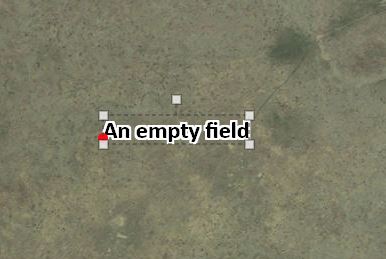
0
-
Hi Odiri,
For printing, you need to set your halo with at least one pixel width. Otherwise, it will not print. I am not sure where you are setting your text properties. If you are setting them in the viewer, you can add an option to control halo width by making this amendment to your desktop.json.js:
Search for "id": "LabelOptionsViewModel"
and in this section, make these changes:
"haloSizeIsVisible": true,
"haloColorIsVisible": true
and any other changes in there that work for you.
Thanks,
Marion.0 -
Hey Marion,
I've been printing with a halo of pixel size of 1. Just to test it out, I used a halo of 5 pixels and still got the same result. I also edited the desktop.json.js and switched those two options to true, but that didn't make a difference either.0
Please sign in to leave a comment.
Comments
2 comments