Add custom item to drop down list after populating from domain

Hi,
I have a drop down list and have populated it using a subworkflow, that gets its items from a coded value domain. That works fine. My list populates with the Project Team values eg SSC, Auscape.
I want to add a value to that list that isnt in the domain eg label: Blank value: Blank
The reason for this is the list is used to allow users to bulk update a feature class. I want to give them the option to bulk change all items to null. That way, if they pick 'Blank' from the drop down list, I can change values to null with some additonal logic in my update feature attributes step. Currently they only get the choice to pick an item that was in the domain.
Belinda
-

Just after your Get Coded Value Domain, put an Add item.
for Collection, put =$getCodedValueDomain.domain.codedValues
for Item, put ={name:"Blank",code:"Blank"}
0 -

I tried this, but I get an error stating that the collection is read-only. What could cause it to be read-only?
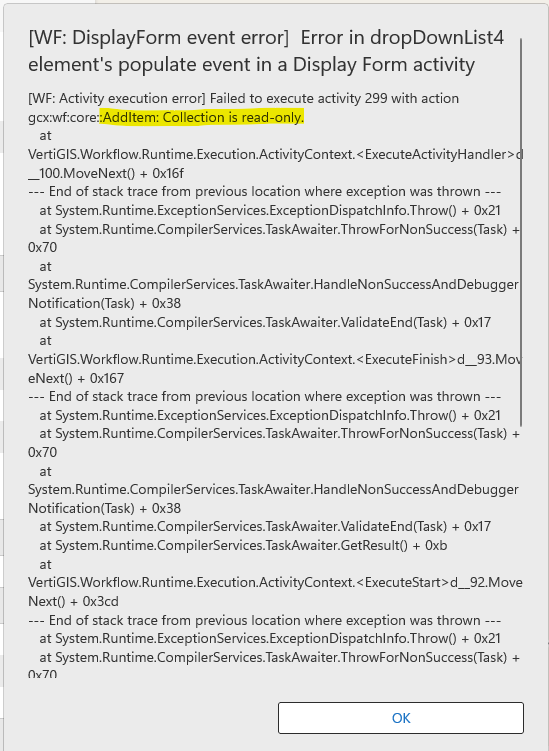
If this won't work, can I use Create Value to initialize a collection (IList) and add everything to that?
0 -
I try the Create Value with expression like "= new IList<ListItem>()", "=new List(Of Object)", etc. but get another error stating that the object can't be used as a constructor.
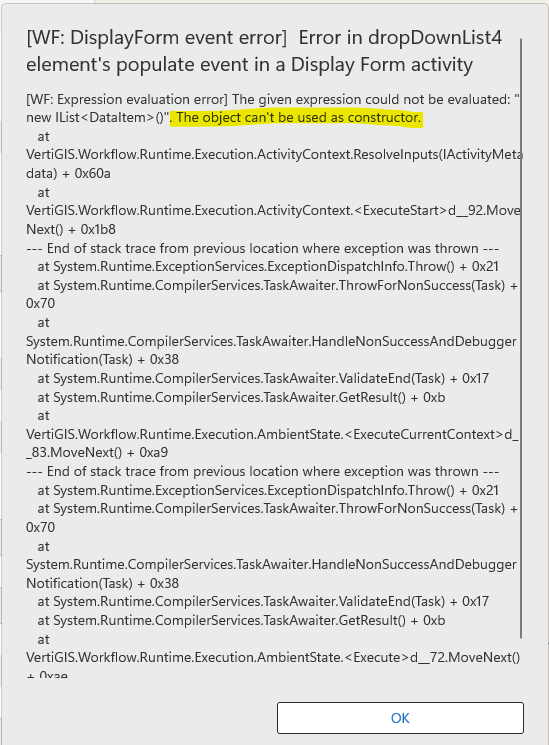 0
0
Please sign in to leave a comment.
Comments
3 comments