Alter number selector appearance

I would like to modify my form to have the elements placed in a different order:
I.E. I have a number selector element that looks like this:
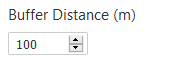
But I would like it to look like this:

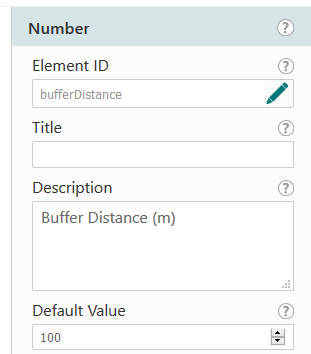
Does anyone know if this is possible using inject_css widget on load? This is the form element in WF5:
Thanks
-
Thanks Guillaume. I am actually asking if anyone knows what CSS code I should be using. What CSS code can I just to change the orientation of this object?
0 -

Hi Darryl, thanks for the question. We are working to improve this in future, but for the time being the most effective change would be to specify "display: flex" for the number picker itself, which will have a class like "gcx-forms-number1" where "number1" is whatever name you gave it.
You will also likely need a bit of space between the text and the input. For this you could set margin-right on the span within the element.
Example CSS:
.gcx-forms-number1 {
    display: flex;
}
.gcx-forms-number1 span {
    margin-right: 5px;
}
NOTE: This will still not be ideal if there is a validation problem, such as this being a required field. The error message appears between the title and the element.
0 -
Thanks Ken,
i have added this into an inject_css code object before the form loads - and it shows up when I search for it in my developers but doesn't seem to make any difference to the appearance of the form within Web App Builder.
0
Please sign in to leave a comment.
Comments
3 comments