Control image width in feature details

I have been trying to adjust the witdth of an image displayed in the feature details, so that the image width is within the width of the feature details panel (width setting from img-tag in web map popup config is overridden). I tried to do this by injecting css .gcx-feature-details img { width: 330px;} with a workflow running when map is initialized, but this css is also overridden. Is there a way to do this?
-

Hi Jostein,
Good question. I'm not completely sure why we would be overriding the width setting from the image tag as you've defined it in the web map popup config.
@Mathew Sedgwick? Any thoughts?
0 -
@Cam Barnard? @Mathew Sedgwick? , see this related post as well: https://communities.geocortex.com/s/question/0D55x00007UId2GCAT/popup-formatting-from-webmap-is-not-respected-by-gxw-popupfeature-summary
0 -

Looking at the code, it appears that we are flexing image and chart containers so that they can grow/shrink when the feature details component is resized. It's possible that this is preventing the image's width from being hard-coded.
@Jostein Svegården? If you happen to have an app and/or webmap that you could share, it would definitely help us to figure out exactly what's going on (same with respect to the related issue you linked above).
You could also try injecting the CSS you had mentioned, using this selector:
.gcx-feature-details .gcx-media-attachment
1 -
I tried to add the suggested CSS selector, but it didn’t have any effect. I’ll ask the customer if it’s ok to share the app with you
0 -

@Cam Barnard Is there any progress on this one? I've tried adding the image to the pop-up via a media item and via the html and both of them ignore the picture size. I really need to have the picture shrunk and I can't modify the image.
0 -

Came looking for the same answer. Following...
0 -

Hi Jostein Svegården Belinda Kerr Jamie Petersen as Mathew mentioned, would you be able to provide a specific app that you're working on that we can look at? It may also be beneficial for you to open a support case by emailing vertigisstudio-support@vertigis.com so we can dig into this.
0 -
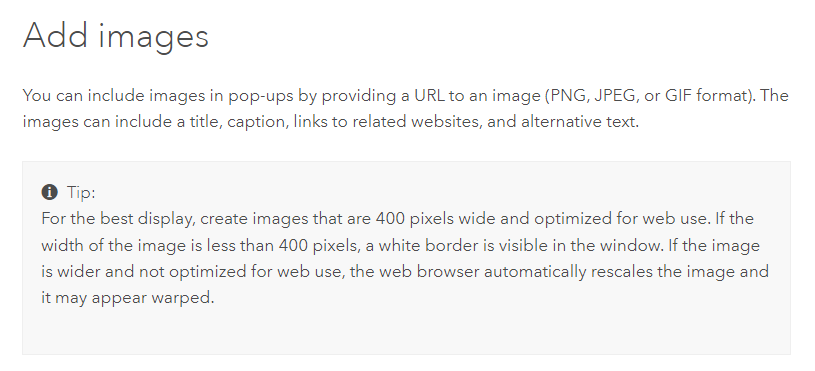
@... I have an example if you'd want to see it, but it's very easy to replicate. In a Map Viewer popup, configure an image that is larger than 400px wide. The bigger the better for the example. The popup in Map Viewer scales the image automatically to fit within the popup. When displayed as part of a Feature Detail, it is not scaled in any way. It causes a scroll bar. You can see this in the screenshot. Web on left and Web Viewer on right.
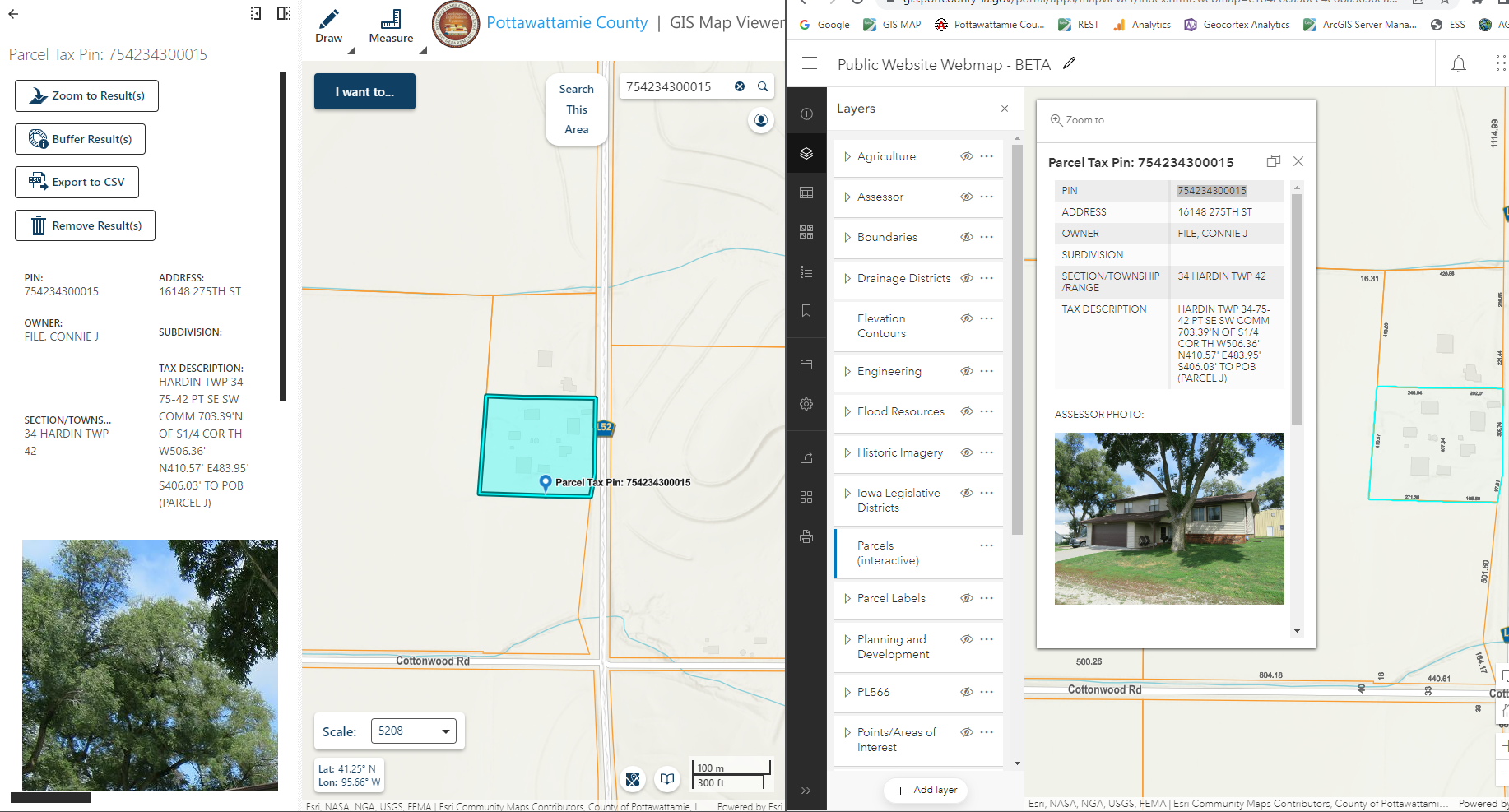
 0
0
Please sign in to leave a comment.
Comments
8 comments