customizing the look and feel of Studio Web
Answered
Hello!
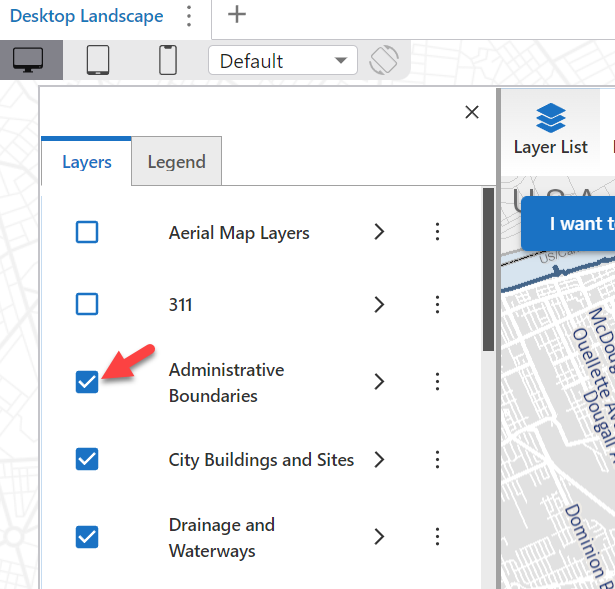
Does anyone know how I can adjust some of the look and feel of an app I created in Studio web? In particular some of the colours and check marks in the Layer List component(widget). See the screen shot below. I would like to change the colour of the check box and mark.
can someone point me in the right direction please?
Thanks
Larisa
0
-
Official comment

Hi Larisa Johnstone! There sure is.
In Designer, on the right > Branding > Accent Color configures this.
We cover this in documentation: Web Designer Help - Service Settings (vertigisstudio.com)

Please sign in to leave a comment.
Comments
1 comment