Position Results Details/Related Tables in Panel at Bottom of Display

Hello, I'm in the process of creating a VertiGIS Studio Web viewer to replace our Geocortex Viewer and am looking for a solution to configure the UI for Results Details and the Related Features.
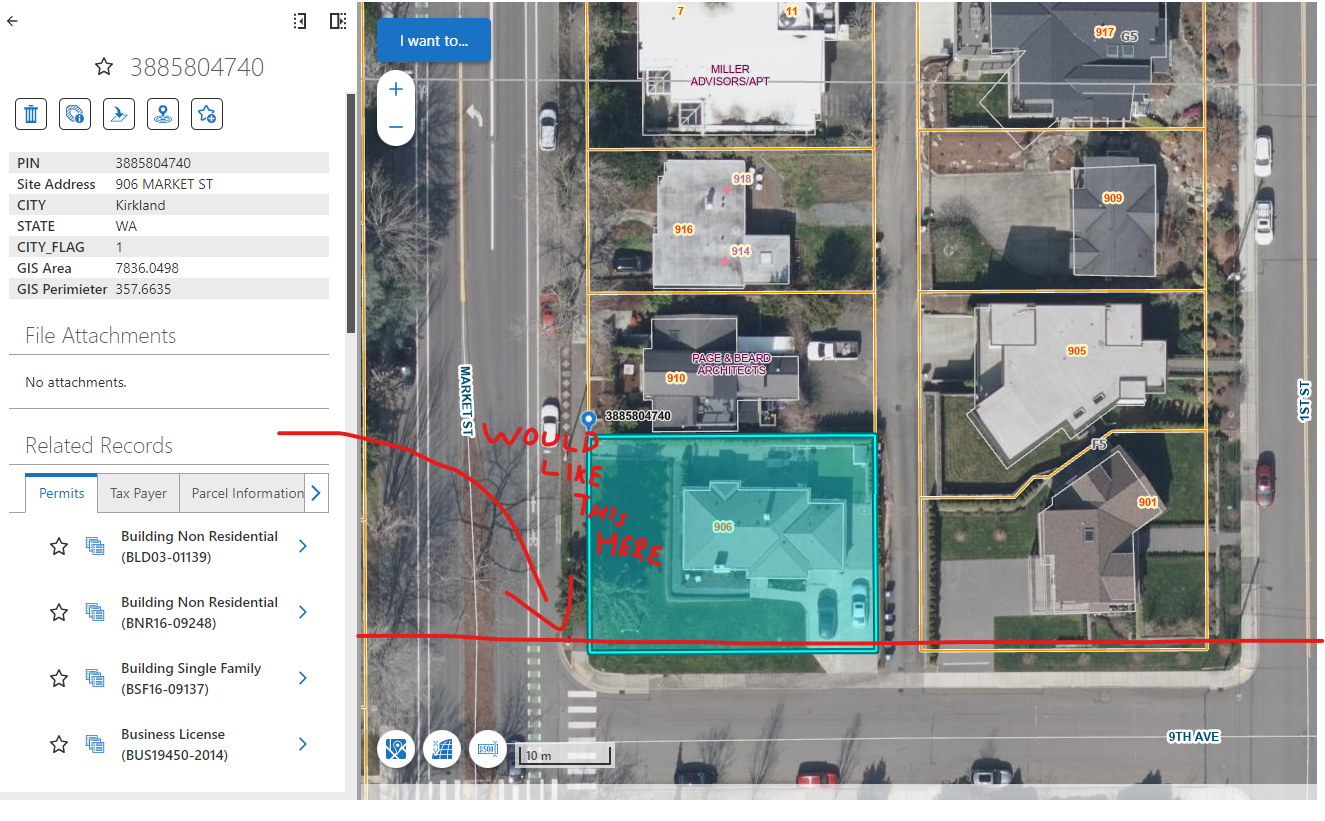
In Geocortex, we had a configuration where if a user opened the Feature Details for a an Identified feature, in addition to the layer's default attributes, any Data Links would be displayed alongside in a series of tabs that the user can quickly switch between to get a table view of related data.

Currently, the default viewer in VertiGIS Studio Web has the Data Links in a series of tabs on the left-hand Results Details Panel. I haven't yet found a good solution to creating a panel with a tab and tables as was possible in GeoCortex. Has anyone found a fitting solution or way to configure the UI to achieve this result?
Thank you
-

I'm looking to do the same. The Related records area is too compact and needs more real estate.
1 -

We are trying to do the same thing too. I have asked out our last Road Ahead Webinar but I am yet to get a response.
2 -

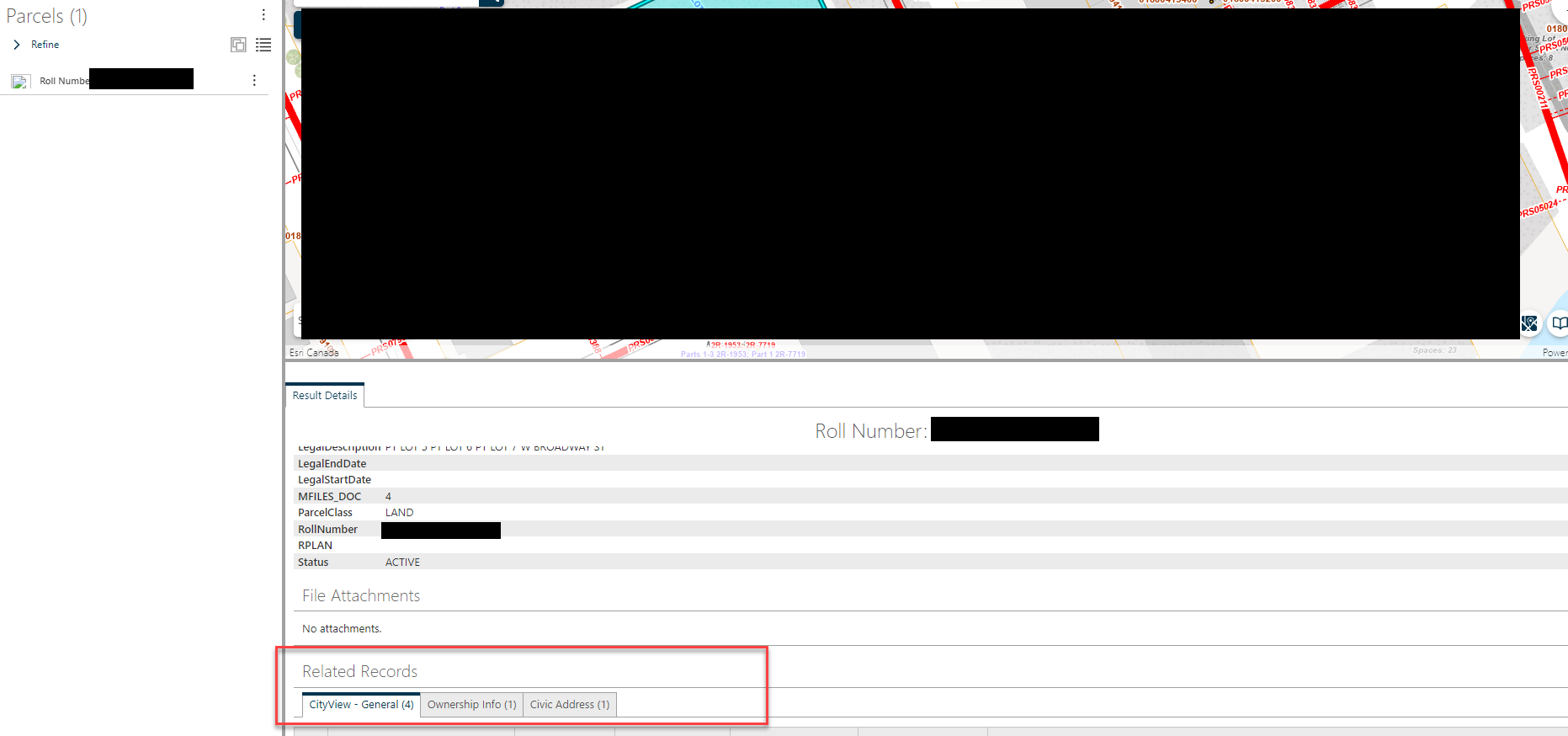
We are also trying to do the same thing. I figured out how to open the results detail in the bottom half of the map, which gives it more area. However we would love to see the related records as tabs like it was in HTML5.
 2
2 -
Cam Barnard Pretty please! When will we be able to show the data links (now related records) in the table format at the bottom of the window like we could in Essentials and still keep the equivalent of the feature long description in the left hand panel (results list)? I raised it in our last Road Ahead webinar but haven't heard anything back. Its really not usable in its current format for all our data links.
3 -
Ali VanSickle Thank you for the response, Ali. If you wouldn't mind sharing, could you explain how you got the Result Detail in that bottom half? Is it just within a separate Row component?
2 -

I am currently looking to create the same thing. Ali VanSickle did you manage to only show the related records in the bottom panel? Or did the configuration of the results shown in the bottom panel not allow you to only show related records?
The final solution would be for VertiGIS to recreate the configuration as it was in HTML-5, but i am curious on how you (and the rest) solved this question.
1 -
Sorry for the delay!
I used a Panel within the same Row as the Map and adjusted the sizing:
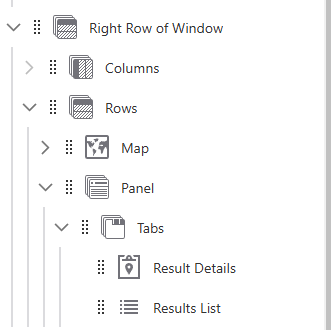
It still shows all the results details. I cannot figure out how to place everything in a tab (i.e. have the details in one tab, then each related data in a separate tab - like it was in HTML5)
Hope this helps!
1 -

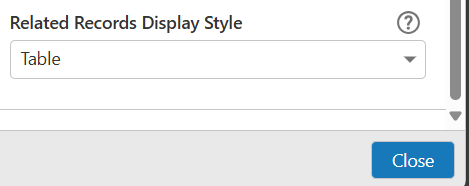
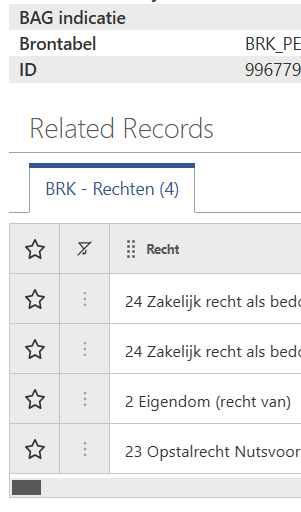
There is an option within VertiGIS Studio Web, that lets you set the way related records are shown in de Resultsdetails.
Go to the Resultsdetails item and go all the way to the bottum, you'll find the ‘Related Records Display Style’ option. Set that to Table.
It is not the same as asked, but it gives you some control.
I use Version 5.34.2
 1
1
Bitte melden Sie sich an, um einen Kommentar zu hinterlassen.
Kommentare
8 Kommentare