How to Define Print Template Options?

In Geocortex Essentials we easily include numerous Print Templates (*.rpx files) as can be seen from the example below. In addition, this allows us to define multiple output formats (not just PDF).
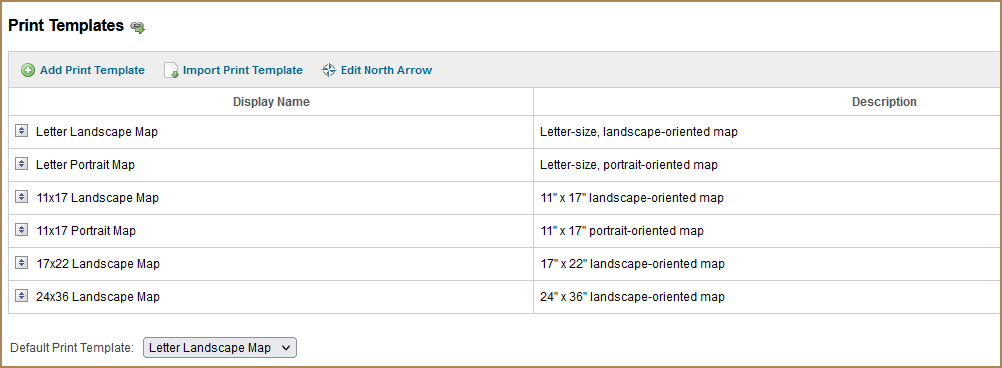

Does Studio Web's Printing item have such settings? If so, where are they hidden in the configuration? We have several Studio Printing templates created, but there is no drop-down for the user to choose which Print Template to use. And the output file is always a PDF (again - the user has no options for JPEG, TIFF, etc.).
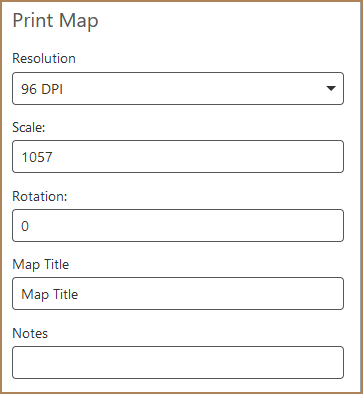
-
Offizieller Kommentar

Hi Sheri,
Studio Printing currently only supports a PDF output.
You can see a 2 year old post to the Ideas - Printing community here requesting the functionality for other output formats: https://support.vertigis.com/hc/en-us/community/posts/11497613343890-Support-more-output-formats-for-prints-than-just-PDF
You can add multiple print templates to a web app by selecting the 'Printing' component in the app though as shown in this gif:
Bitte melden Sie sich an, um einen Kommentar zu hinterlassen.
Kommentare
1 Kommentar