GVH 2.7: the viewer fails display and zoom to 1:500 scale;

Hi All,
Despite the fact that the override maximum scale is 1:500, the viewer fails to display and zoom to this scale.
_img_ alt="User-added image" src="https://latitudegeo--c.na53.content.force.com/servlet/rtaImage?eid=90660000000TSlK&feoid=Body&refid=0EM60000000M1NY" _/_img_
_img_ alt="User-added image" src="https://latitudegeo--c.na53.content.force.com/servlet/rtaImage?eid=90660000000TSlK&feoid=Body&refid=0EM60000000M1Nd" _/_img_
Best,
Lubna
0
-
I need to confirm that same data is consumed in GVS where 1/500 scale is working fine. 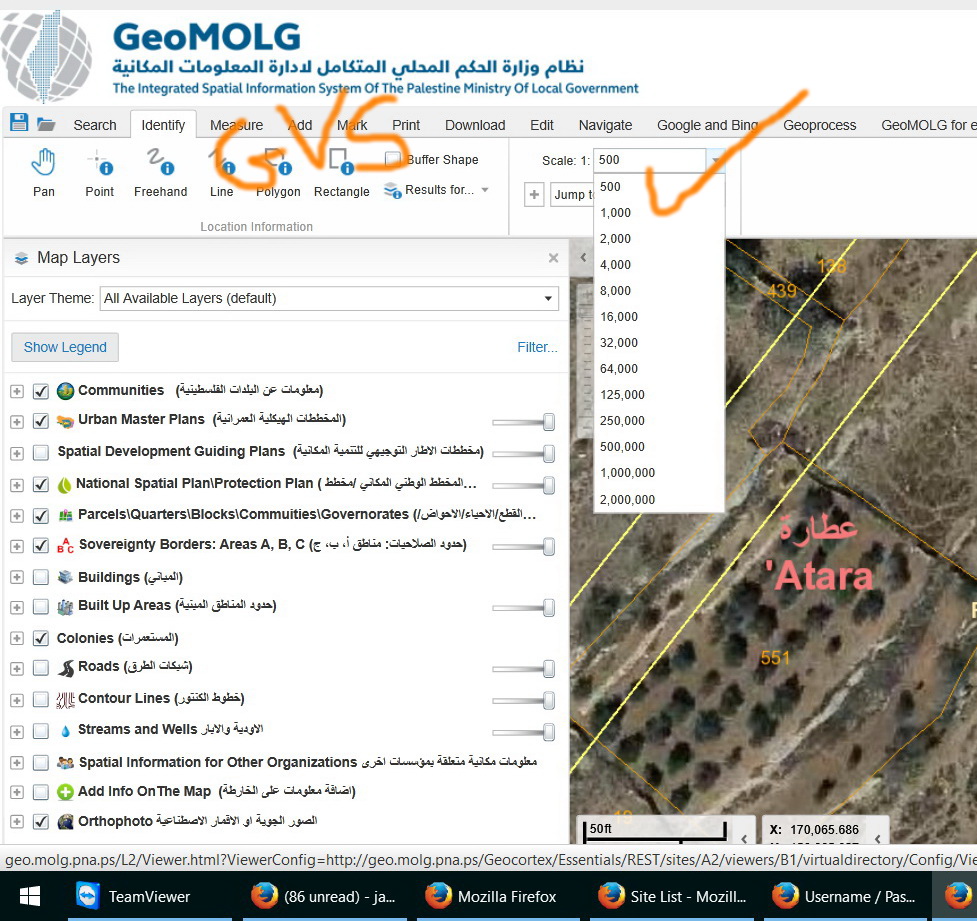 0
0 -
Can you share your rest end point for your cached aerial? 0 -
or just look at it yourself, and near the bottom, what is the Max Scale set to? 0 -
Tahnks Mike
The services can be accessed from the link below
http://geo.molg.pna.ps:6080/arcgis/rest/services
to have all the services please, use the credentials below
user name: guest
password: g123456kt
facts:- all our cached services are produced up to 1/500 scale.
- They are all working fine GVS, we can reach 1/500 scale
best
Jamal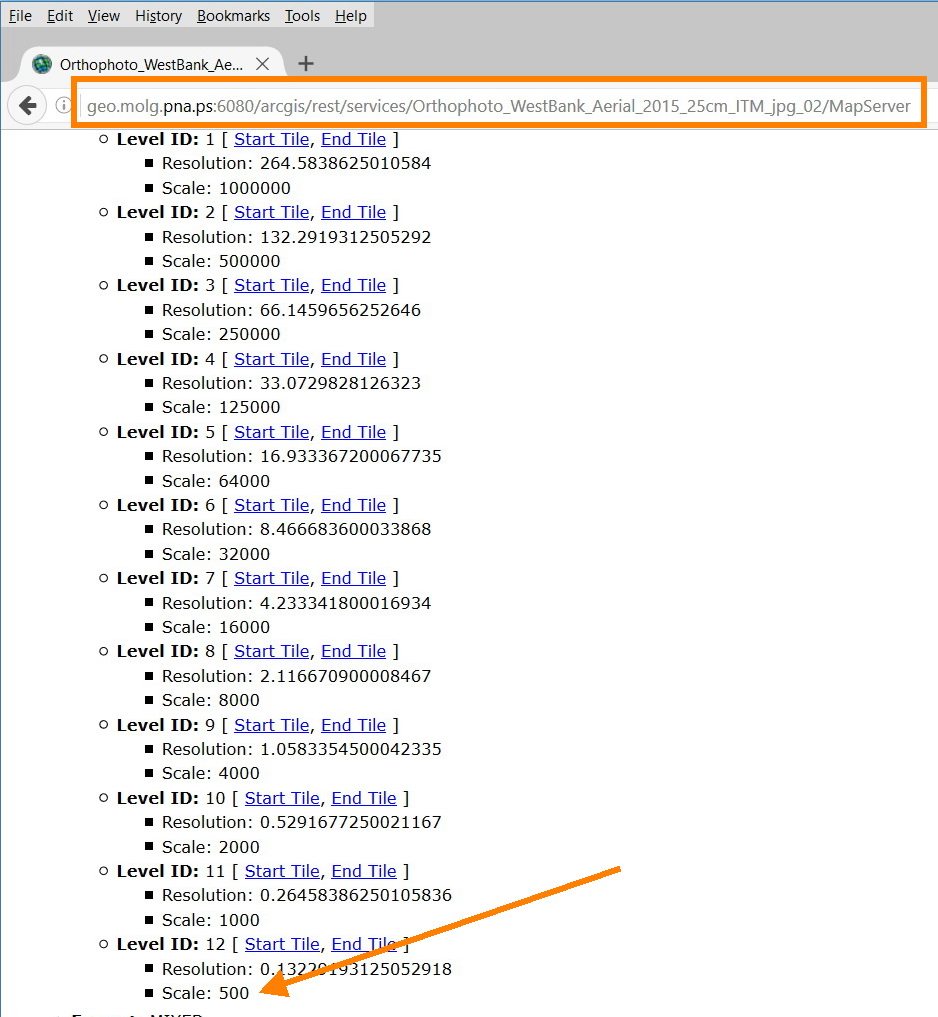 0
0 -
Hi Jamal,
I can definitely zoom to 1:500 in GVH for that service.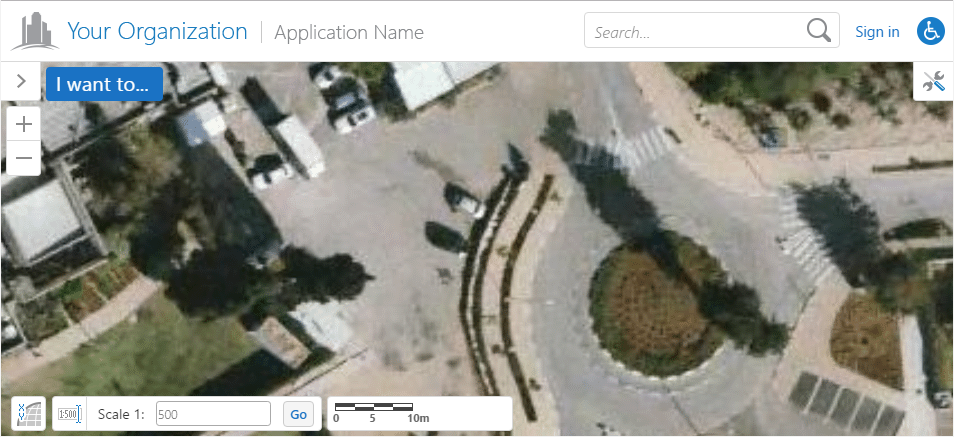
There may be another service in the site that is limiting you to a larger scale. If you want to zip up the Site.xml and (To: community@geocortex.com) send it to me, I can take a quick look for you.0 -
In the first post, you show the silverlight and html5 settings - they are not real clear, but in the html5 image it looks like the override max scale is set to 600, not 500... 0 -
Hi Jordan,
Please, access the link below for my site.xml
http://www.mediafire.com/download/u294syxk059fckn/Site.zip
Hi Mike,
To have view screenshots clearly, you need to right click on top of the images and then to choose “view image”. The screenshot gets enlarged and obvious
Best
Jamal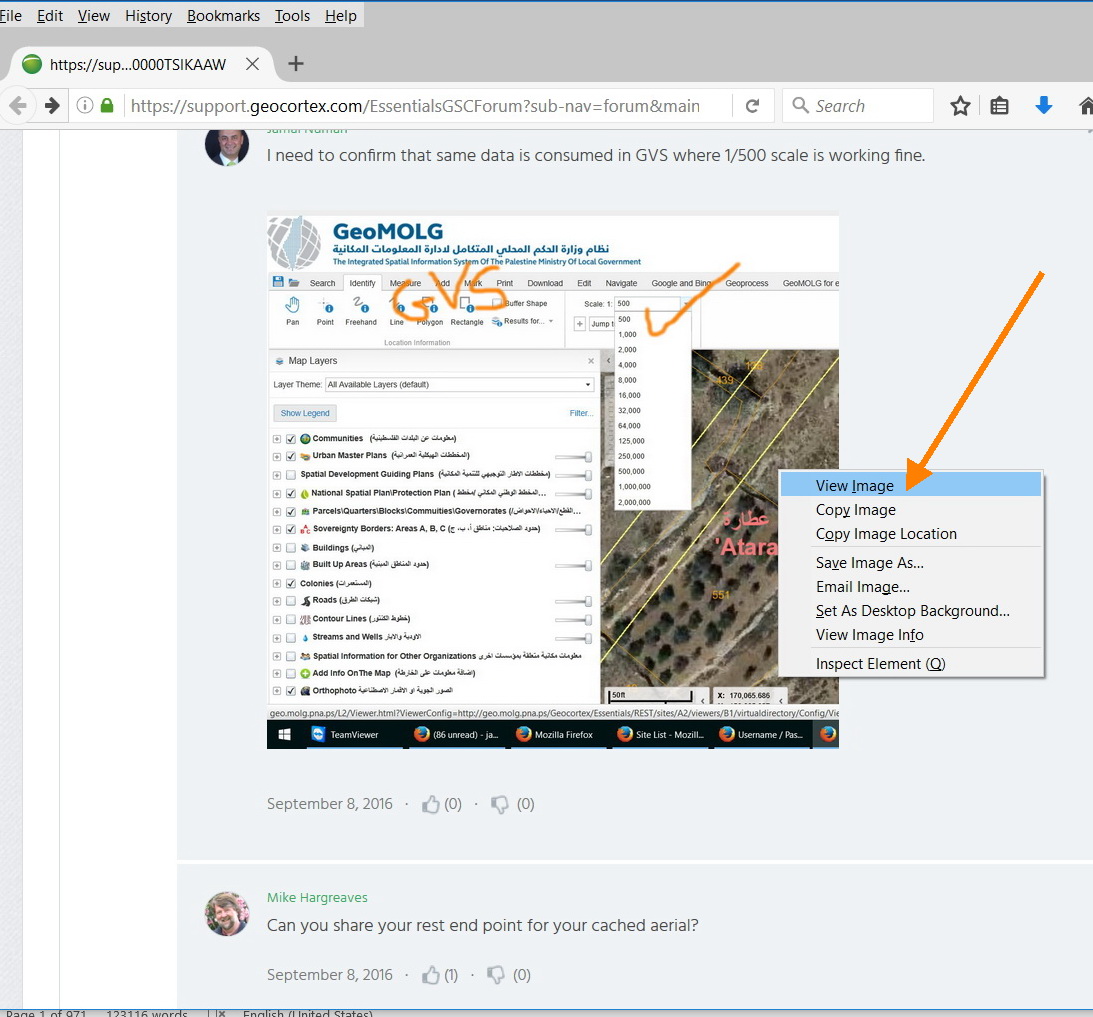 0
0 -
Jamel, I was unable to access your services. I see by your screen print that it is cached to 500, but if you look all the way at the bottom, past where you did the screen print, you will find a feature not used in Silverlight, but is used in HTML5, and that is the min and max scale:  0
0 -
Thanks Jordan - was that in Chrome? In IE I have to save the picture in order to view it larger, unless I missed something... Anyway, 500 it is. 0 -
Our GVS and GVH consume that same services
GVS
http://geo.molg.pna.ps/L2/Viewer.html?ViewerConfig=http://geo.molg.pna.ps/Geocortex/Essentials/REST/sites/A2/viewers/B1/virtualdirectory/Config/Viewer.xml#
GVH
http://geo.molg.pna.ps/L3/Index.html?viewer=A2.C1#
for both
user name: guest
password: g123456kt
if you have a look at the two links above, you find out that they both belong to same site (A2) which means that they are consuming same services.0 -
Yes, but Silverlight does not pay attention to that setting, whereas HTML5 does. I had a similar issue with many of my aerials when I went to HTML5. 0 -
I took the site you've uploaded and added both viewers to it, and they both zoom to 1:500:
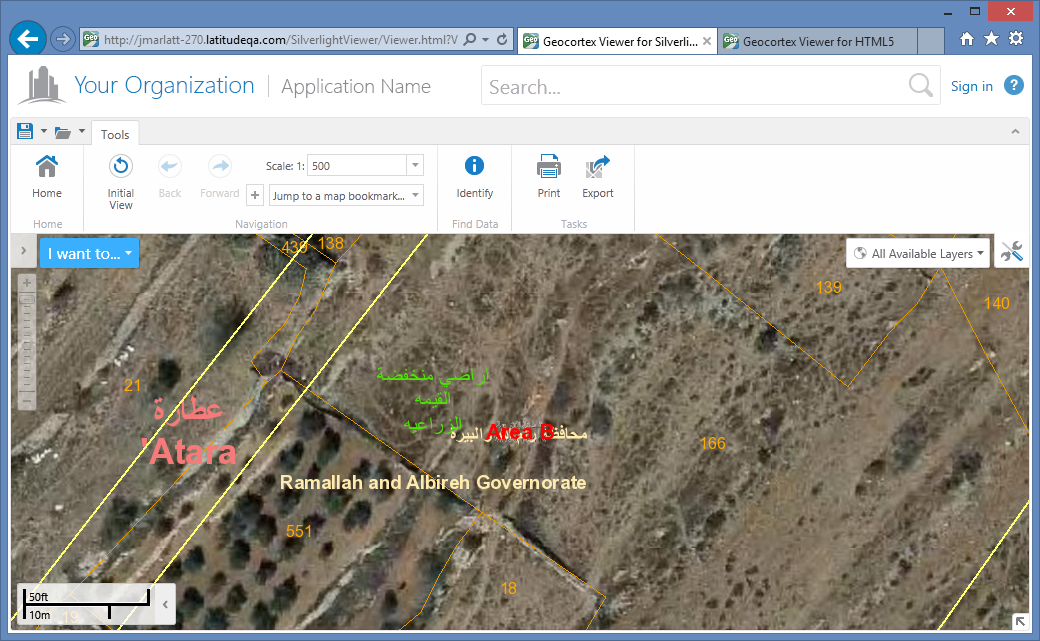
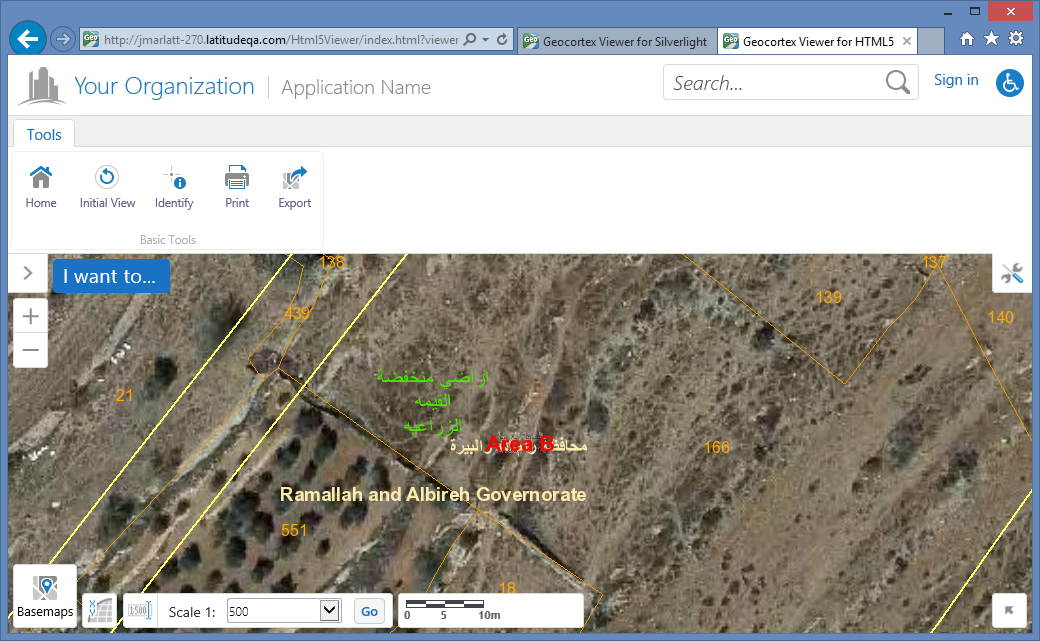
I do see that it isn't working in your viewer, though, so I wonder if the problem is related to the viewer config, instead.0 -
Thank you very much guys for the help.
Which viewer settings might affect this behavior? The “override maximum scale” is already set as 1:500
What other settings should I consider to resolve the issue?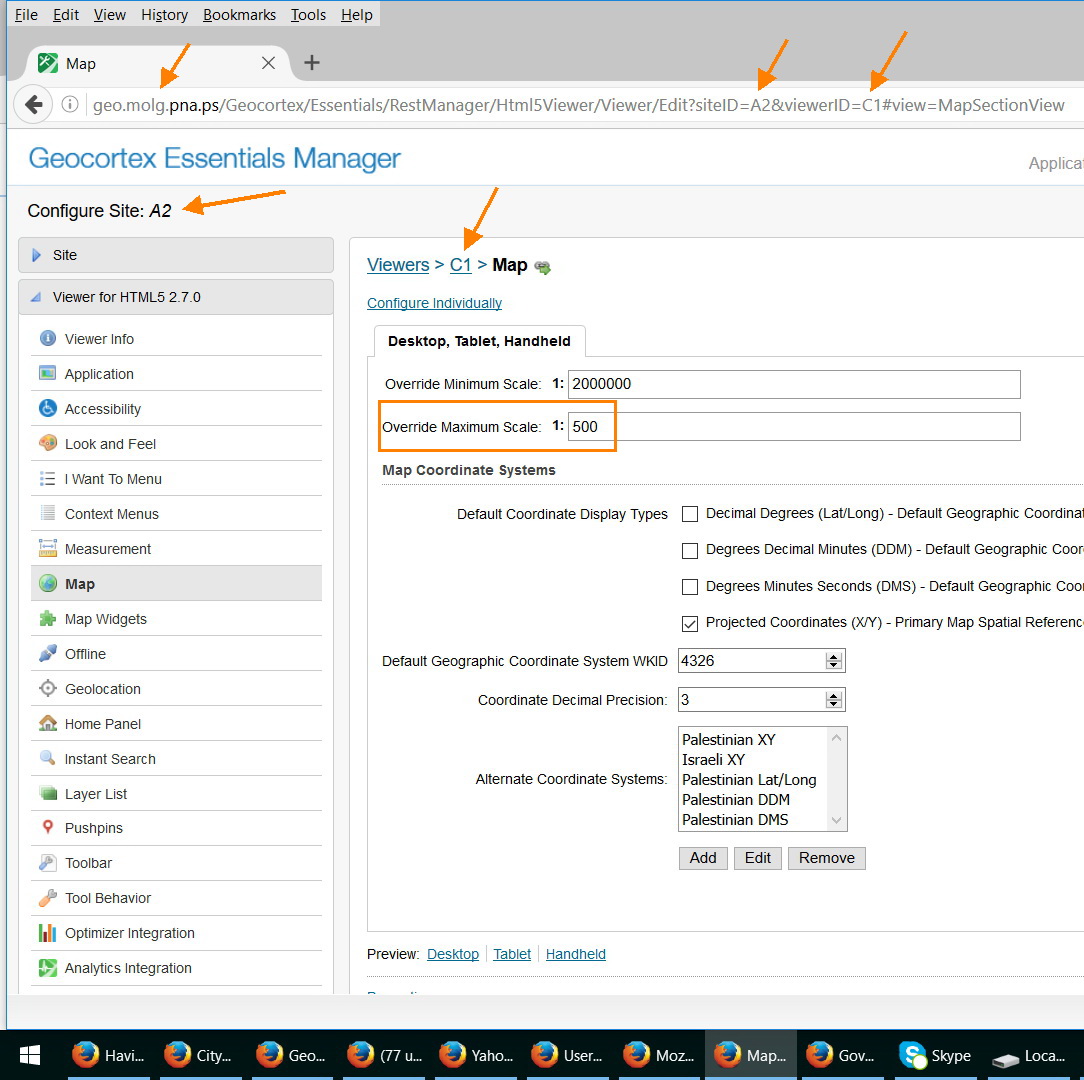 0
0 -
Hi All,
I think that it works well and the scale will zoom to 1:500 if you remove the maximum scale override value to default (keep it empty, see the below screenshots.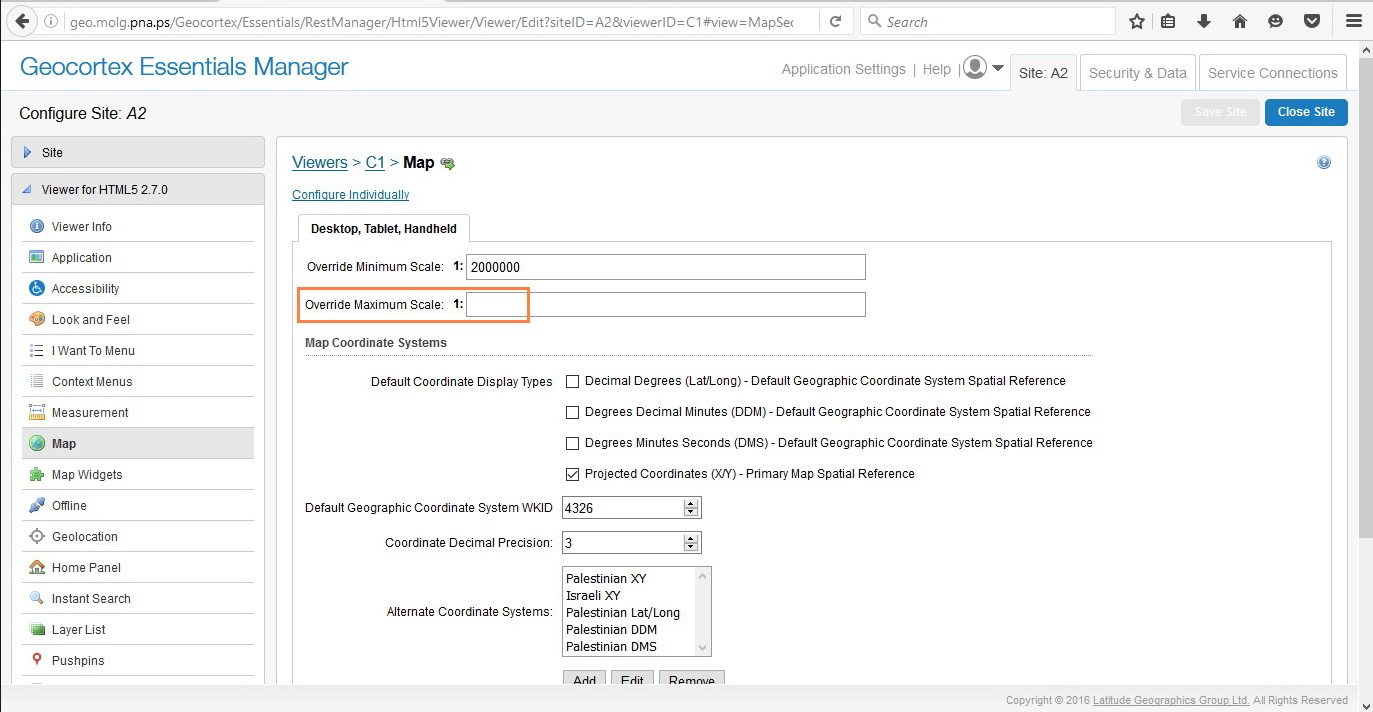
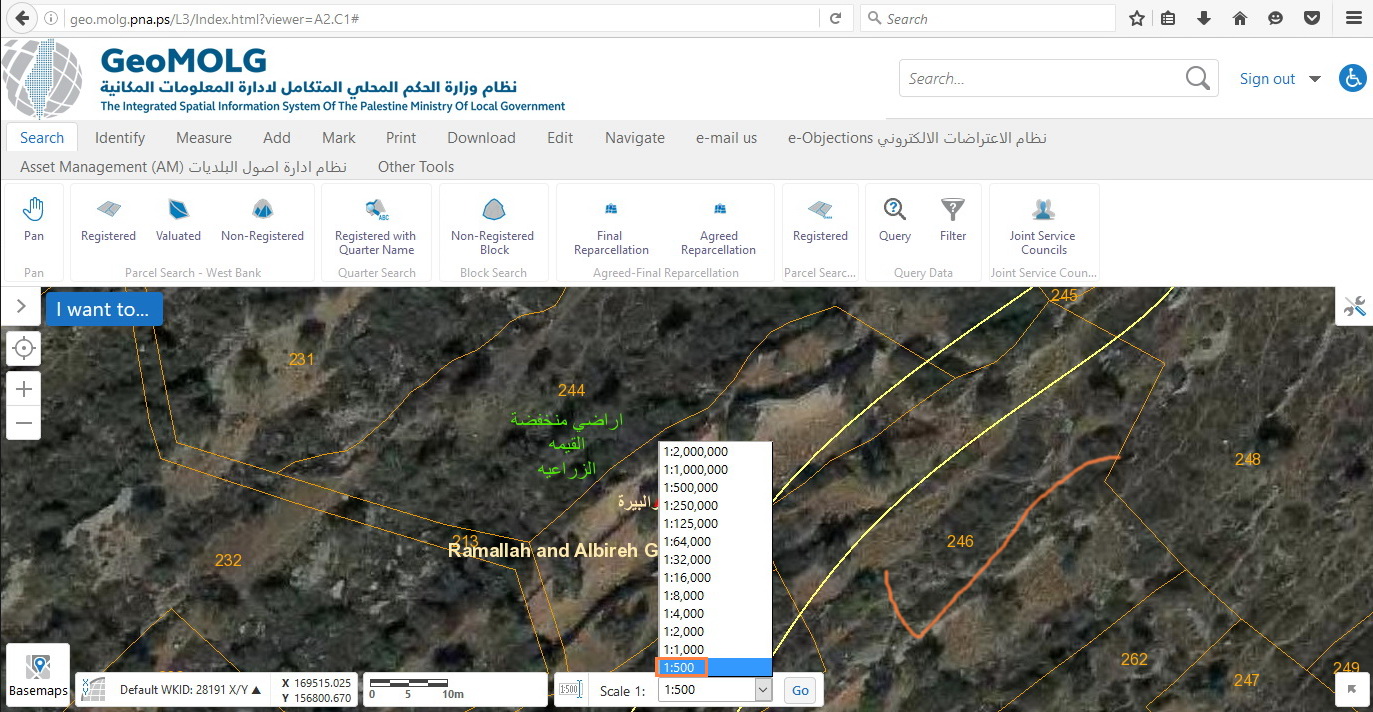
Best,
Lubna0
Bitte melden Sie sich an, um einen Kommentar zu hinterlassen.
Kommentare
14 Kommentare