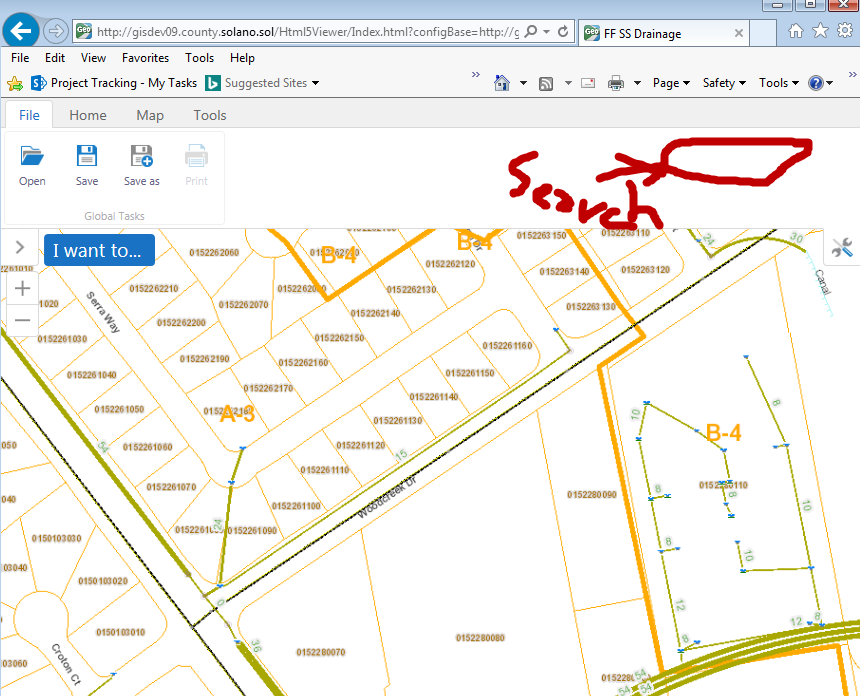
search box missing from my html5 viewer. How can I bring it back?

0
-
Hi Jorge -
By default, the search panel is hosted in the application's banner region. However, it looks like your viewer was configured to hide the banner.
In Essentials Manager, you can change the viewer's configuration in order to display the banner. To do so, select the desired viewer and navigate to the "Look and Feel" page. On that page, select the "Show Banner" checkbox. Once you have saved that setting and reloaded the viewer, the banner and search panel should both be displayed.
Regards,
Steve0
Bitte melden Sie sich an, um einen Kommentar zu hinterlassen.
Kommentare
1 Kommentar